
Your organiser posts practical information in the Event Guide, such as venue details, downloadable documents and useful links.
For event news and announcements, see How Attendees Can Read Event News and Announcements.
Your event may call this section something else, such as Know Before You Go.
The Event Guide groups your organiser's documents, links and information pages into categories.
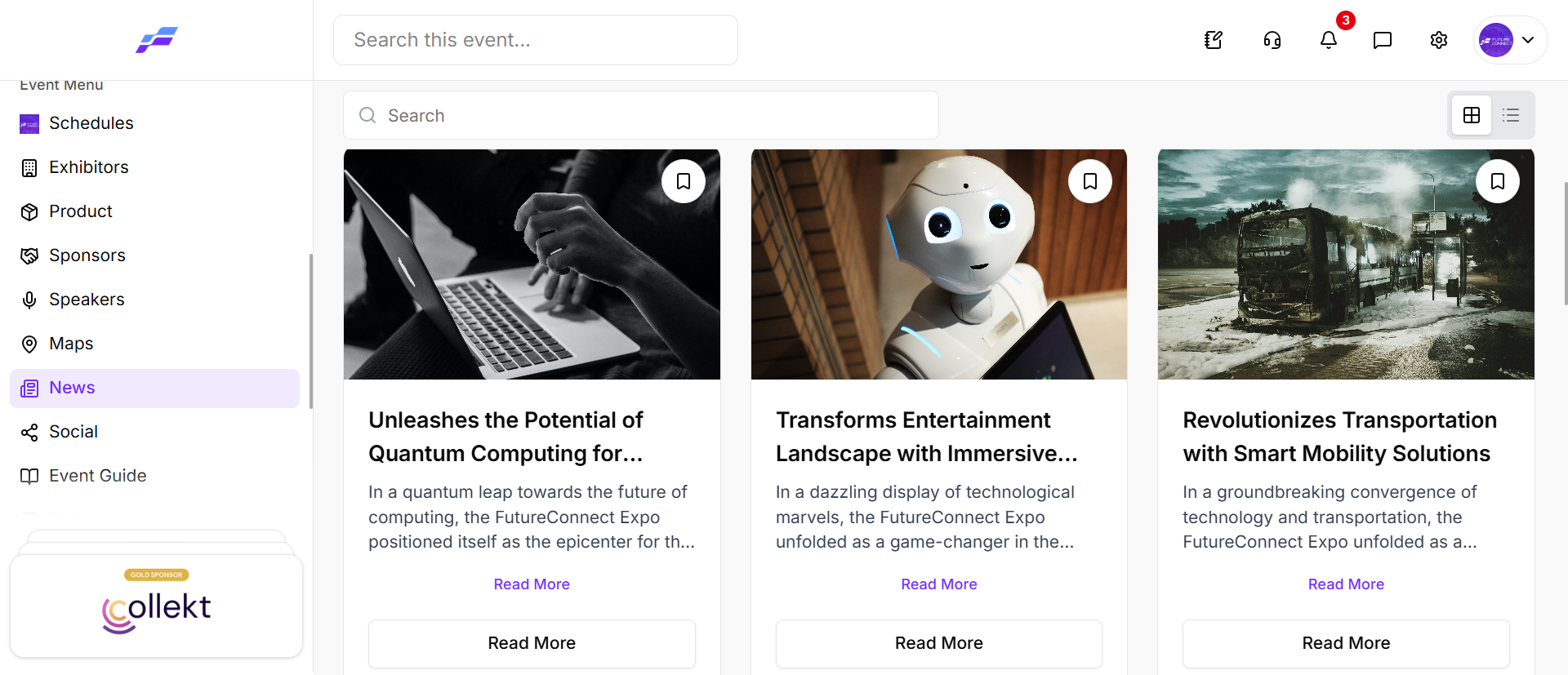
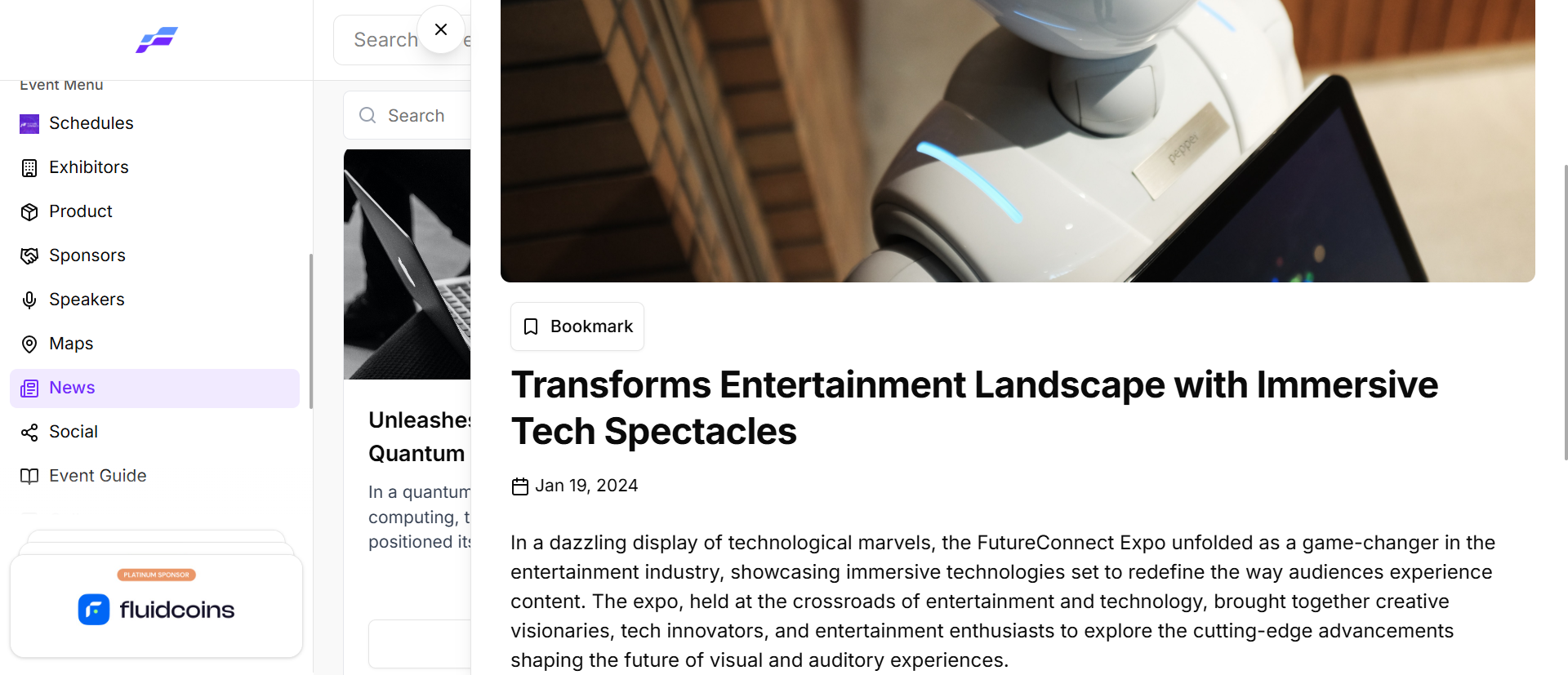
Some websites don't allow themselves to be shown inside another page, so the window stays blank. Click Open in New Tab to open the page in your browser instead.
Your organiser can also add their own menu items that open a website, a formatted page or a short text. A website link opens in a new browser tab.
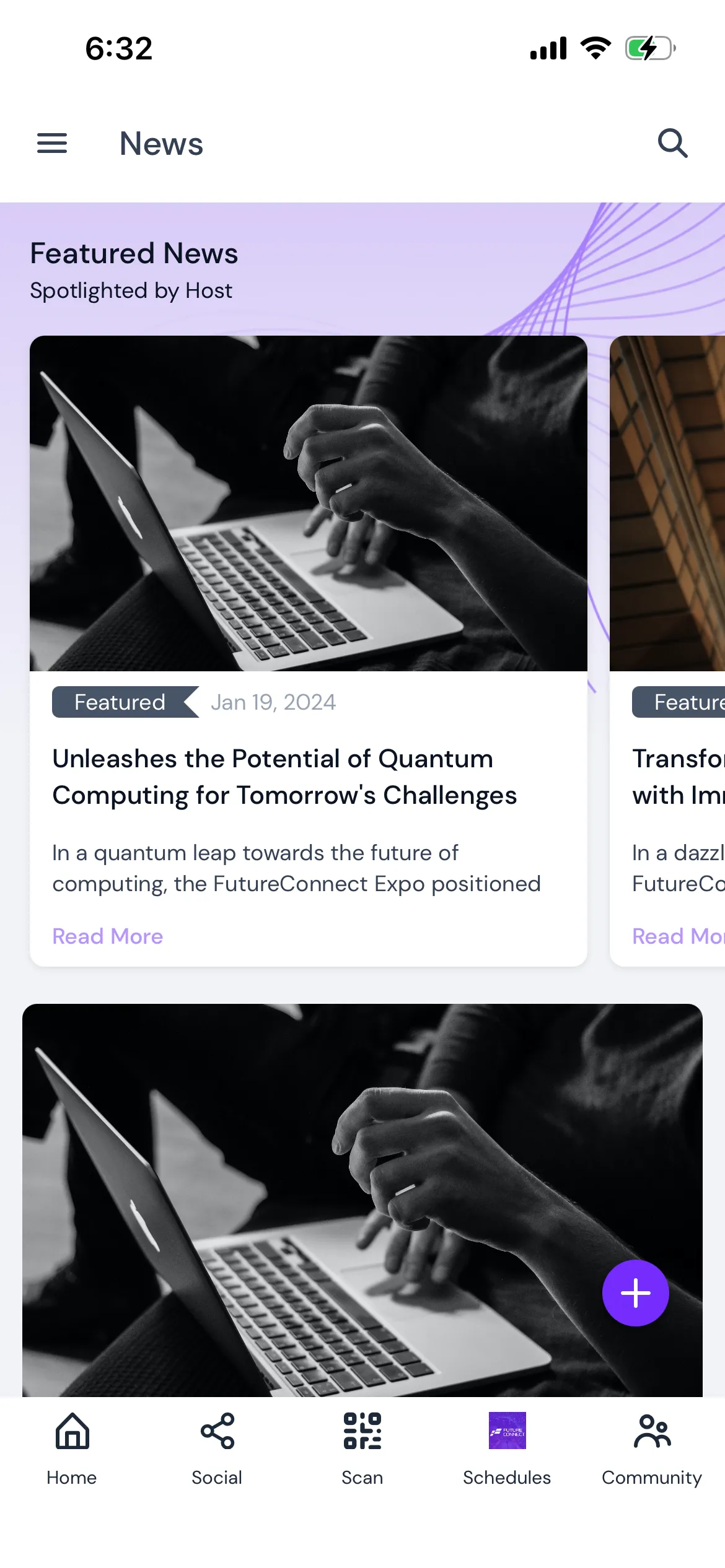
The Eventify app has the same Event Guide. Open it from the side menu. It has no search box or grid and list switch in the app. To search the whole event, tap the search icon in the header.
Event Guide. Items are grouped under their categories, without the "Download" or "Open Link" labels. Tap an item:
Custom pages from your organiser also open inside the app. Use the back and forward arrows to move around, and the link icon to open the page in your phone's browser.
You can also ask the AI Companion practical questions about the event, if your organiser has switched it on. See How Attendees Can Ask the AI Companion in the Mobile App.
Where can I find venue details and event documents?
Open Event Guide. It groups your organiser's documents, links and information pages into categories.
Why does an Event Guide link open a blank window?
Some websites don't allow themselves to be shown inside another page. Click Open in New Tab to open the page in your browser.
Don't see this? Your organiser decides which features are switched on for your event and who can use them. See Why Attendees Can't See a Feature in the Event Portal.
