
When an attendee places an order using an offline payment method (such as cash, bank transfer, or Pay Later), the order is created with a Payment Pending status. Once you have received the payment outside Eventify, you confirm it in the admin panel to move the order to Confirmed status.
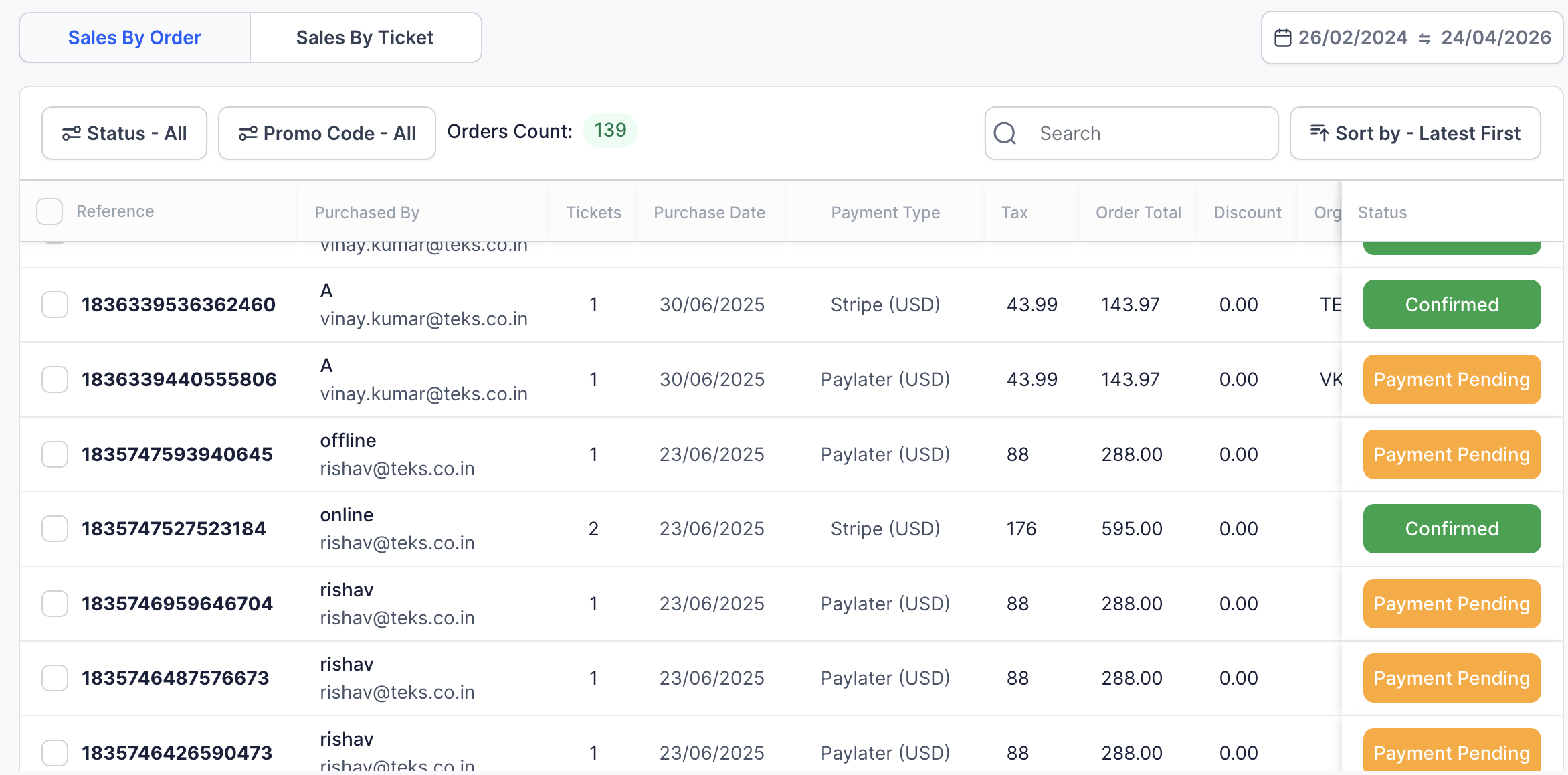
Orders paid via Cash, Pay Later, or an admin-created order without an external reference will show as Payment Pending and require manual confirmation.
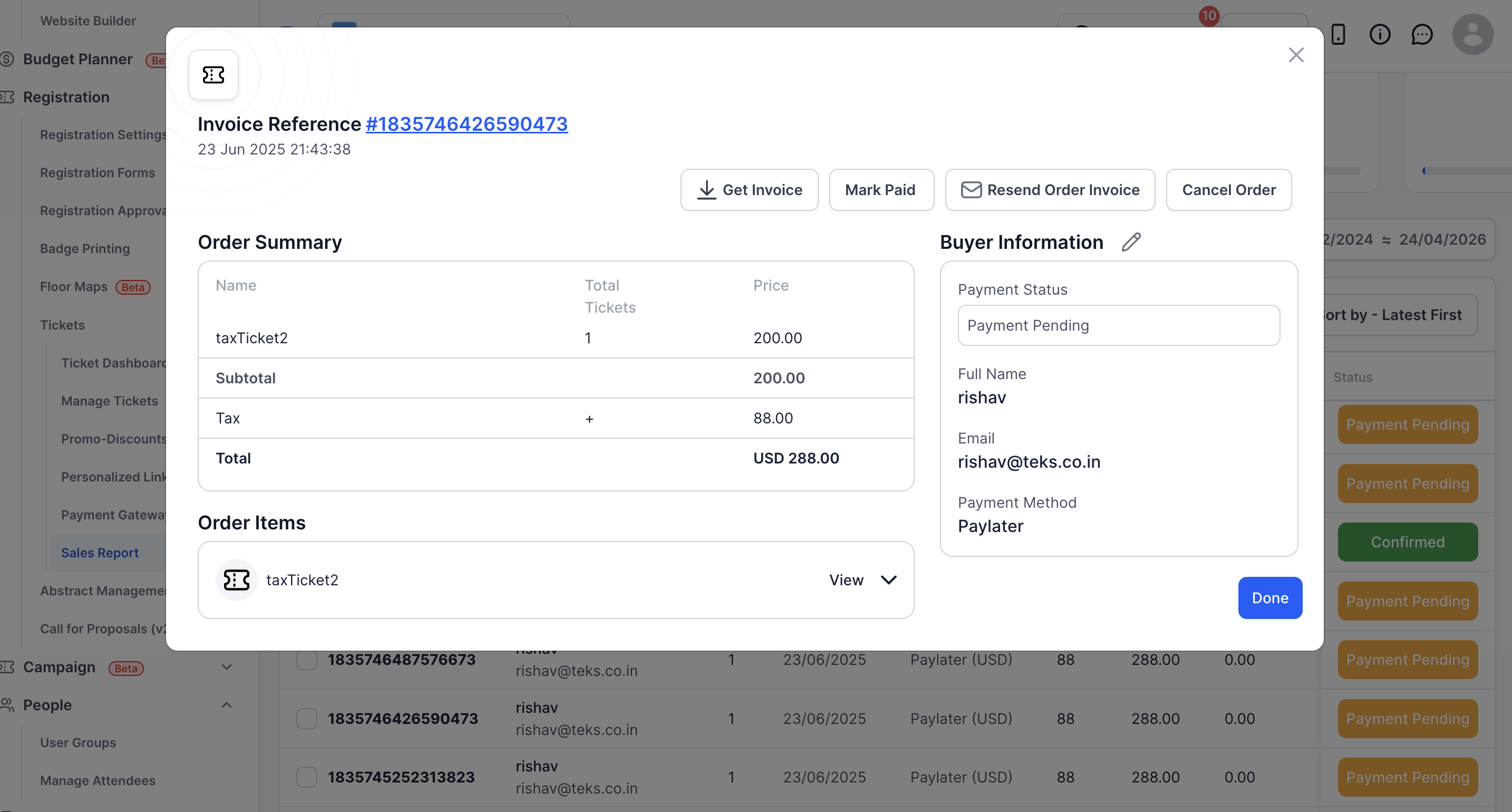
Go to Tickets → Sales Report and select the Orders tab. Use the status filter to select Pending Payment (or Partial Paid for orders paid in rounds) to find offline orders quickly.
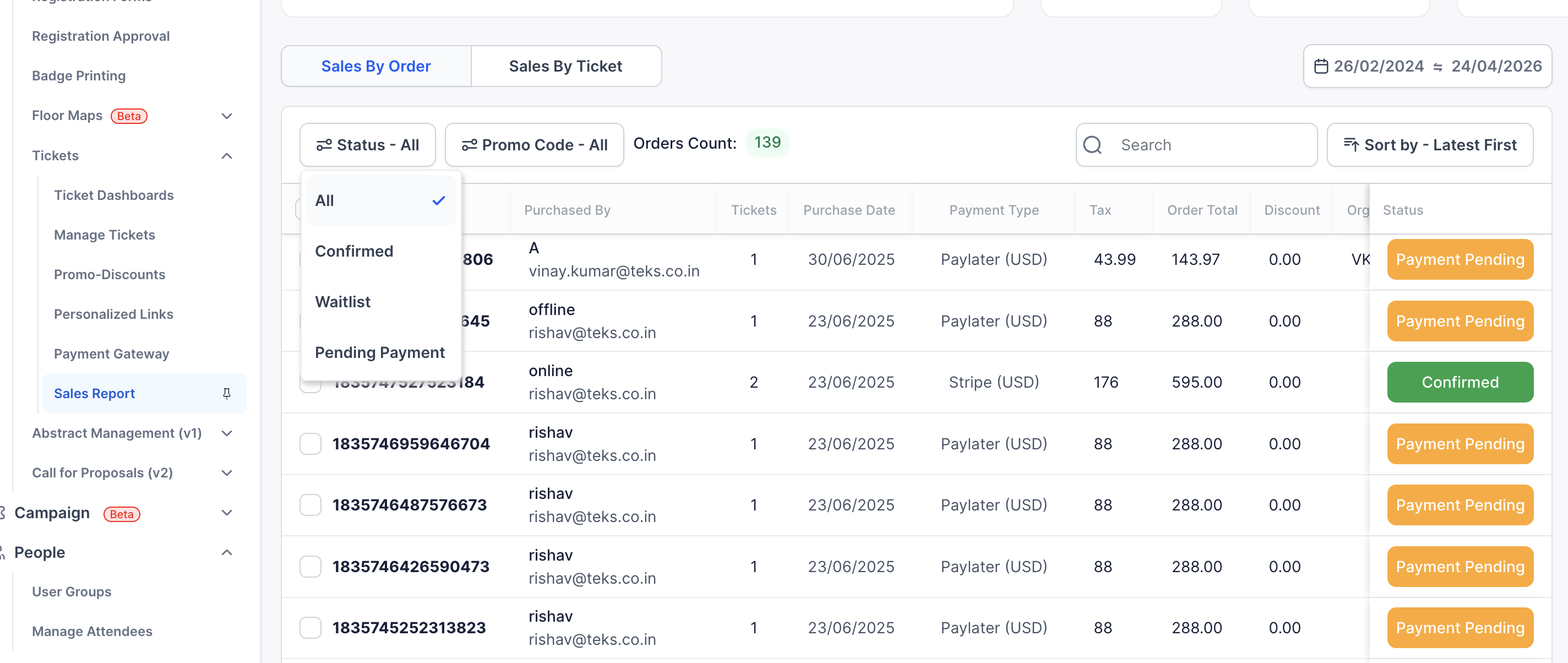
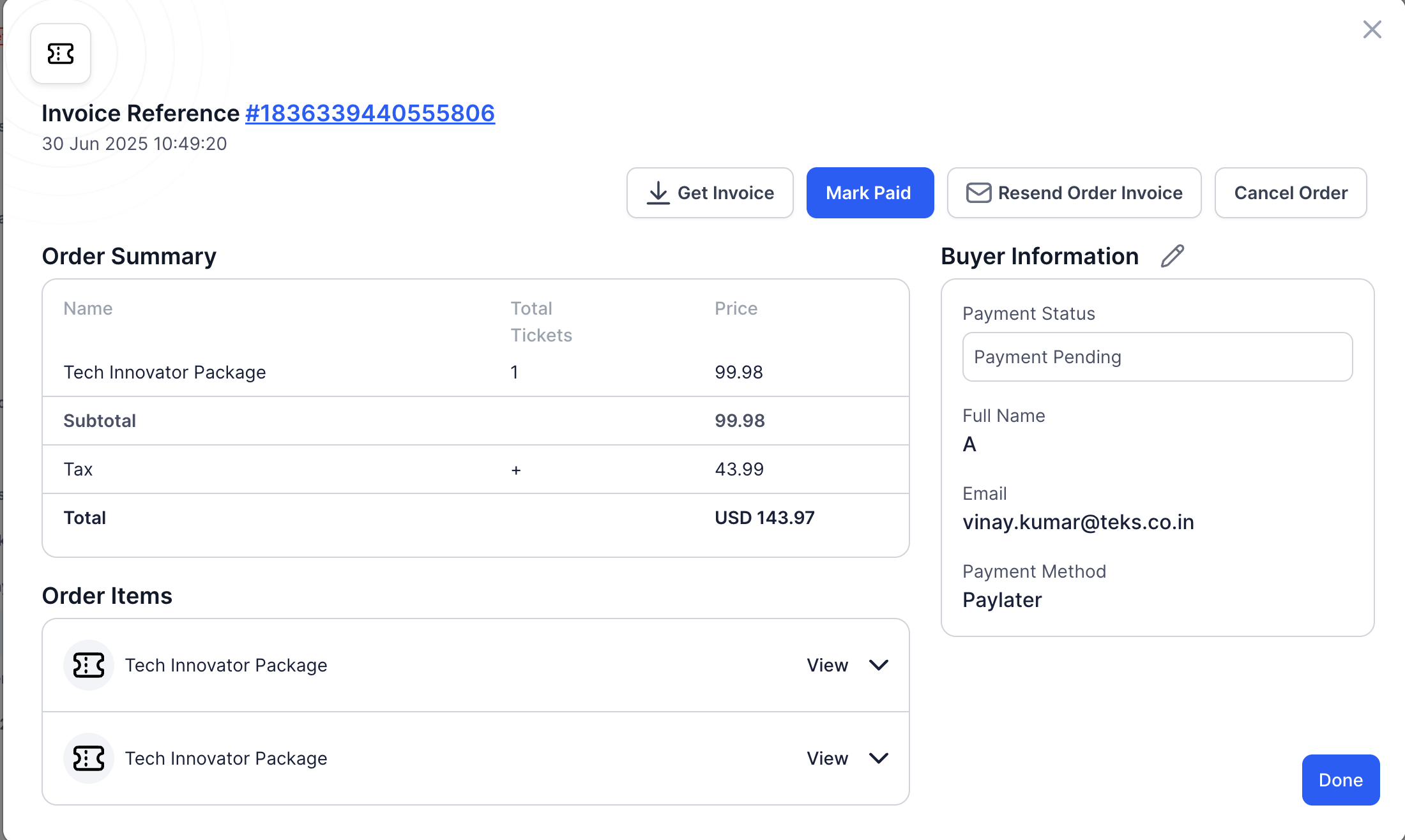
Click the order row to open the Order Details panel.
In the top action bar, click Mark Paid.
The Accept Payment dialog asks you to confirm: "This will mark as full payment received and allow buyers to assign attendees with purchased tickets. Continue?" Click OK.
The order status changes to Confirmed, a confirmation email is sent to the buyer (based on your email settings), and the order is counted in your sales totals.
If the order is paid in rounds (Pay Later with several payments) and more than one round is still unpaid, clicking Mark Paid first opens Select a round to mark as paid. Each round is listed as "Round 1 · 2 attendees · USD 200.00" with its status:
Repeat for each round as you receive the payments. If only one round is still unpaid, Eventify skips the picker and marks that round. A round where the buyer started an online payment but did not complete it can also be marked as paid.
No. Once an order is marked as paid, the action cannot be reversed directly, so verify the payment first.
Open the order and click Mark Paid. When more than one round is unpaid, choose the round in Select a round to mark as paid, then click OK.
Yes. A confirmation email is sent to the buyer based on your email settings, and you can resend it if needed.
