
Eventify allows organizers to monitor attendee feedback for individual sessions through the Session Rating module. From a single dashboard, you can view the number of ratings received for each session, switch between sessions, update rating forms, and export rating data for reporting and analysis.
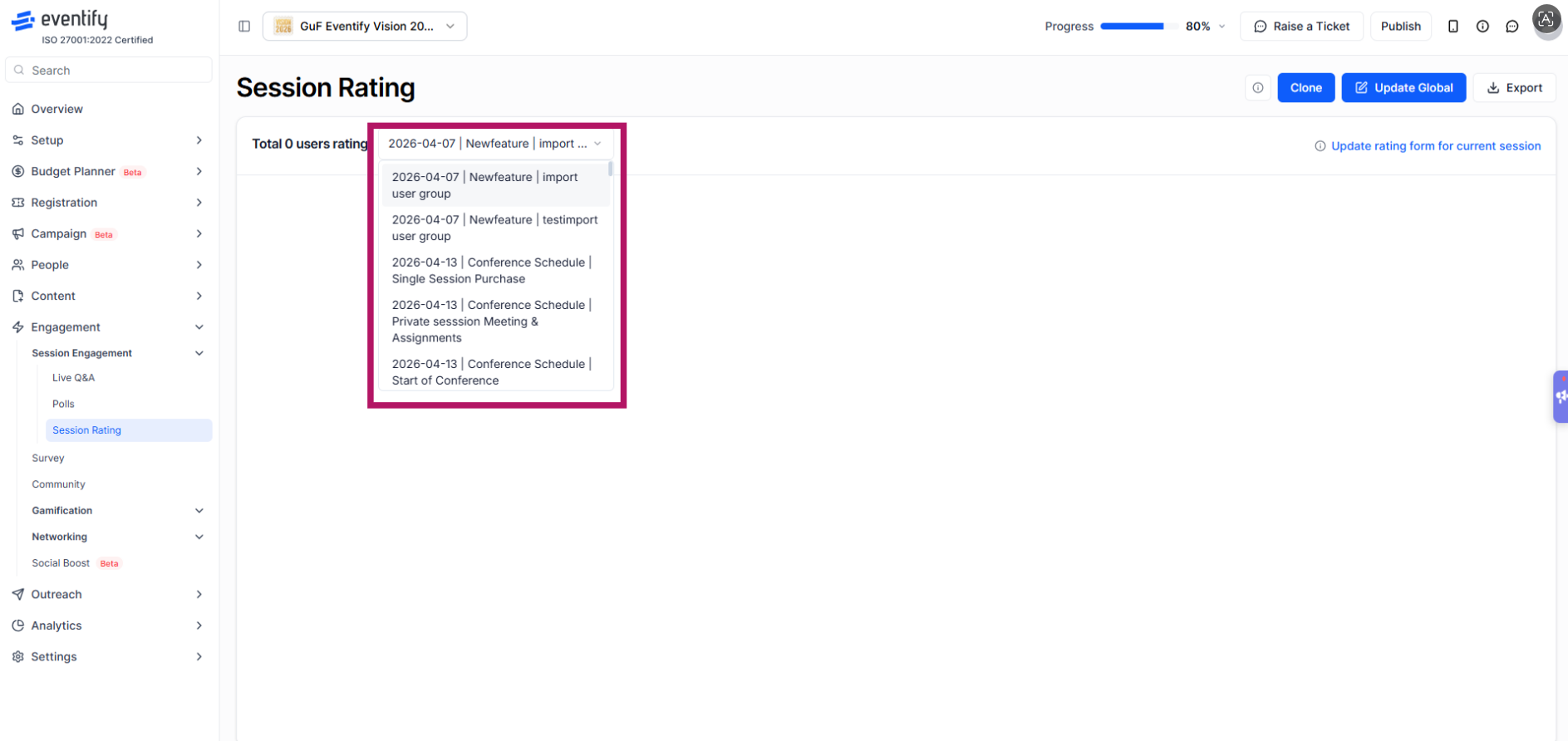
To view session ratings, log in to the Eventify Admin Panel and navigate to Engagement → Session Engagement → Session Rating. The Session Rating page displays the total number of ratings received for the selected session. Use the session dropdown to switch between sessions and view the rating data for a different session.
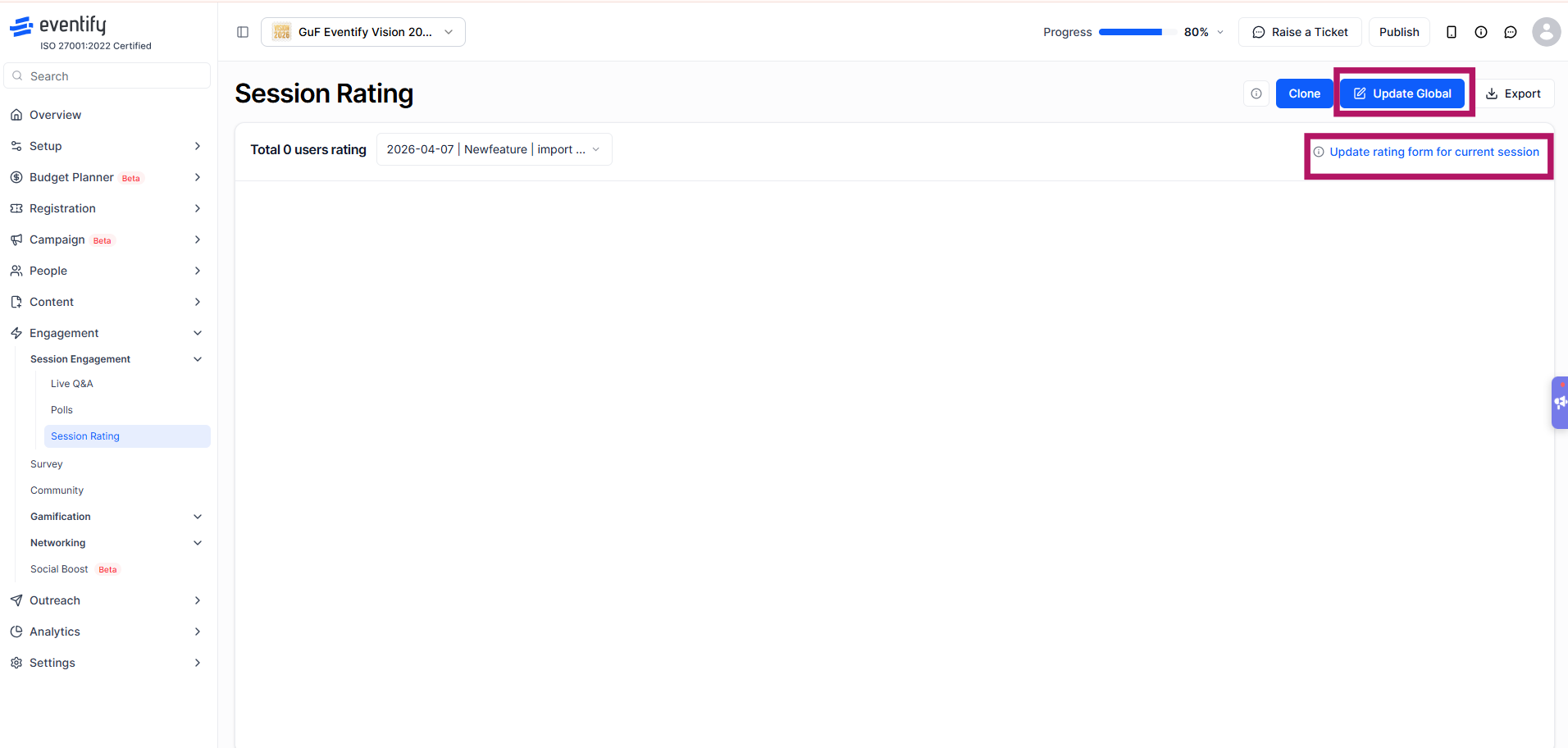
To update the rating form for the selected session, click Update rating form for current session. If you want the same rating form to be used across all sessions, click Update Global.
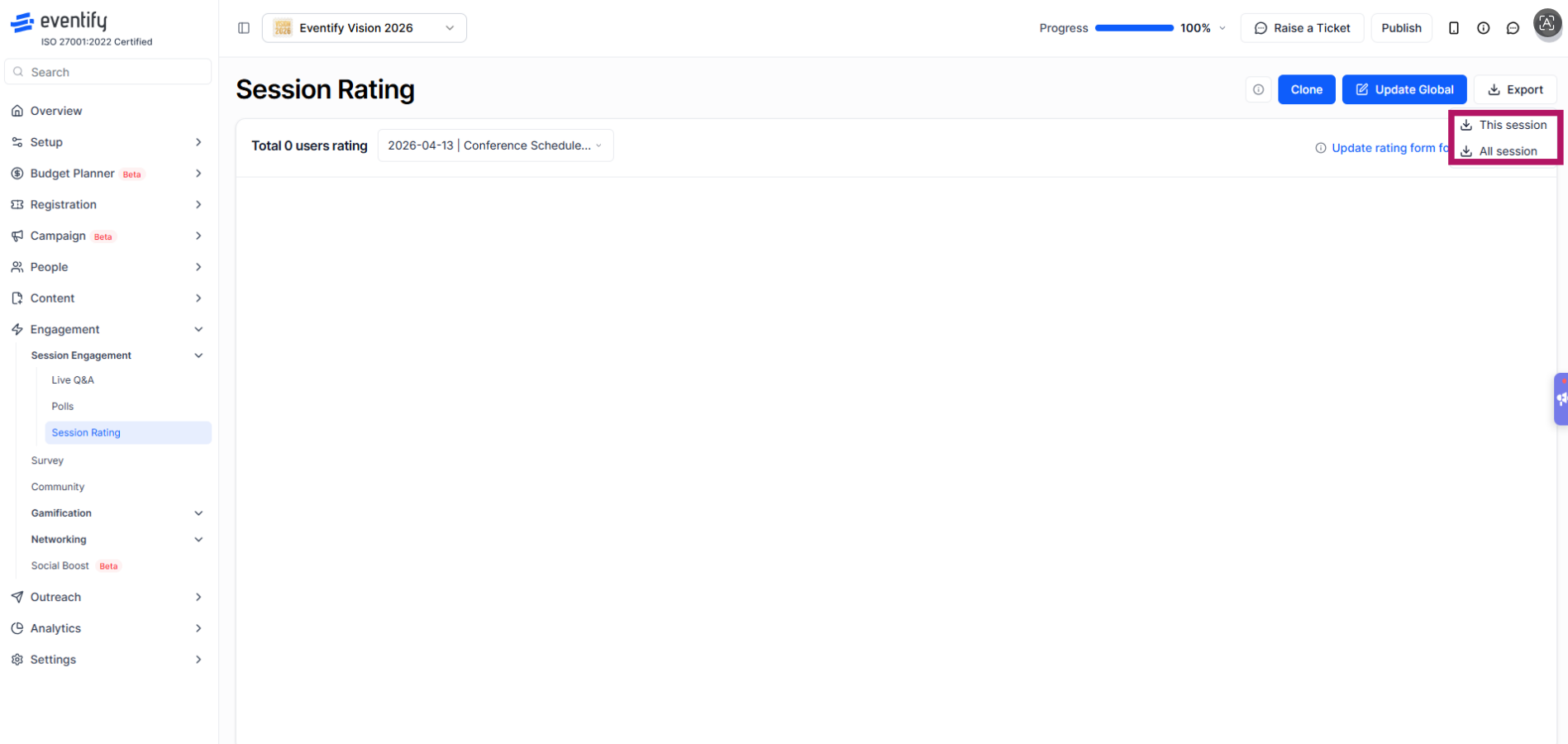
To download rating data, click Export and select This session to export responses for the selected session or All session to export responses for every session.
Yes. Click Update Global to apply the same rating form across all sessions.
Click Export and choose This session for the selected session or All session for every session.
