
Single sign-on (SSO) lets attendees, exhibitors and team members log in to your event through your identity provider (IdP), and is available as an Eventify add-on.
Enable SSO (available as an add-on) for Your Event and Streamline Access for Attendees, Exhibitors, and Team Members. Here's how you can do it-
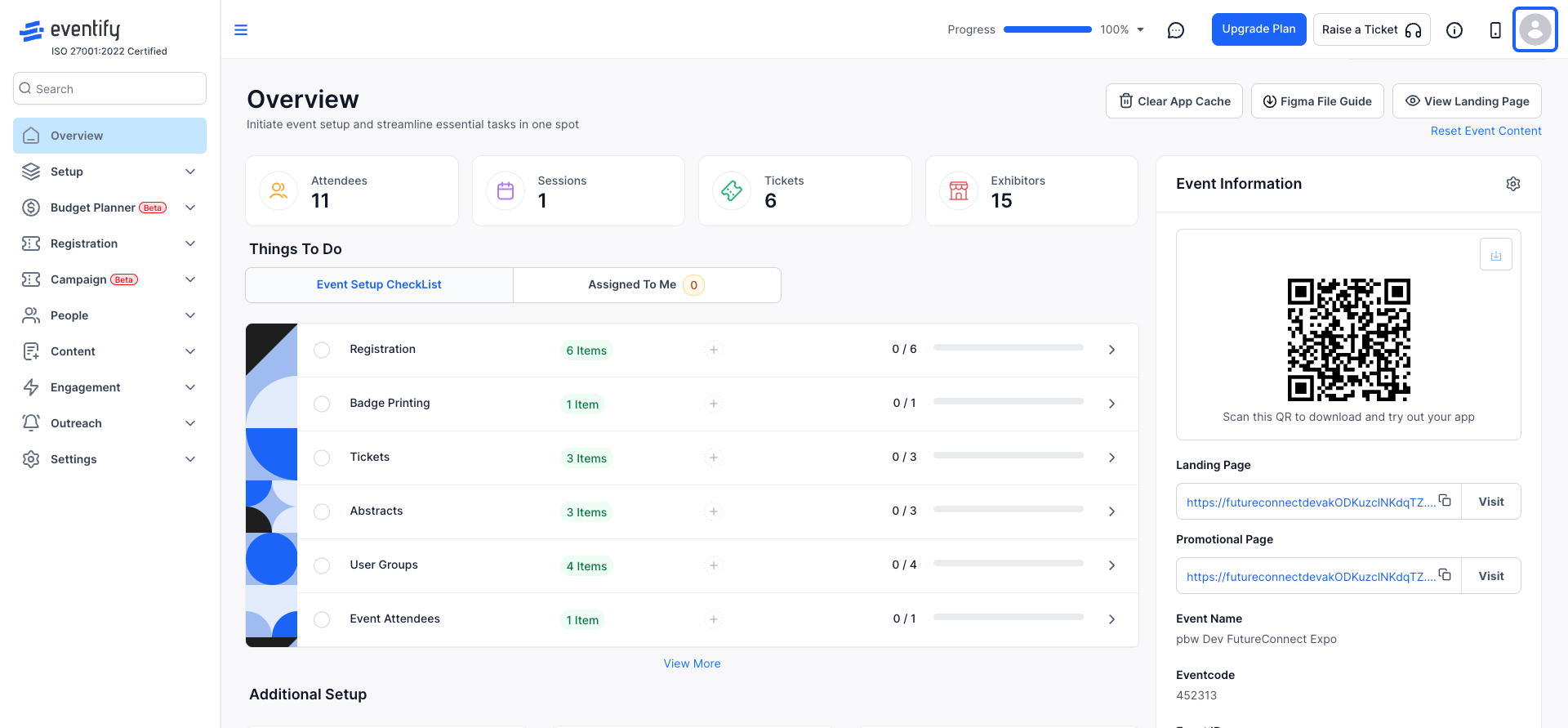
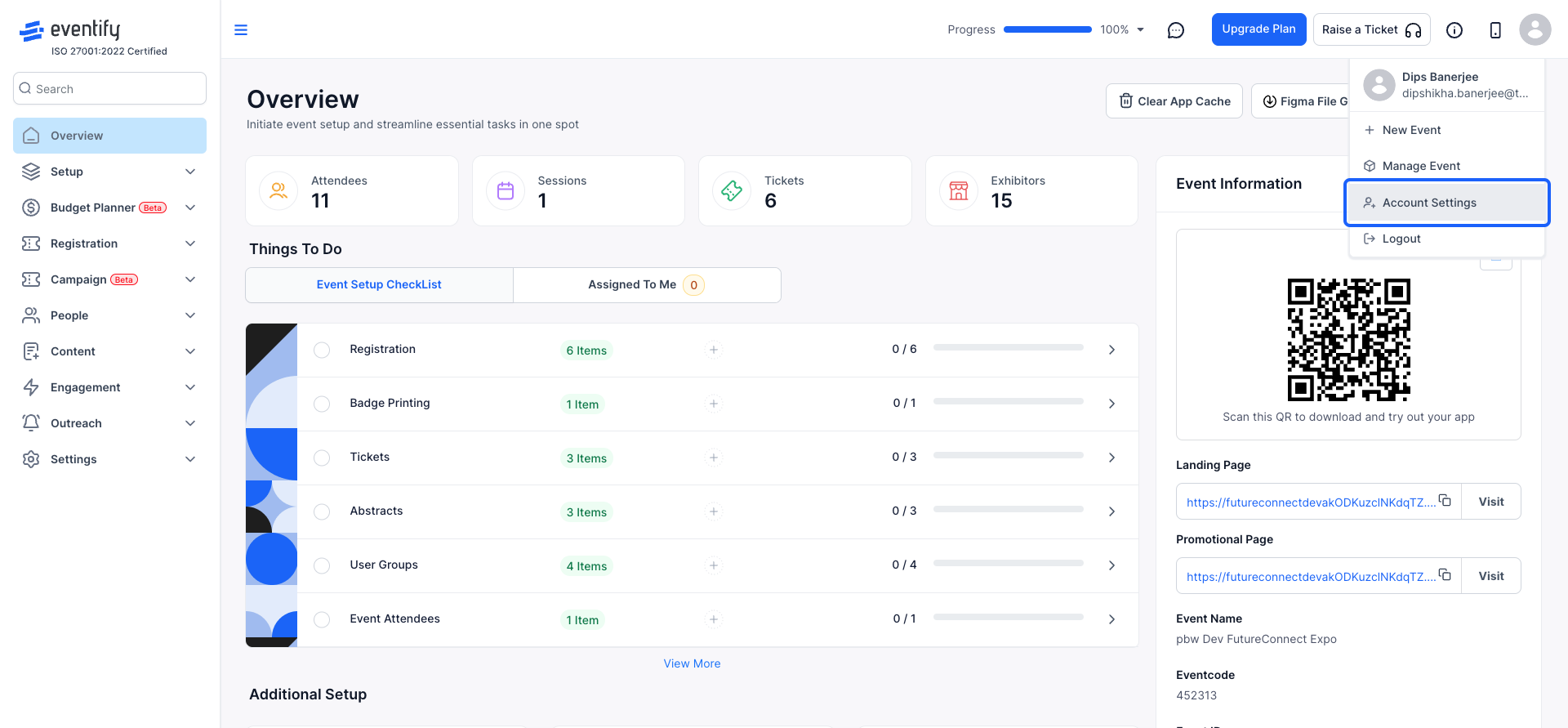
Click on your profile icon (top-right corner).
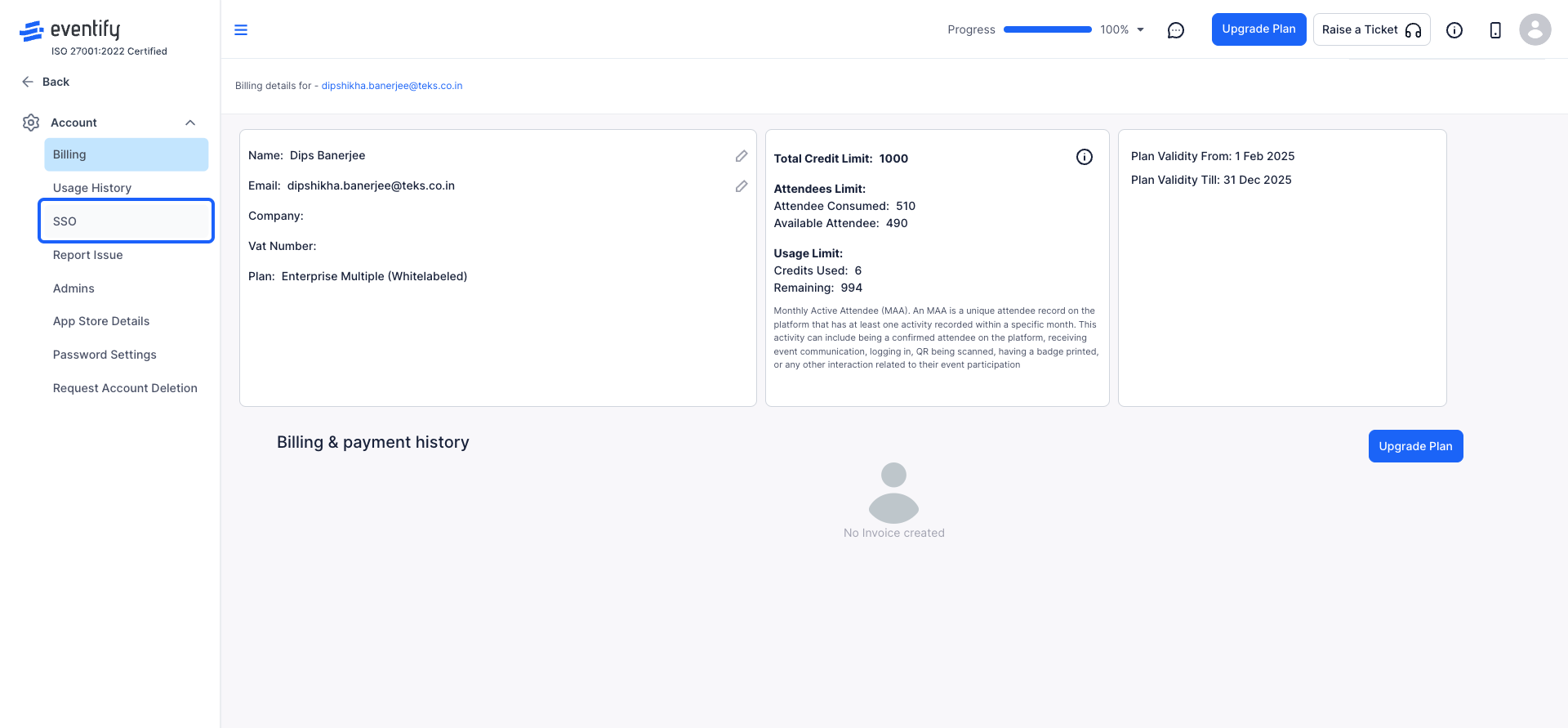
SSO is available as an add-on and requires an additional purchase. To enable SSO, please contact us.
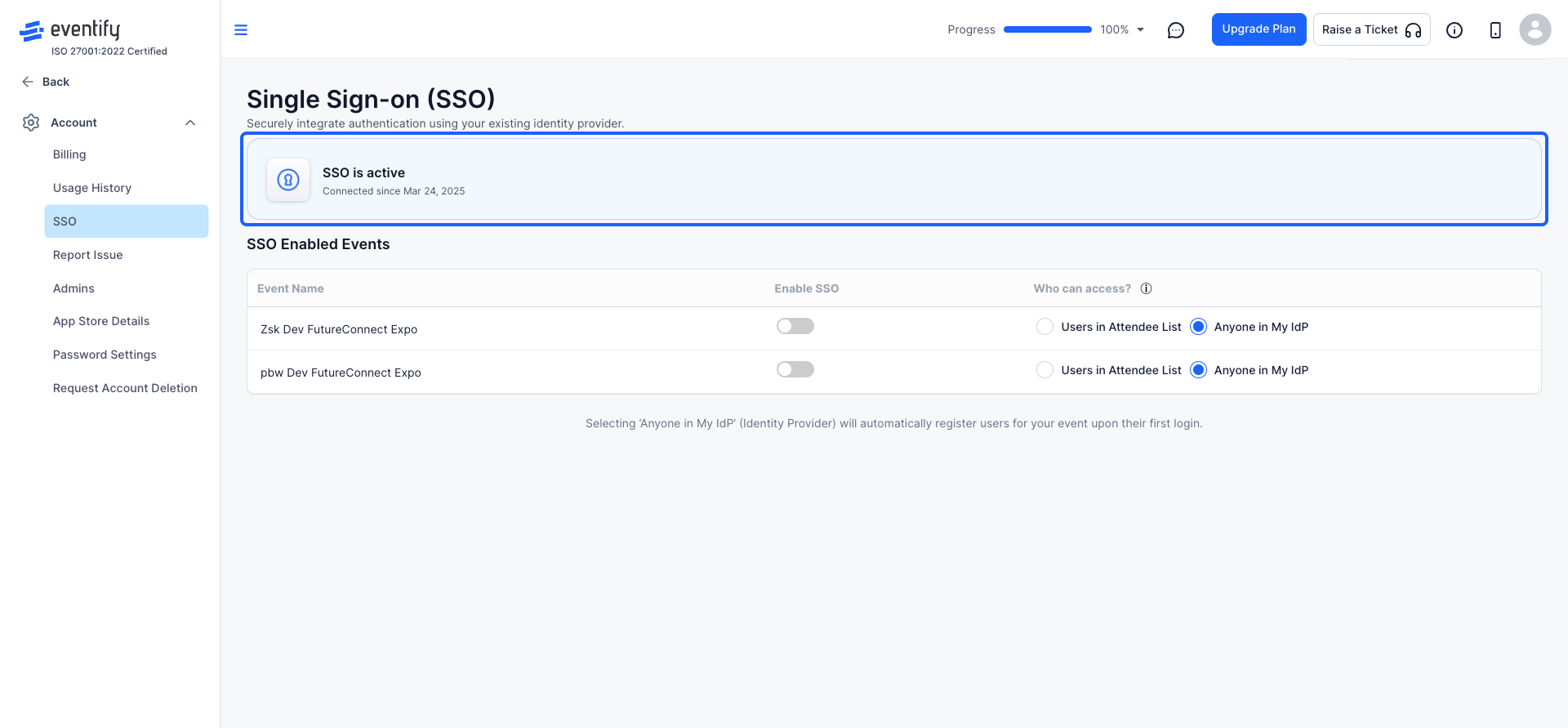
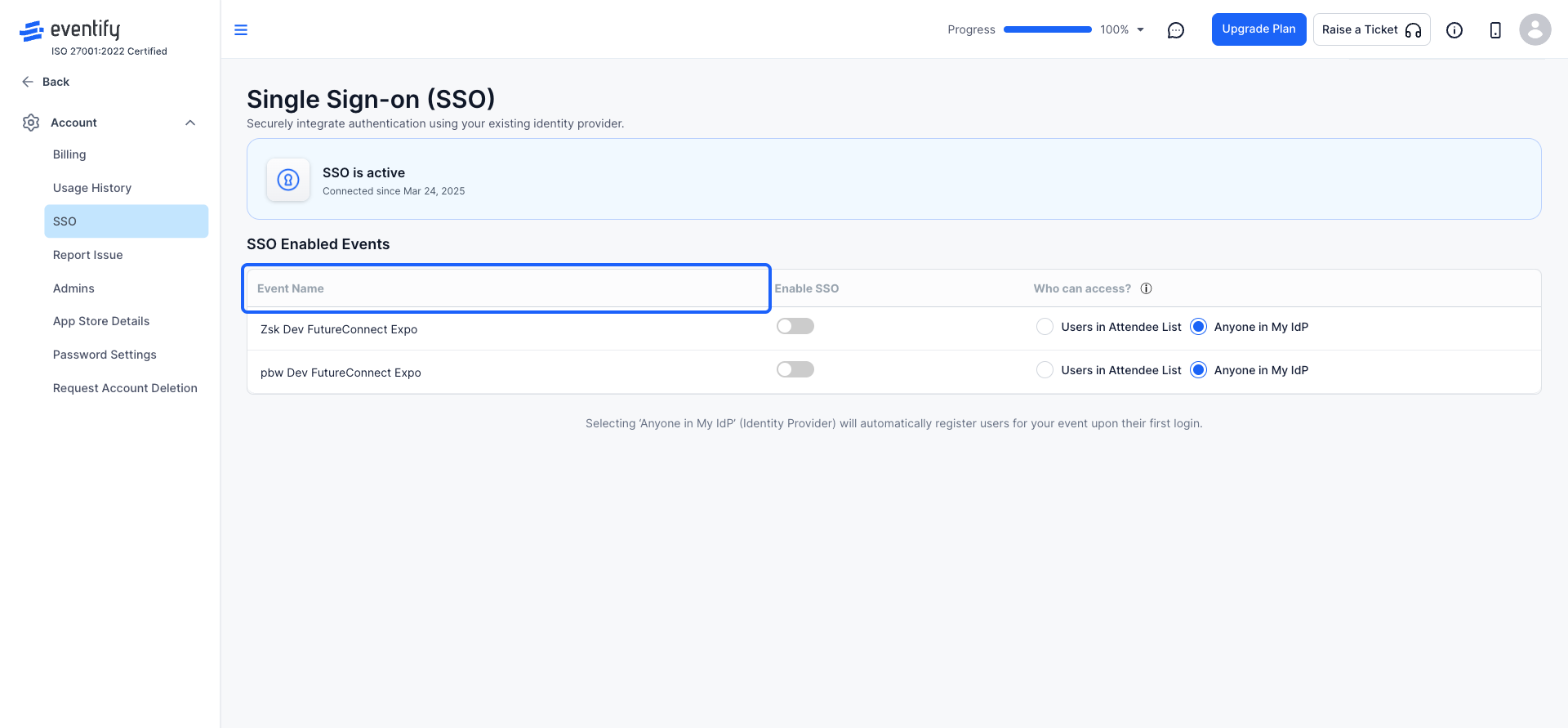
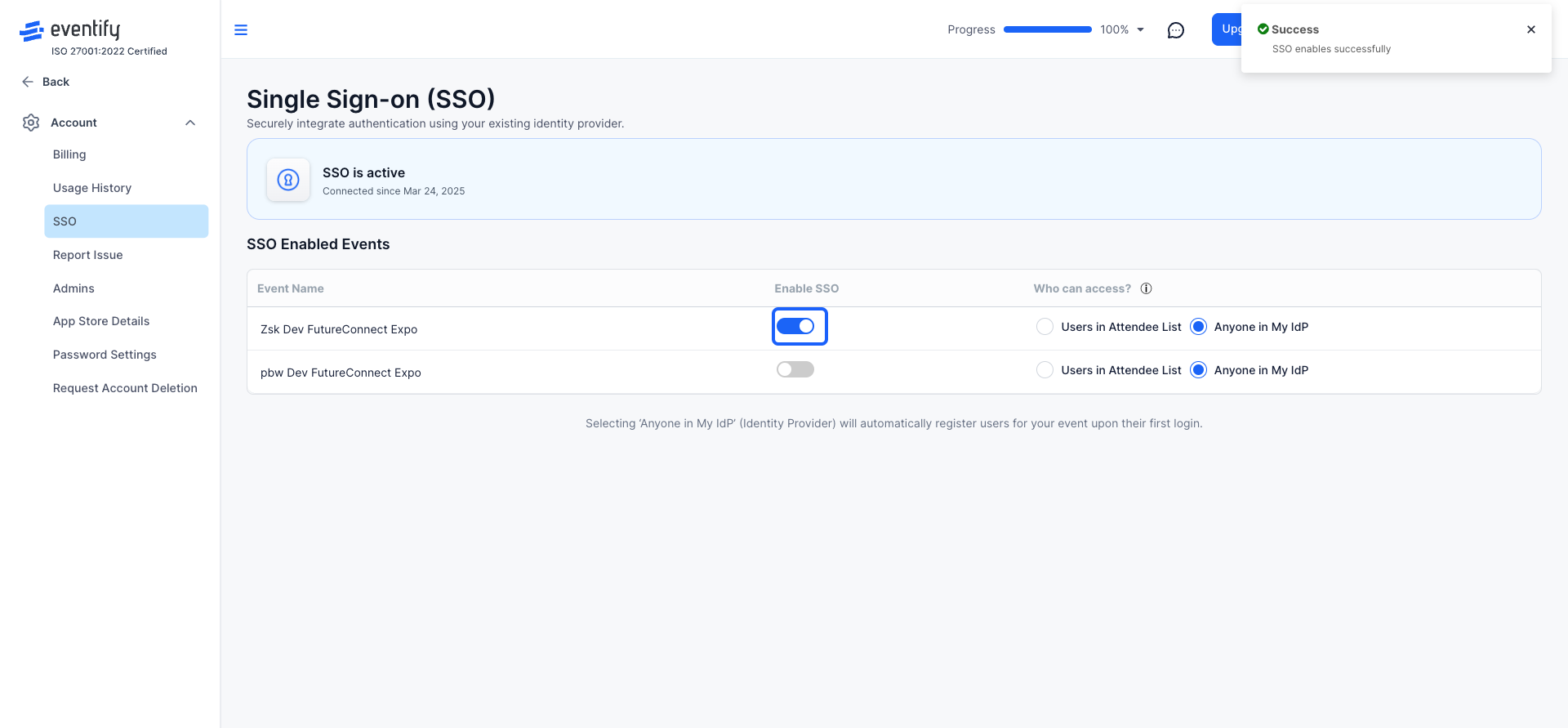
Click on the "Enable SSO" button.
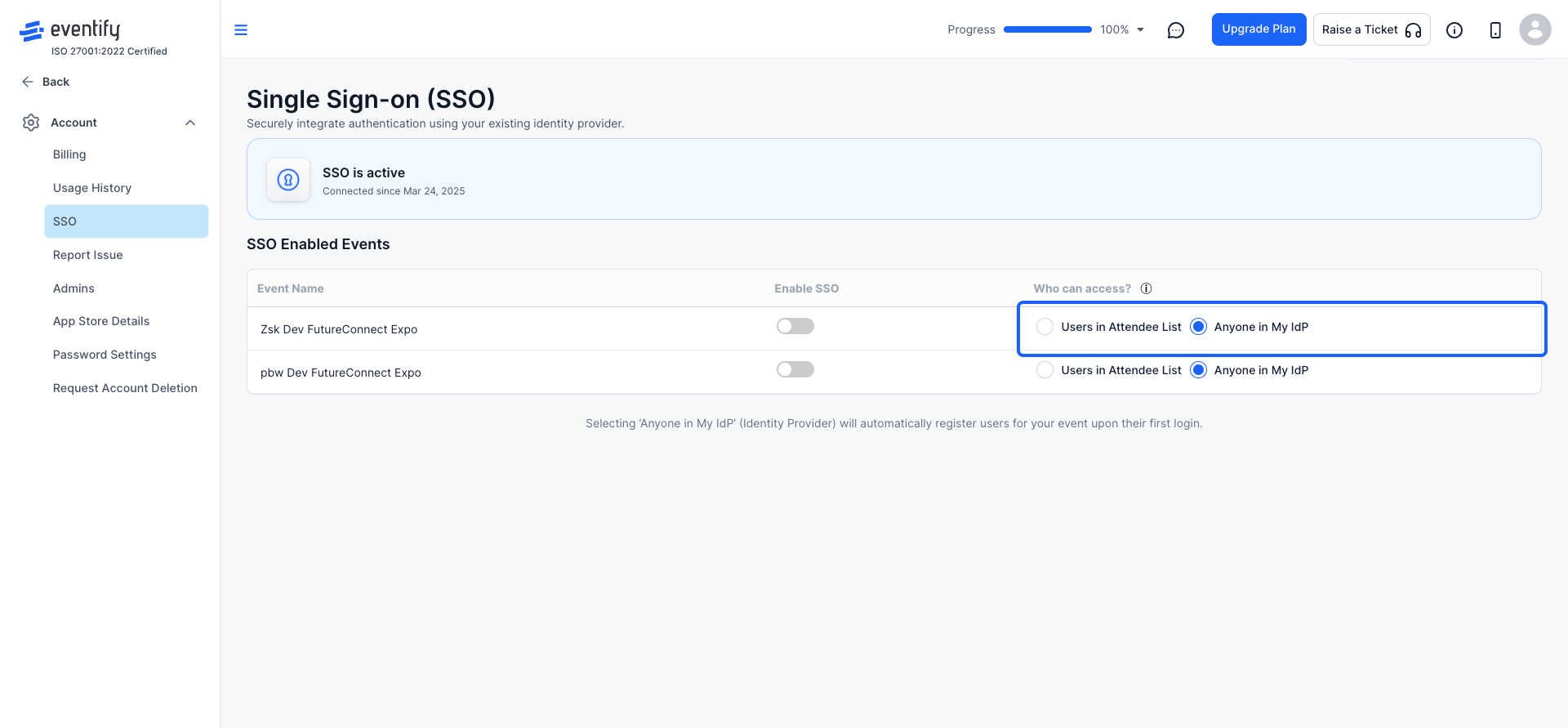
Under “Who can access?”, select the appropriate option:
‘Anyone in My IdP’ (Identity Provider): This automatically registers users for your event upon their first login.
No. SSO is an add-on that requires an additional purchase. If it is not enabled yet, you will see a Request Access option in the SSO section of Account Settings.
Click your profile icon, open Account Settings and find the SSO section. Select the event from the list of SSO-enabled events and click Enable SSO.
