Setting up session rating time allows you to control when attendees can rate a session—before, during, or after it ends. Follow the steps below to set up session rating time
Step-by-step guide
1: Login to the Eventify Admin Panel and go to Content> Schedules
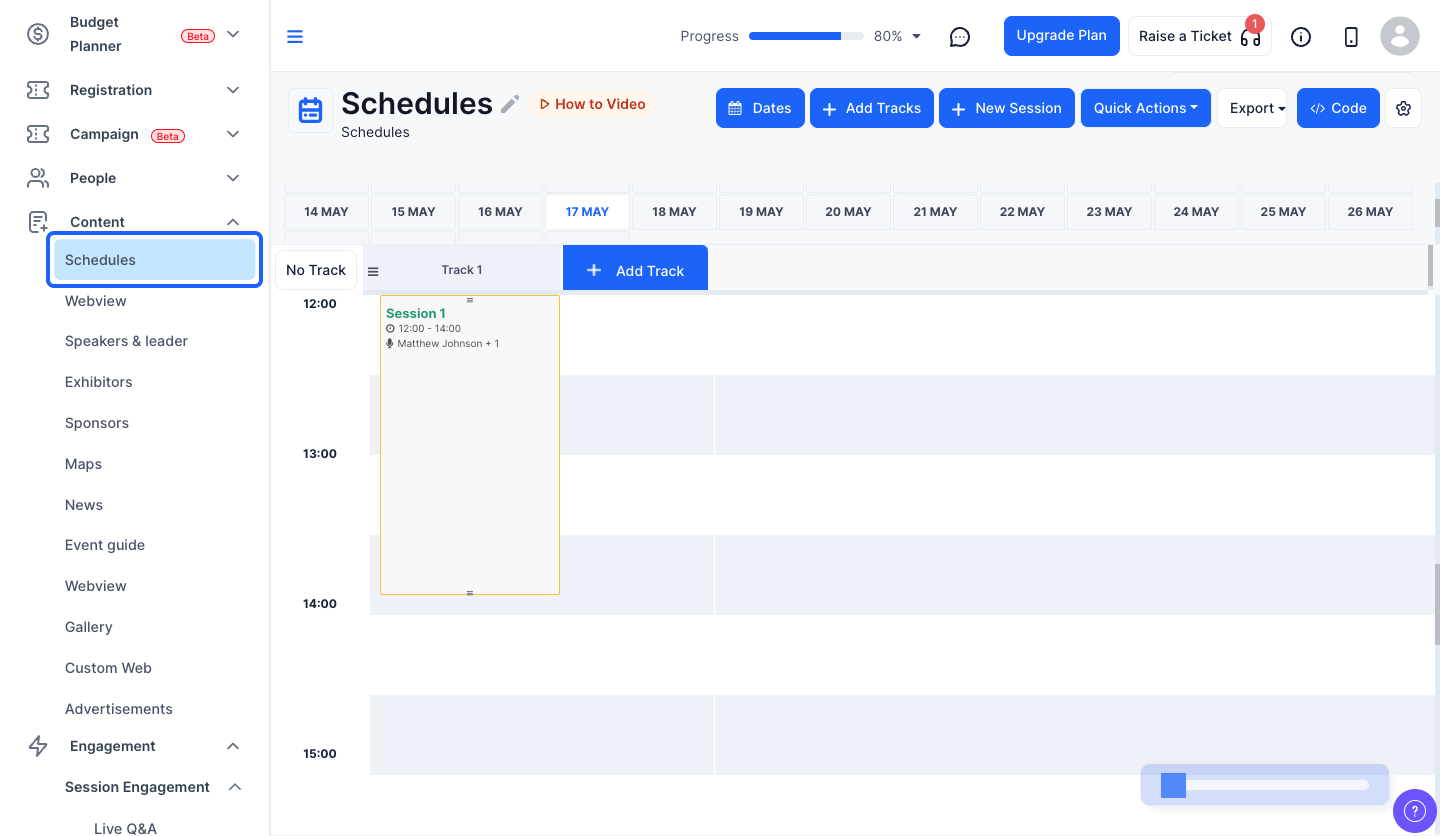
2: Click the “Settings” icon
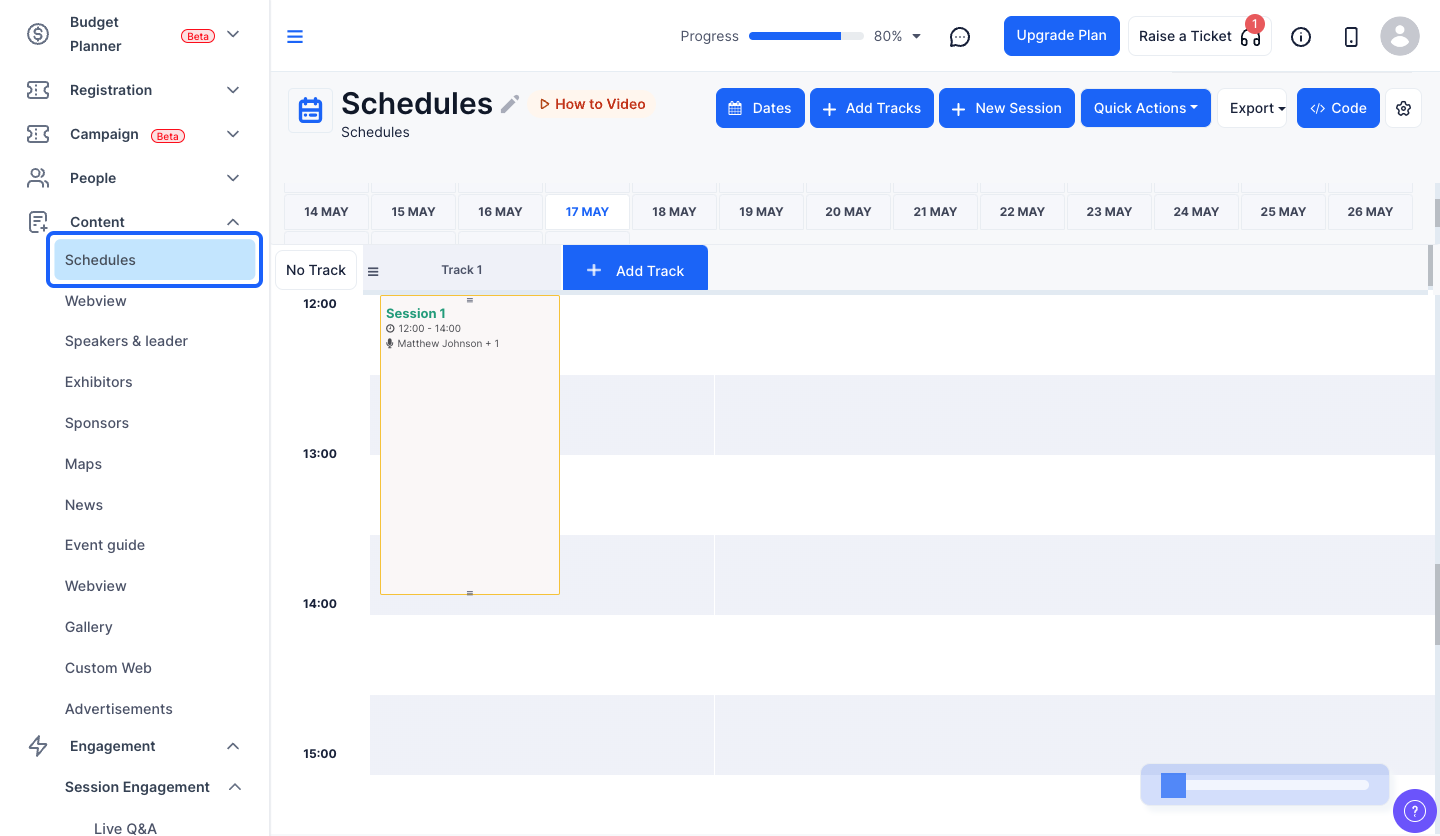
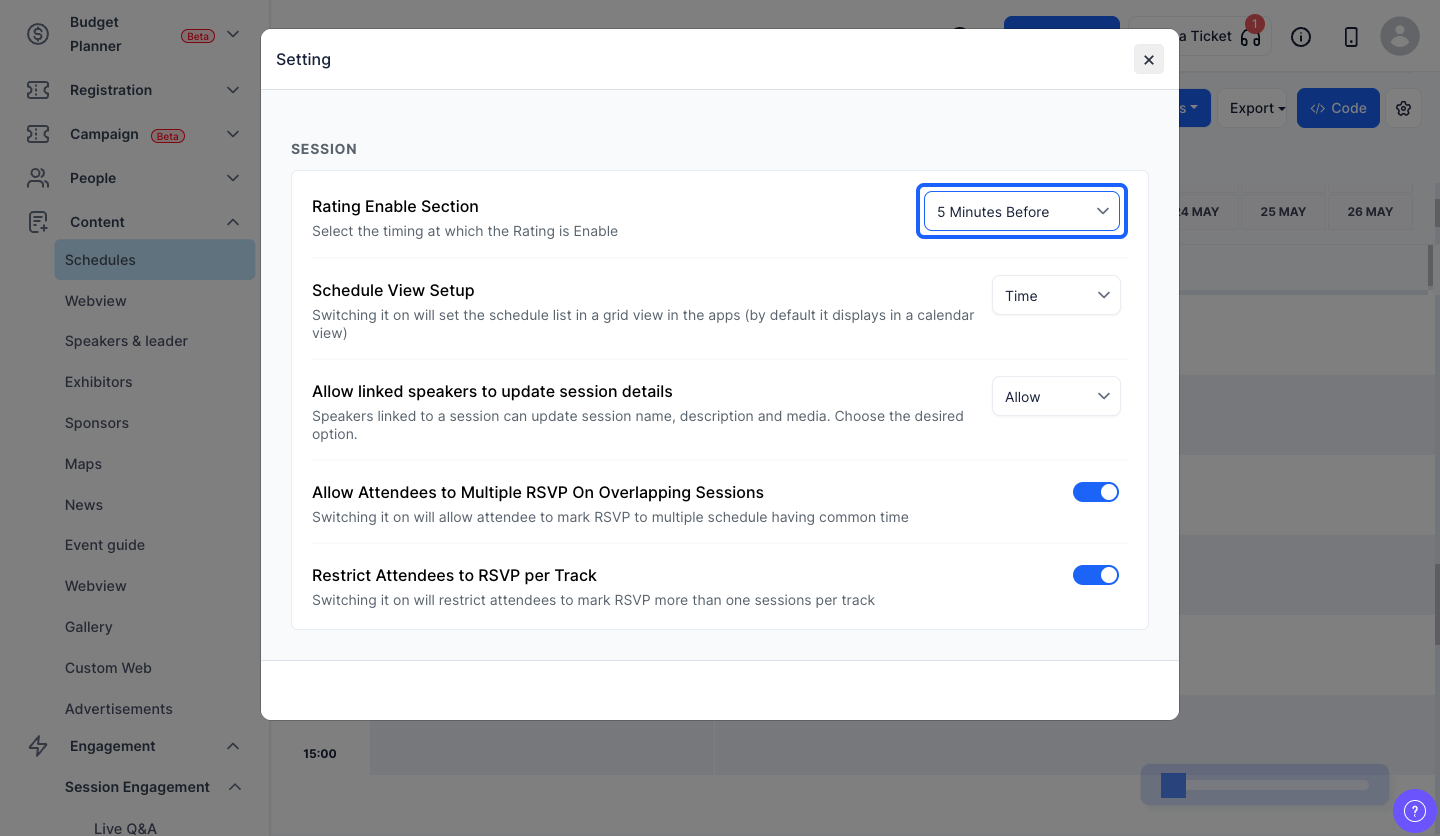
3: You can configure when attendees are allowed to rate a session by selecting the preferred time window.
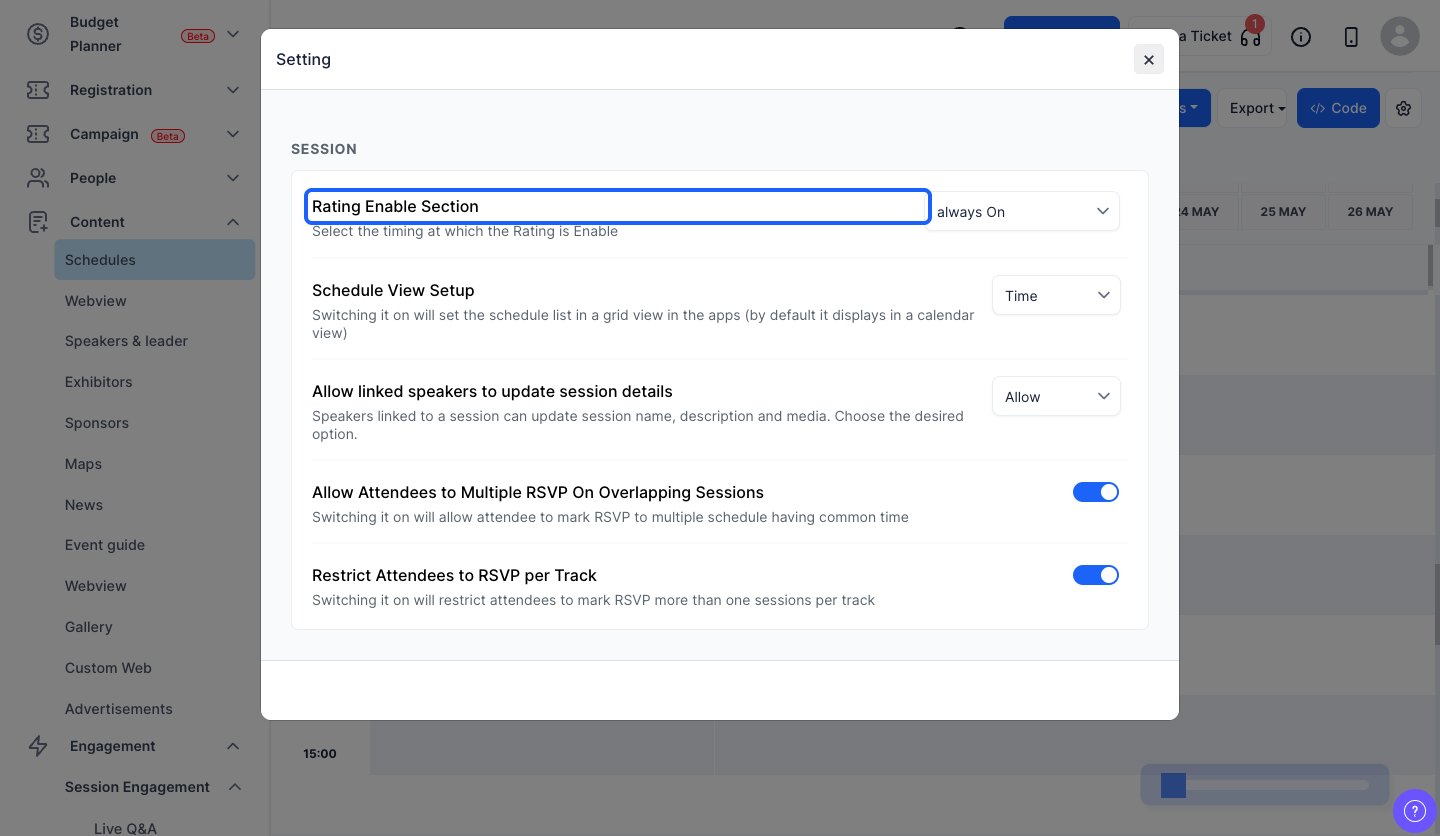
4: choose to keep the session rating always on
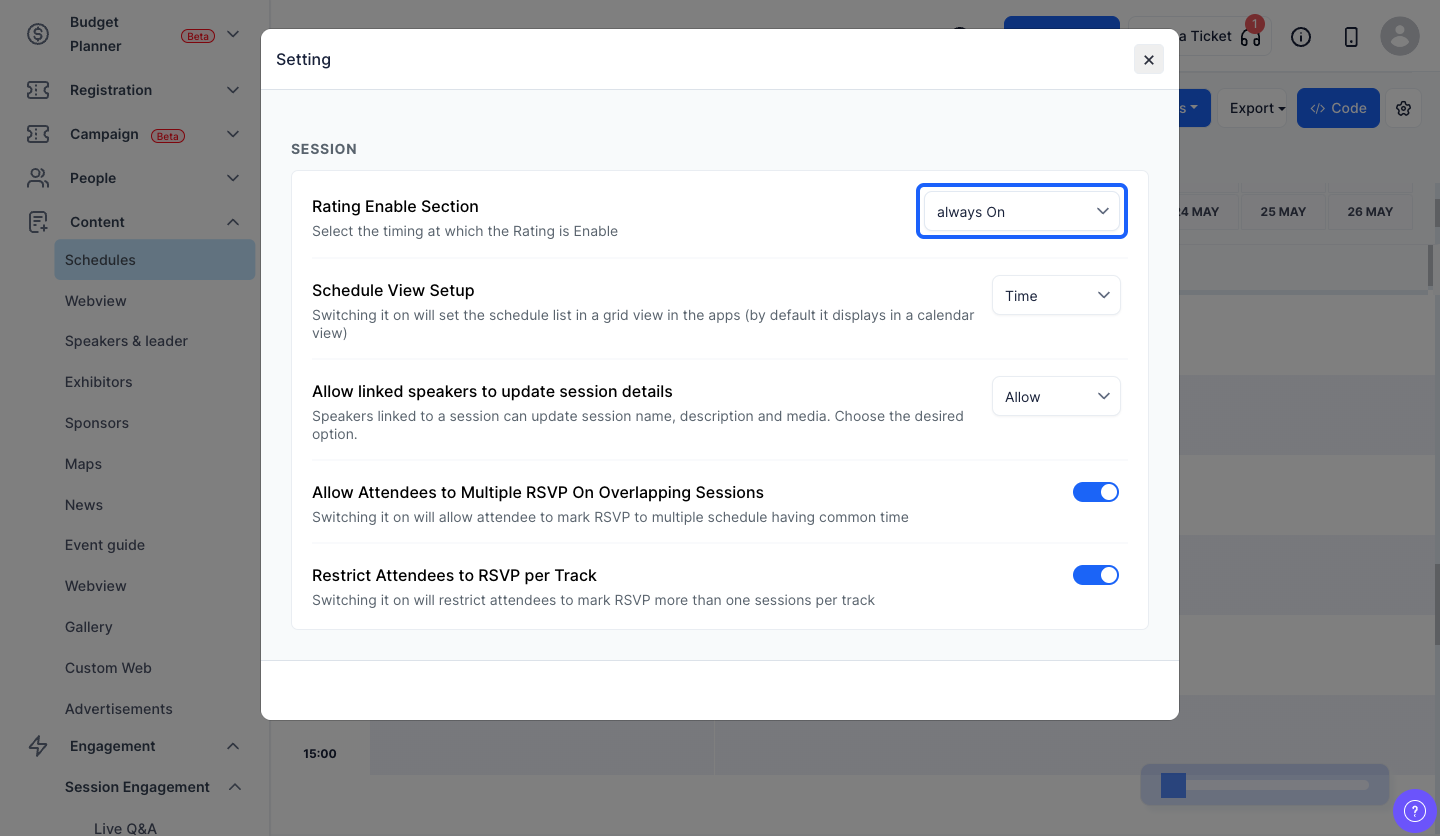
5: You can enable the session rating after the session is over
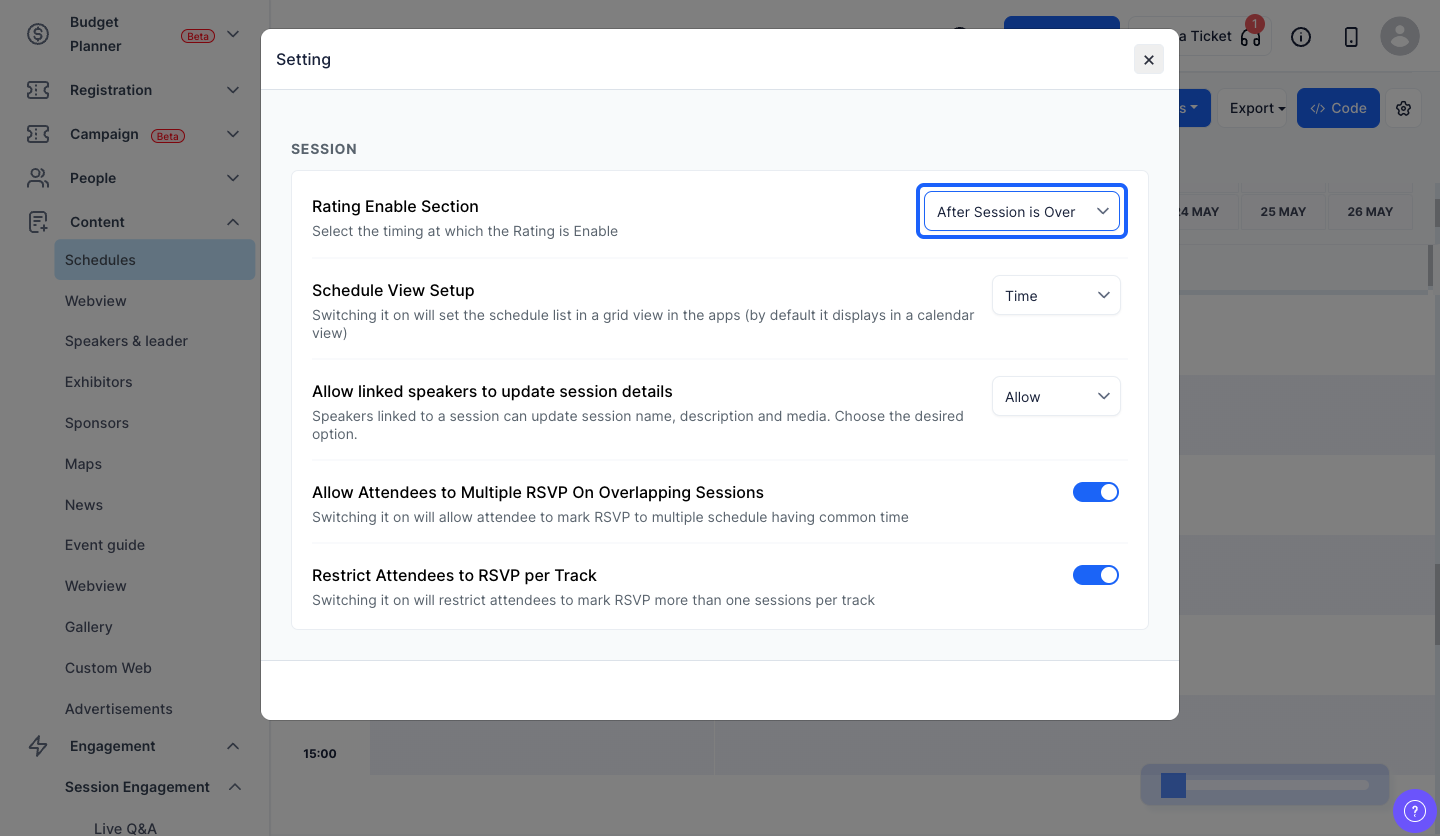
6: You can also enable session rating 5, 10 or 15 minutes before the session ends
Frequently Asked Questions
What session rating time options are available?
You can keep session rating always on, enable it after the session is over, or enable it 5, 10 or 15 minutes before the session ends.

