
Restricting single device login ensures that a user can only stay logged in on one device at a time, enhancing event security and preventing account sharing. Follow the steps below to enable single device login restriction
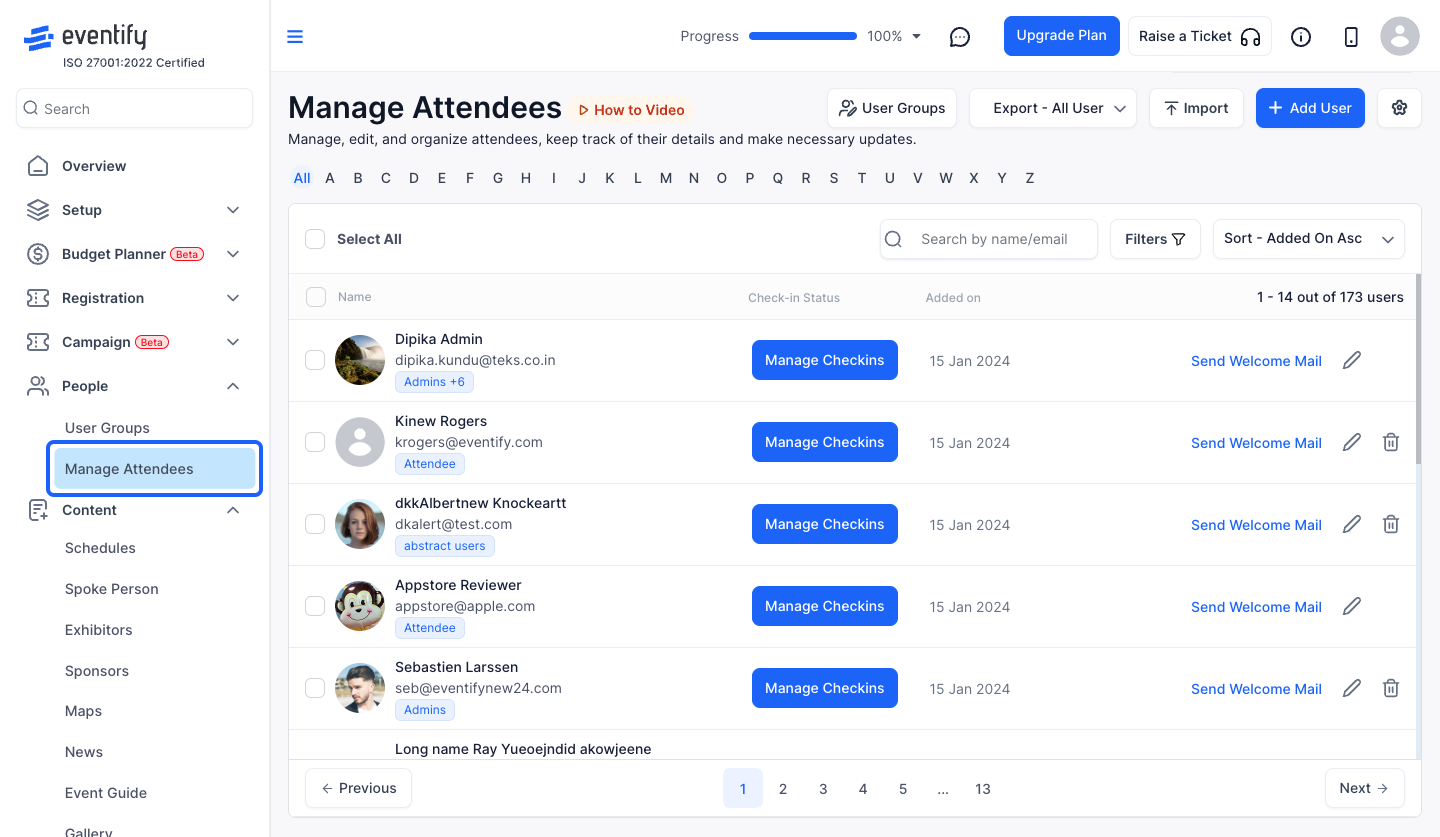
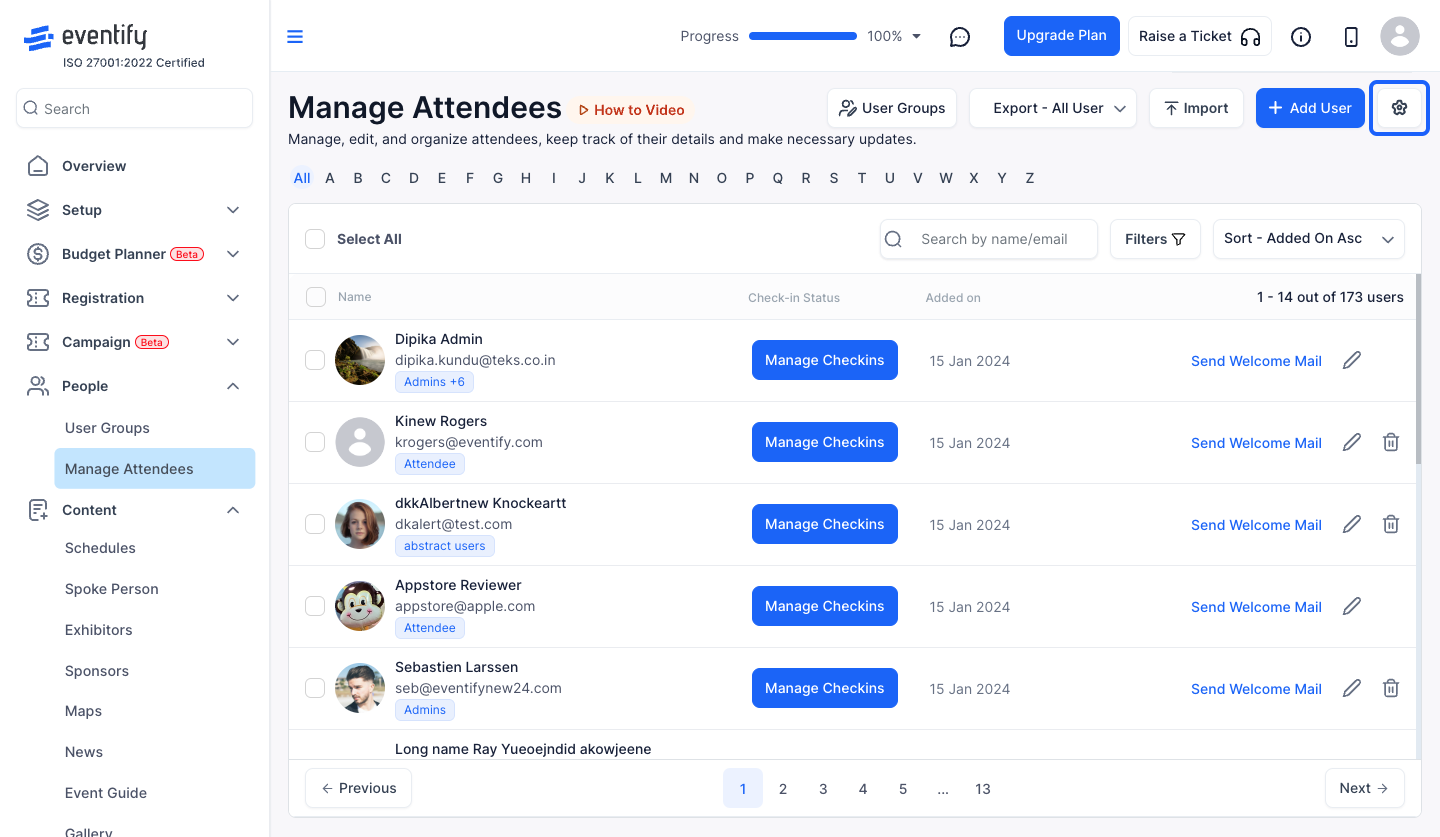
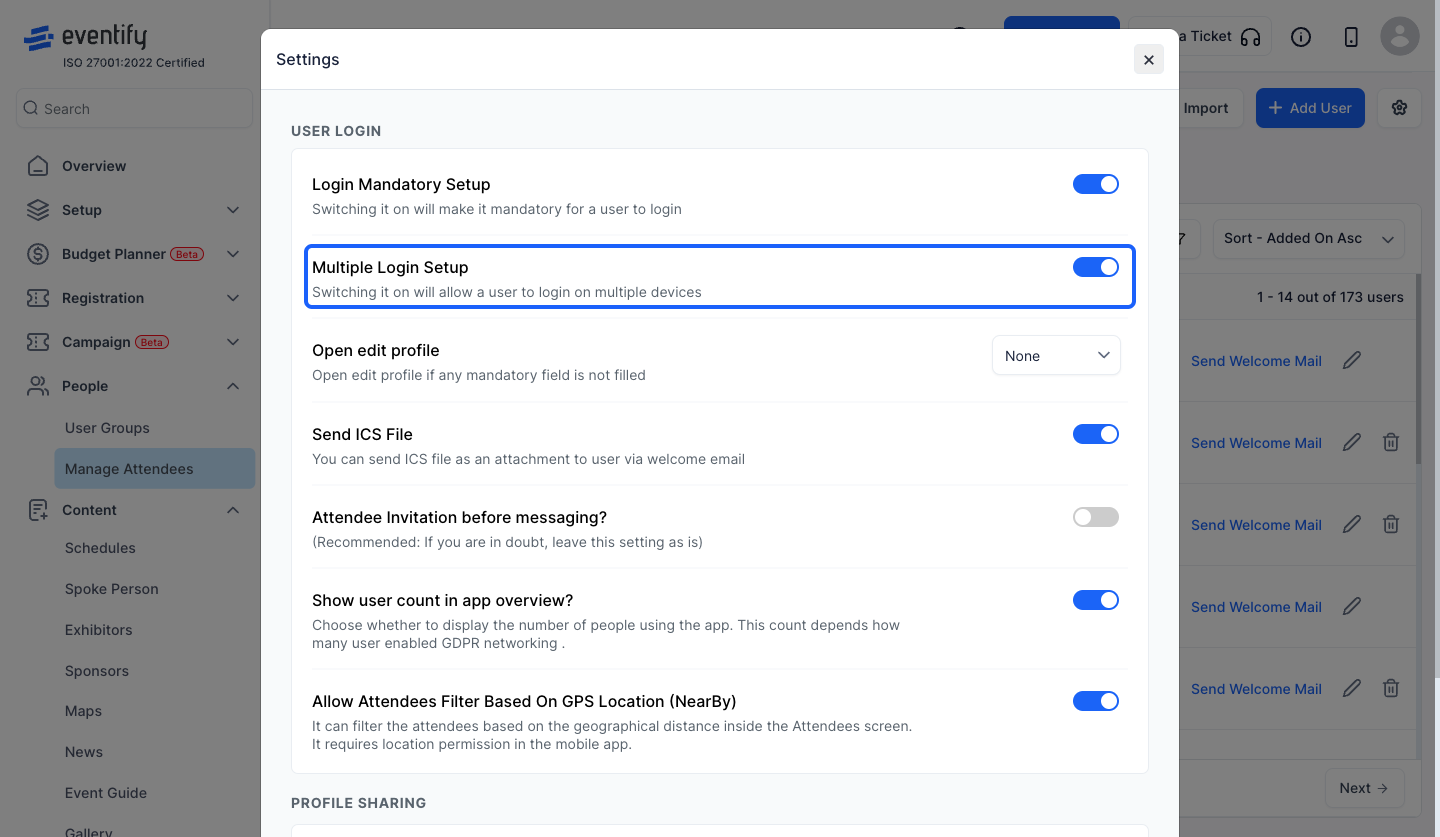
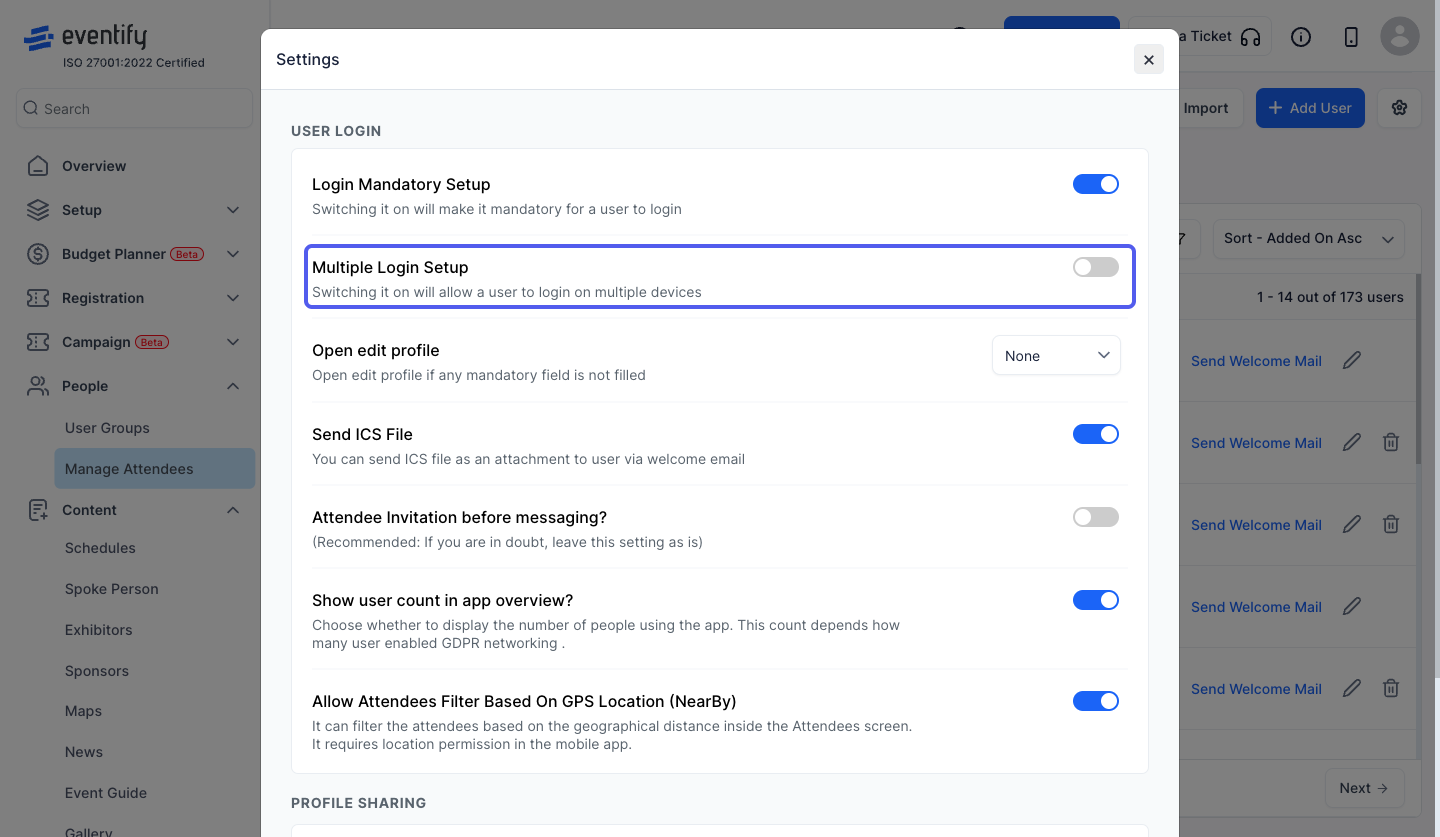
Go to People > Manage Attendees and click the Settings icon. Disable the multiple device option to restrict login to a single device, or enable it to allow several devices.
