
You can export gamification data to analyze performance, create reports, or share results with stakeholders. Eventify offers two export options depending on the leaderboard view you're on 👇
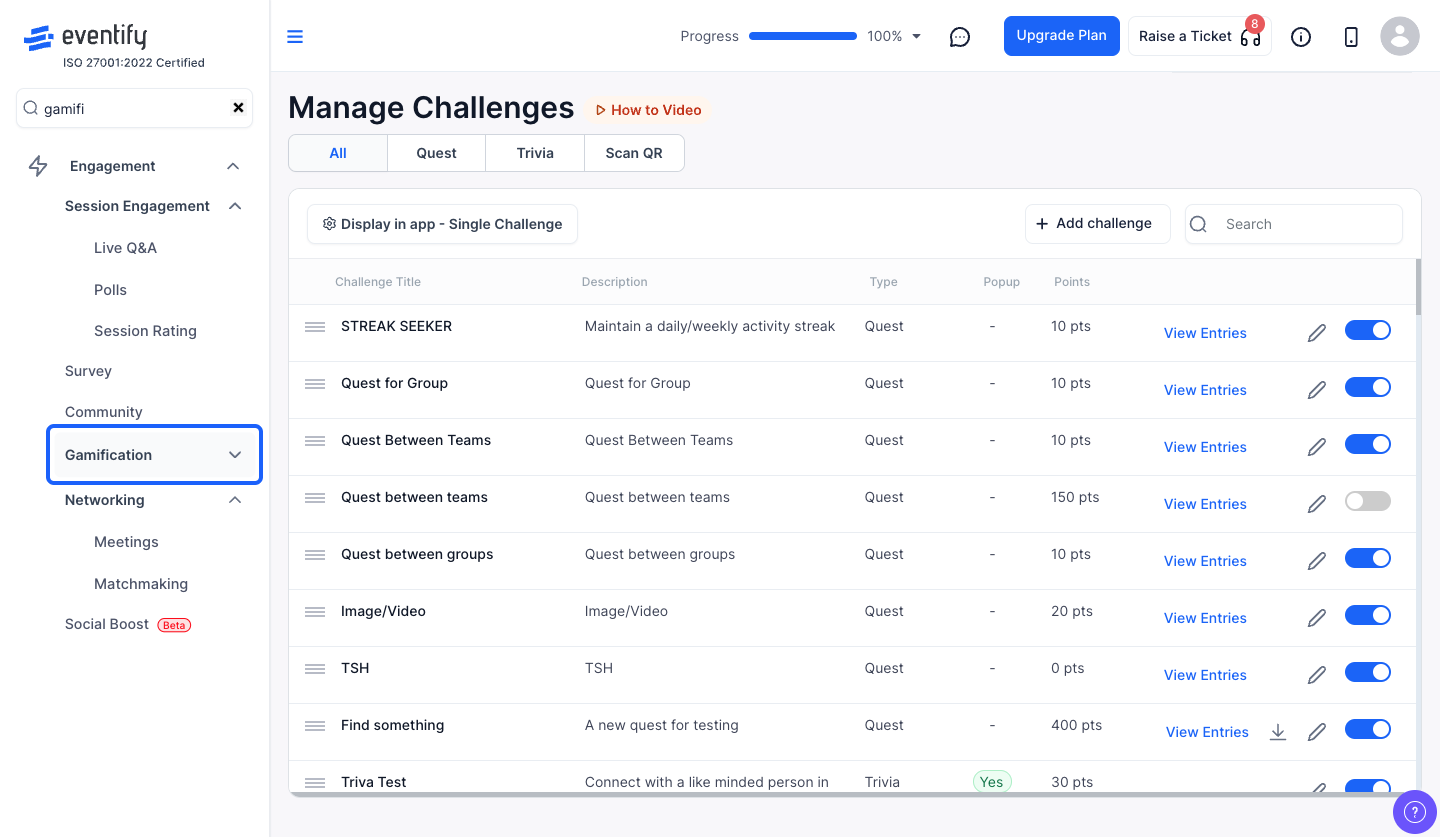
From the admin panel sidebar, navigate to Engagement > Gamification and select Leaderboard.
On the User List or Challenges tab, click the "Export" button in the top-right header. This downloads an Excel file (.xlsx) with two sheets:
The file is named leaderlog.xlsx.
To export quest-specific data, go to the Quests tab, click "Leaderboard" on a quest, then click the "CSV Export" dropdown button.
The exported file includes:
The file is named Gamification_Quest_Leaderboard.xlsx.
⚠️ Important
The export button only appears when there is data to export. If the leaderboard is empty or no points have been logged yet, the export button won't be visible.
The export button only appears when there is data to export. If no points have been logged yet, it stays hidden.
It has two sheets: LeaderBoard, with rank, name, email, category, points and awards, and PointLogs, with every point earned per challenge.
