
The Check-In Dashboard gives you a real-time view of attendee arrivals across your entire event. It shows check-in counts, distribution by user group, and a timeline of arrivals.
Go to Analytics in the sidebar and select Attendee Check-Ins (or the equivalent check-in analytics section).

Displays the total number of check-ins by user group; one card per attendee (e.g., Attendees, Admins, Speakers, Exhibitors), giving you a quick snapshot of arrivals.
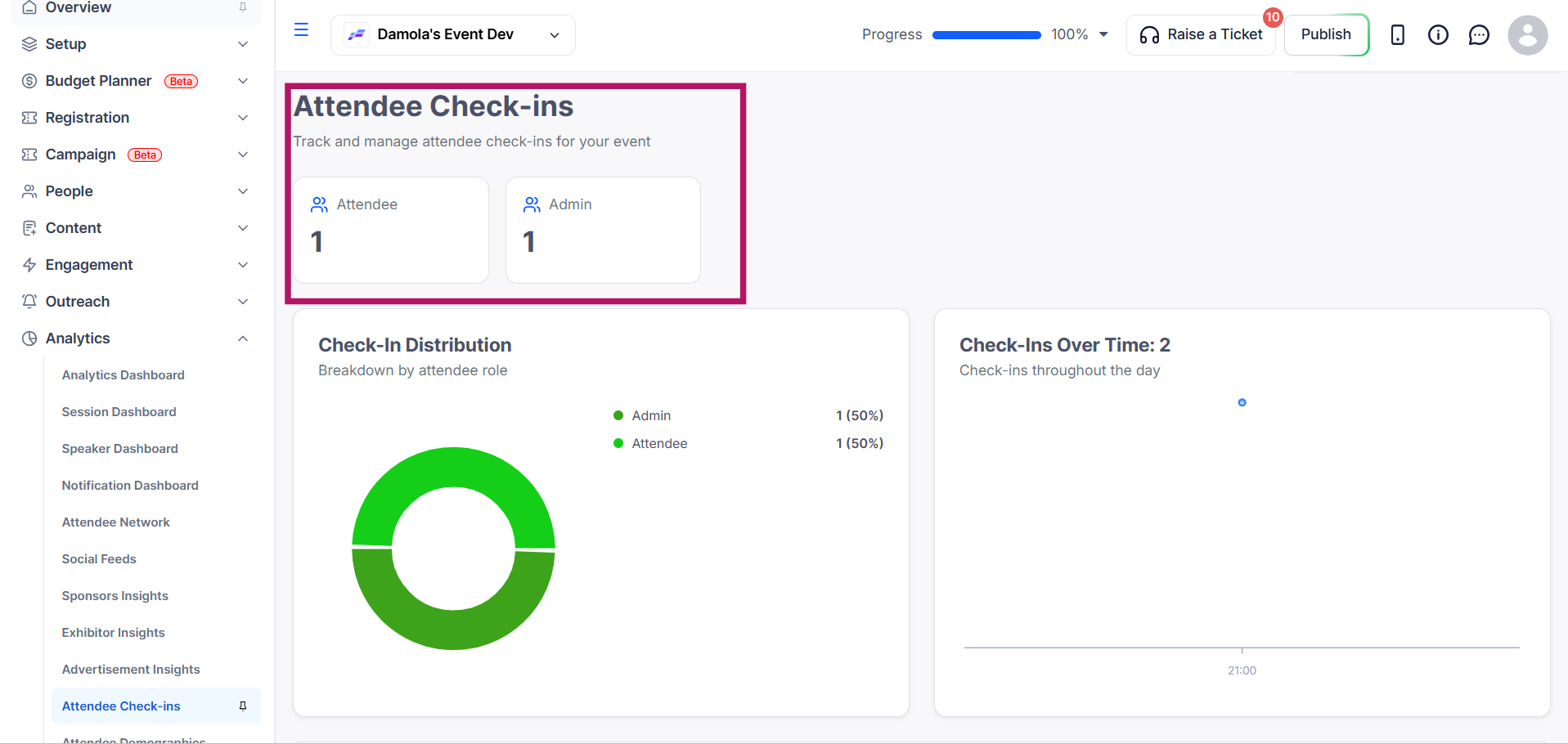
A visual breakdown of check-ins by role or user group, with counts and percentages. Use this to quickly see the proportion of each attendee type that has arrived.

A cumulative line graph showing how check-ins accumulated throughout the event day(s), plotted in hourly intervals. Use this to identify peak arrival times.
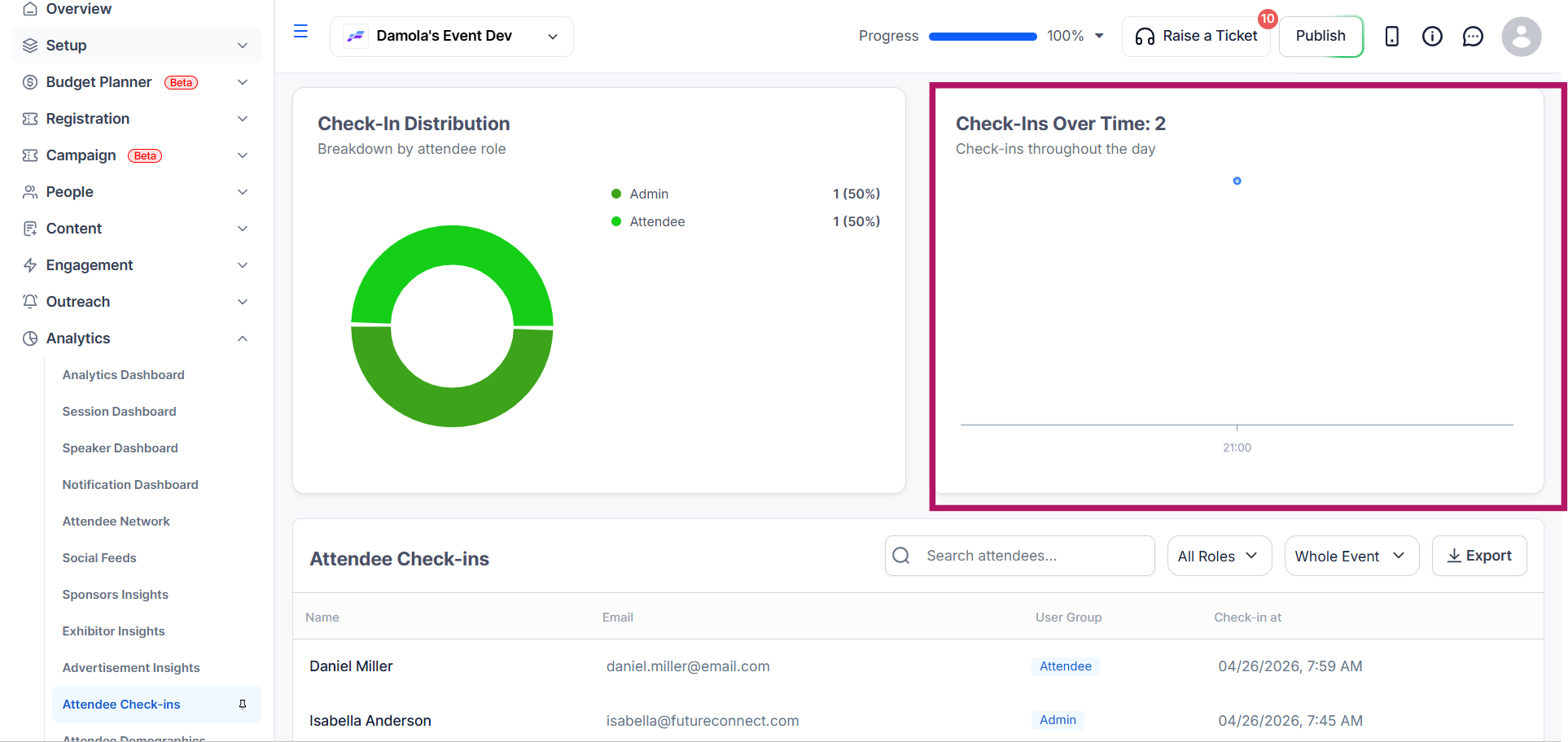
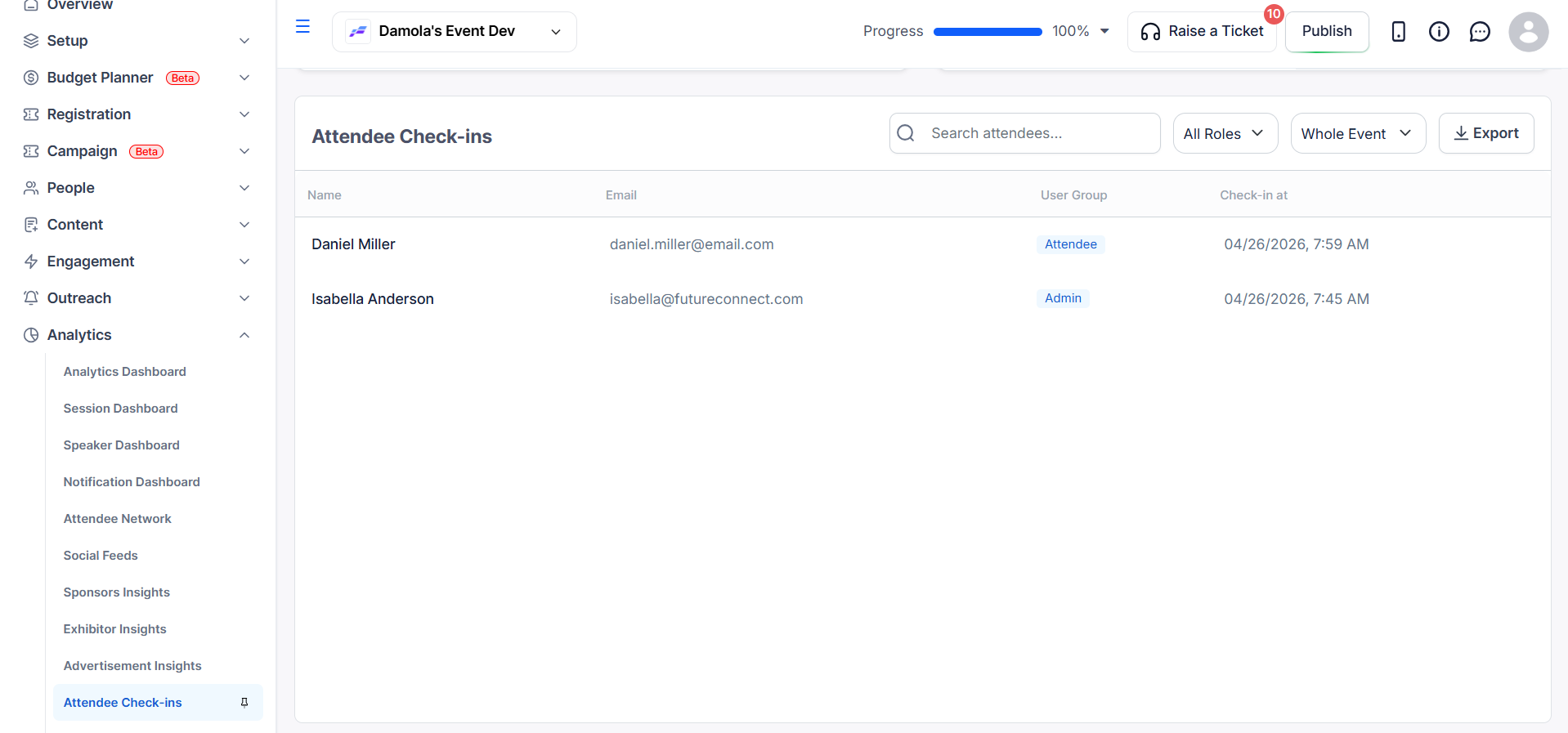
The Attendee Table is a searchable and filterable list of all checked-in attendees, displaying their name, email, user group, and check-in time.
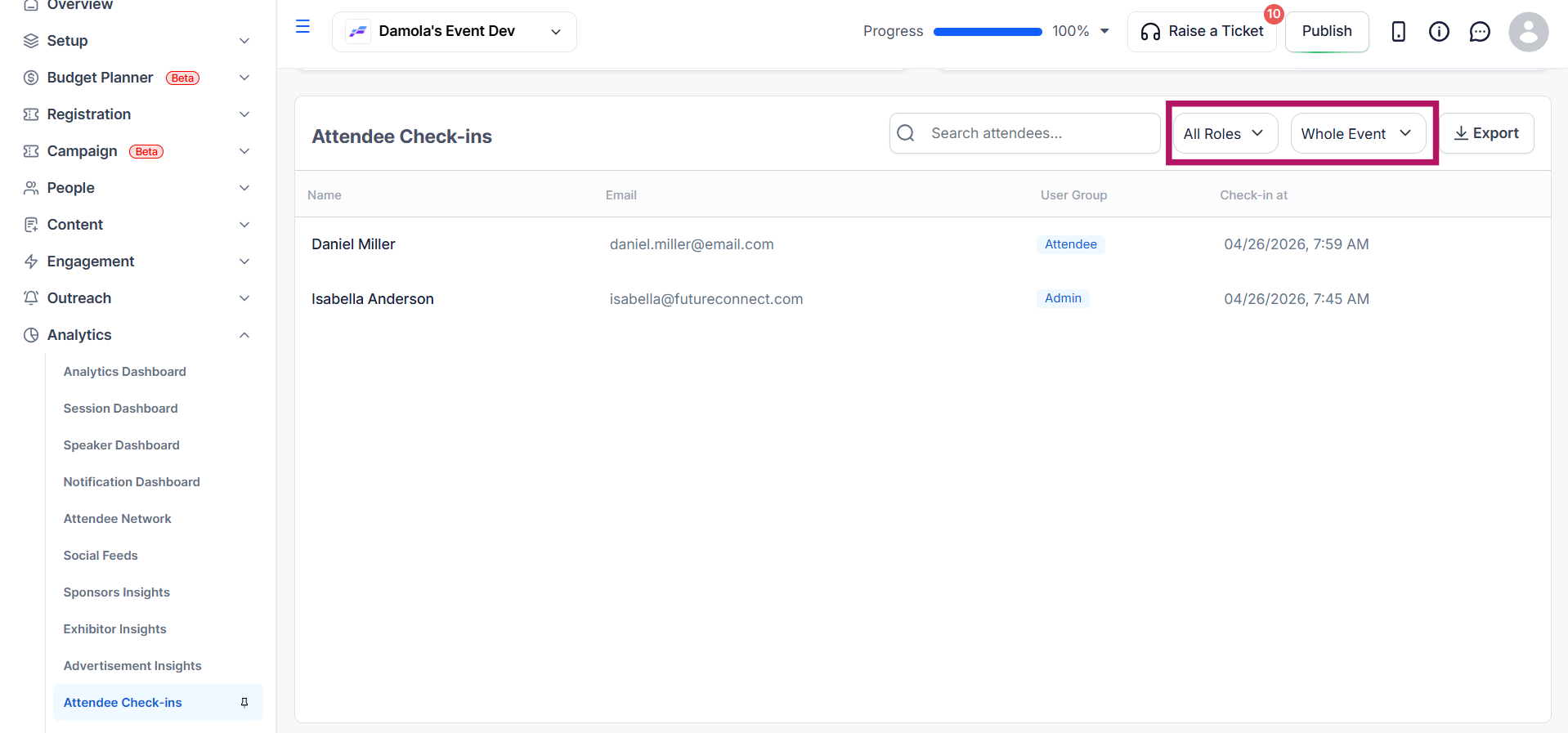
Use the Role filter (All Roles, including attendee, speaker, sponsor, exhibitor, admin, etc.) to filter by user group, or the Event filter (Whole Event or specific event dates) to narrow results by event scope.
Click the Export button to download the check-in data as a CSV/Excel file. The exported file reflects any filters currently applied.

Yes. The dashboard updates in real time as attendees check in.
Yes. Click Export to download the data as a CSV or Excel file. The export reflects any filters you applied.
The Check-In Over Time line graph plots cumulative check-ins in hourly intervals, so you can spot peak arrival times.
The Check-In Dashboard shows total check-ins by user group, the share of each group that has arrived, check-ins over time in hourly intervals so you can spot peak arrival times, and a list of every checked-in attendee with their check-in time. Filter by role or event day and export it to CSV or Excel. For session attendance see How to Manage Session Check-Ins and Attendance Tracking, and for badge print reports see How to Use Additional Analytics.
