
The Branding Module in Eventify allows event organizers to customize the visual identity of their event app. From logos and colors to splash screens and live displays, the module gives you full control over how your app looks and feels — ensuring it matches your organization's brand or event theme.
When attendees open your event app, the first impression is everything. The Branding Module lets you replace Eventify's default styling with your own custom design elements, creating a seamless, professional experience that reflects your brand.
Changes made in the Branding Module apply across the entire event app, including the home screen, navigation, session pages, and more.
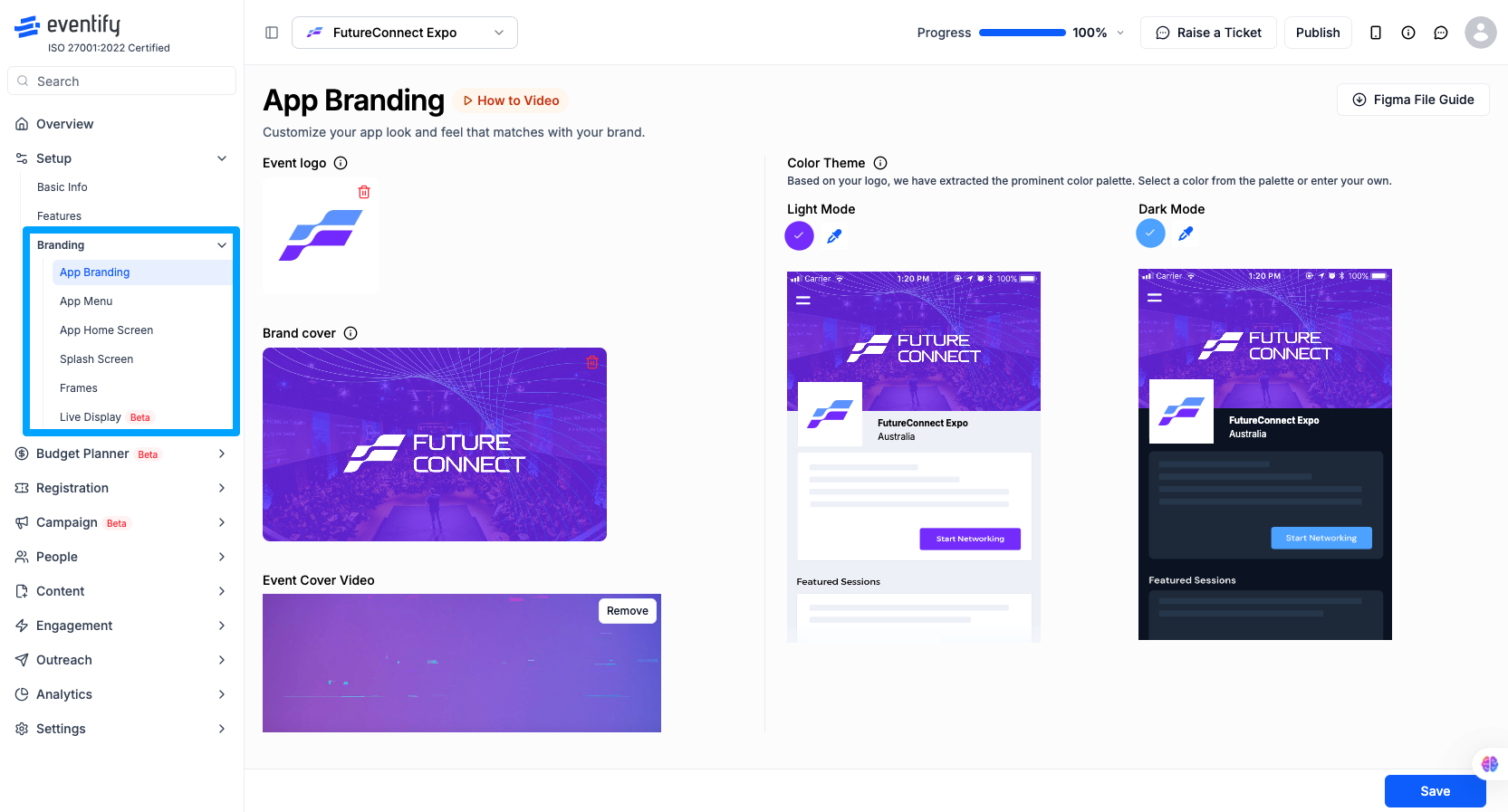
Log in to the Eventify Admin Panel and go to Setup > Branding. You will find the following sections:
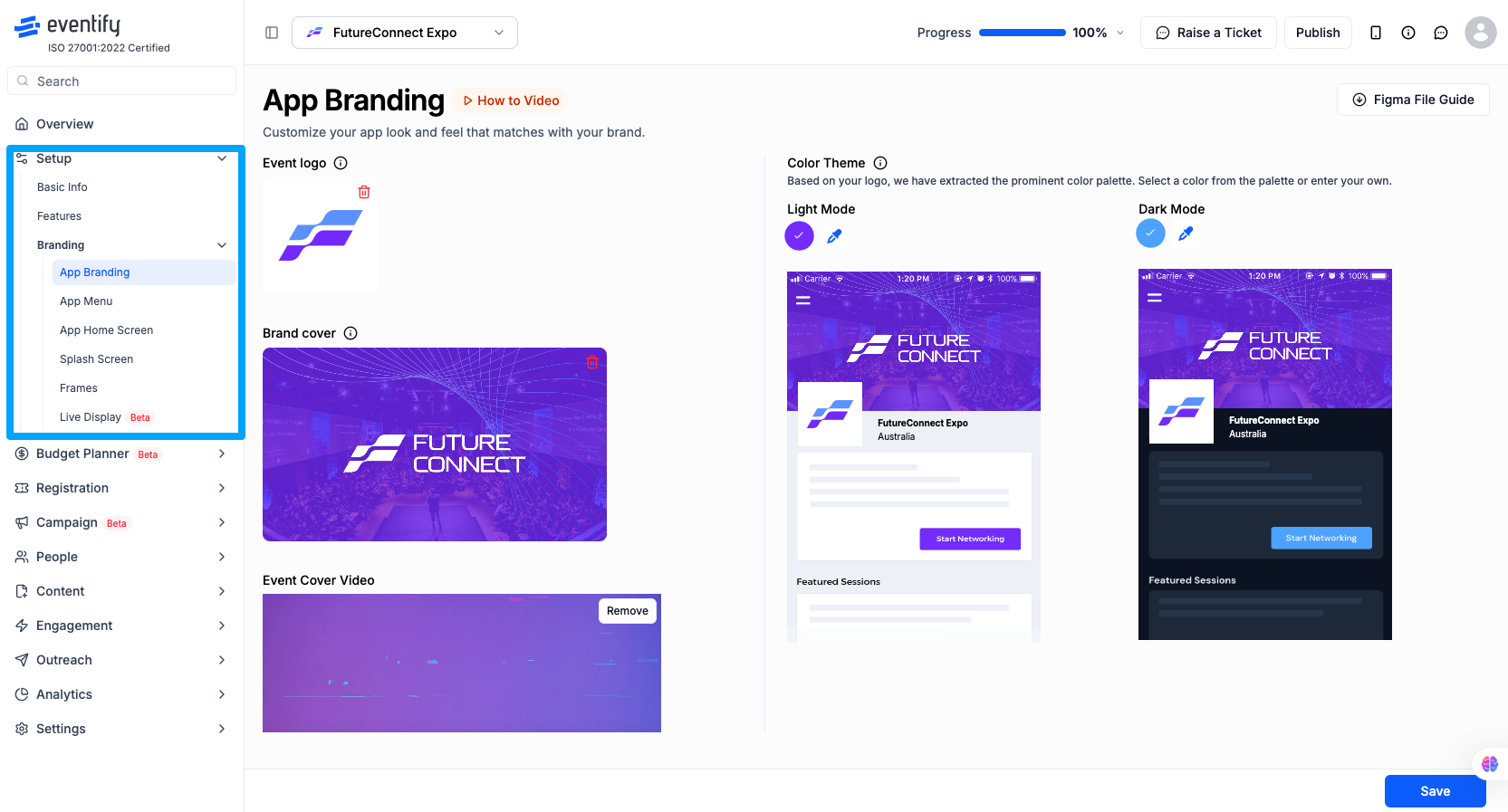
App Logo — Upload your organization's or event's logo. This appears on the splash screen and throughout the app header.
Primary & Secondary Colors — Set your brand colors for buttons, headers, icons, and accent elements. Colors are applied globally across the app.
App Menu — Control which menu items appear in the app and in what order, allowing you to surface the most relevant features for your attendees.
App Home Screen — Decide which sections and content blocks are shown on the home screen when attendees log in.
Splash Screen — Upload a branded background image for the app loading screen to make a strong first impression.
Frames — Create custom overlay frames for profile photos or event banners, adding a branded touch to attendee-generated content.
Live Display — Set up a display-optimized view of your event content for projection on screens at your venue.
Q: Do I need design experience to use the Branding Module?
No. The Branding Module is built for non-designers. You simply upload your assets and pick your colors — no code or design tools required.
Q: What file formats are accepted for logos and images?
Eventify accepts PNG and JPG files. For best results, use a PNG with a transparent background for your logo.
Q: Will branding changes affect all attendees immediately?
Yes. Once you save your changes, they are pushed to the live app. Attendees may need to refresh or reopen the app to see the updates.
Q: Can I have different branding for different events?
Yes. Each event in Eventify has its own Branding Module settings, so you can maintain separate brand identities for each event you manage.
Q: Is the Branding Module available on all plans?
Branding customization features vary by plan. Check your current plan or contact Eventify support to confirm which branding options are available to you.
Q: Where do I find the Branding Module?
Log in to the Eventify Admin Panel and go to Setup > Branding.
Q: Can I show event content on screens at the venue?
Yes. The Live Display section sets up a display-optimized view of your event content for projection on screens at your venue.
