
The Reward Settings page lets you set the title and description that participants see at the top of the gamification section in the app. This helps set the tone and give context for your gamification program. Here's how to configure it 👇
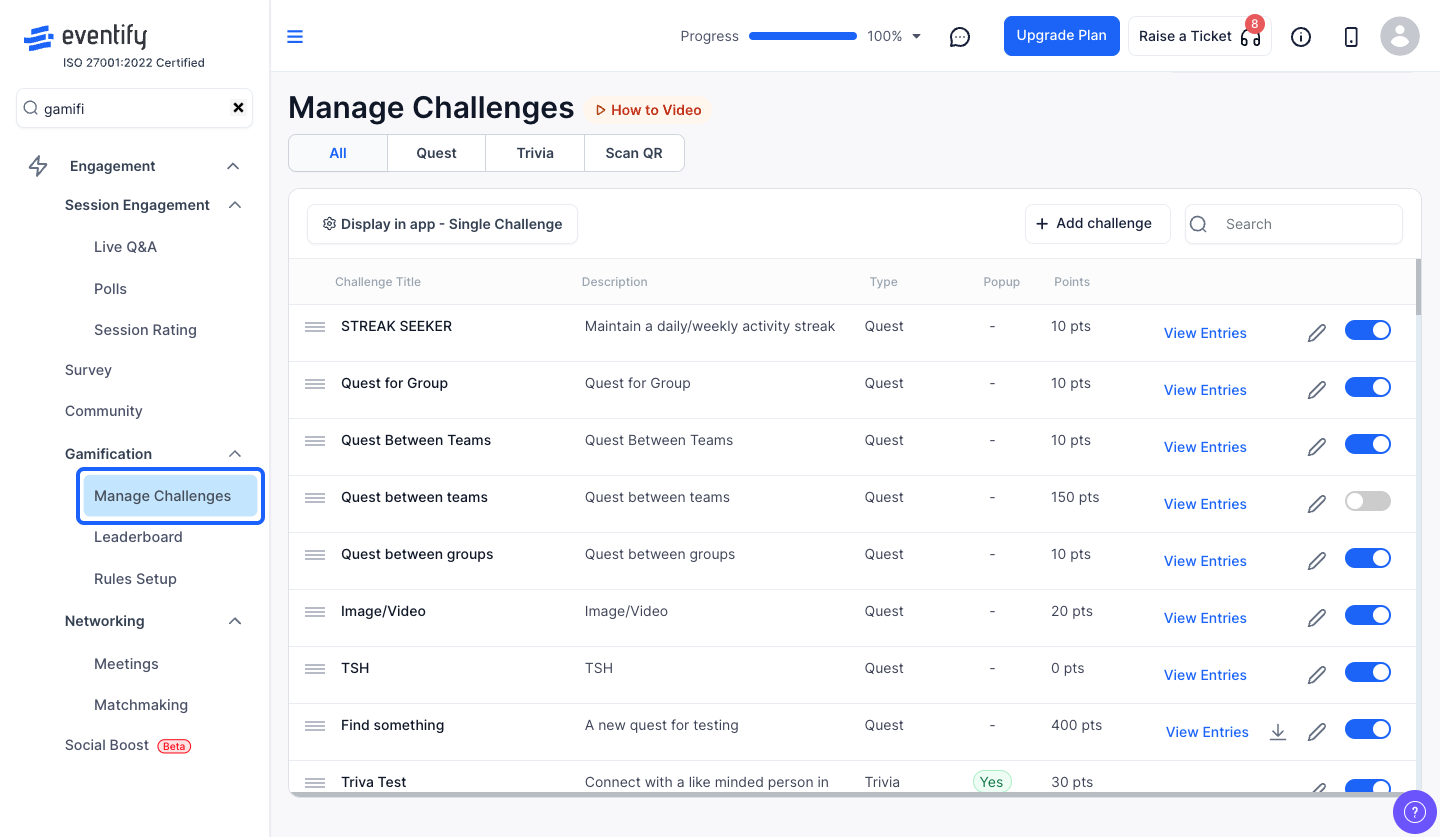
From the admin panel sidebar, navigate to Engagement > Gamification.
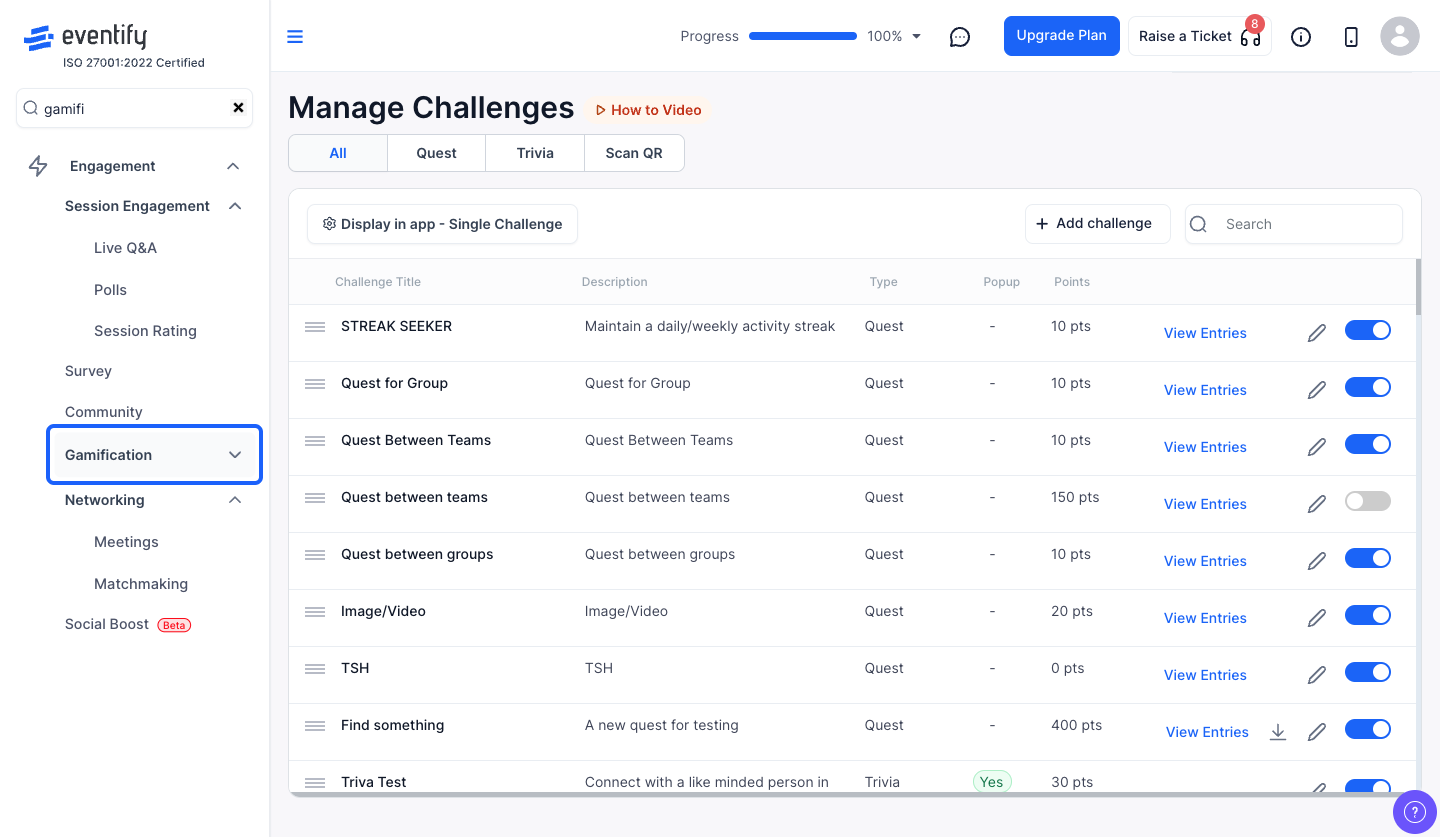
Click on Reward in the left sub-menu. This opens the Reward Settings form.
In the Title field, enter the heading that will be displayed to participants at the top of the gamification section. For example: "Event Challenge" or "Earn Points & Win Prizes!"
This field supports multiple languages — if your event has multi-language support enabled, you can provide translations for each language.
In the Description field, provide a brief explanation of your gamification program. This could describe the rules, what participants can earn, or how to get started.
Like the title, this field also supports multiple languages.
Click "Save Changes" to apply the new title and description. A success message will confirm the update. The changes will be reflected in the attendee app immediately.
⚠️ Important
Both the Title and Description fields are required. You won't be able to save if either field is empty. There is also a maximum character limit for each field — the form will show an error if you exceed it.
Yes. You can update the title and description at any time, and changes show in the attendee app immediately.
Yes. Both fields are required and each has a maximum character limit.
