
Yes, you can use Google Forms or Microsoft Forms for event registration, and many small events do. A general form tool collects answers. An event registration platform such as Eventify also handles what happens after someone signs up: tickets, payments, confirmation emails, check-in and badges. This article helps you decide, and shows how to use both together.
Google Forms and Microsoft Forms are built to collect responses to questions. For a free event where you only need names, emails and a few answers, that can be enough. Check each tool's own help pages for what it currently offers.
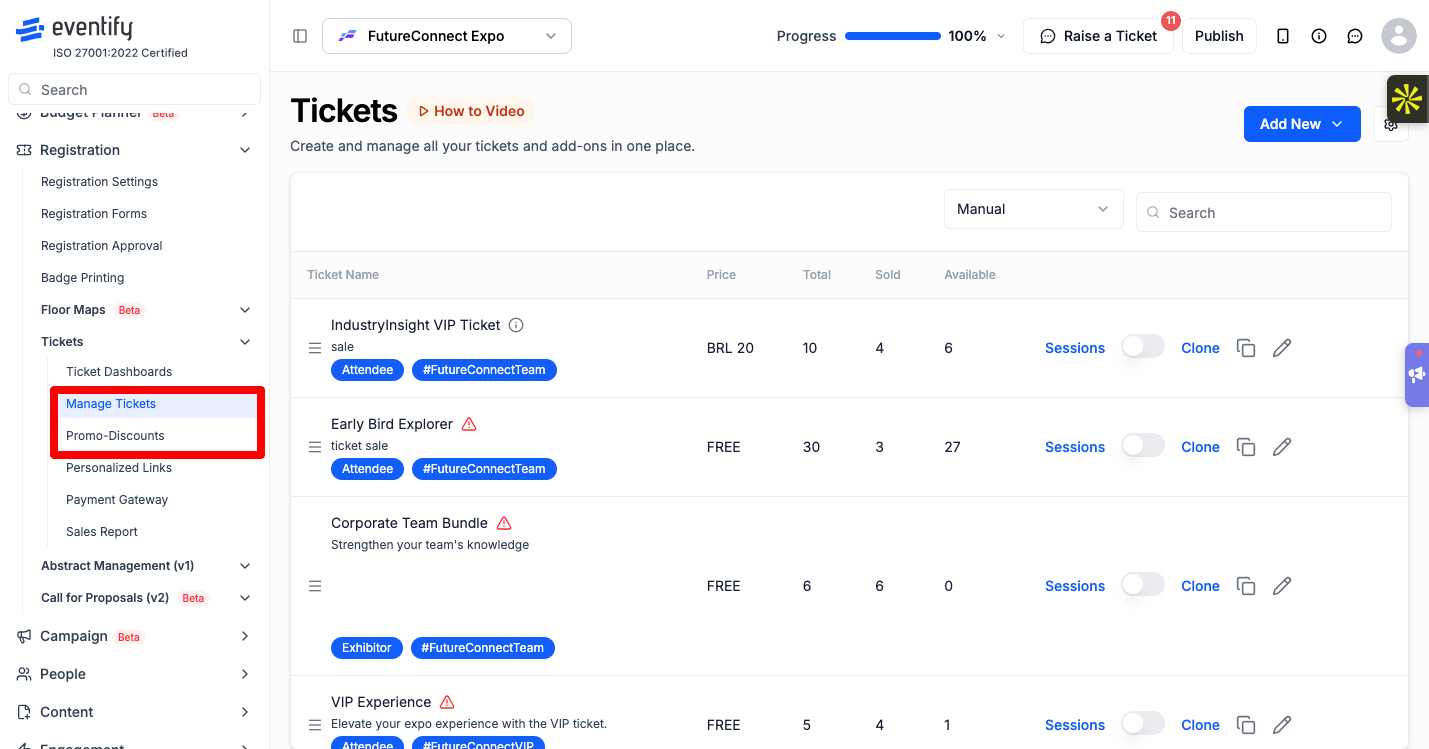
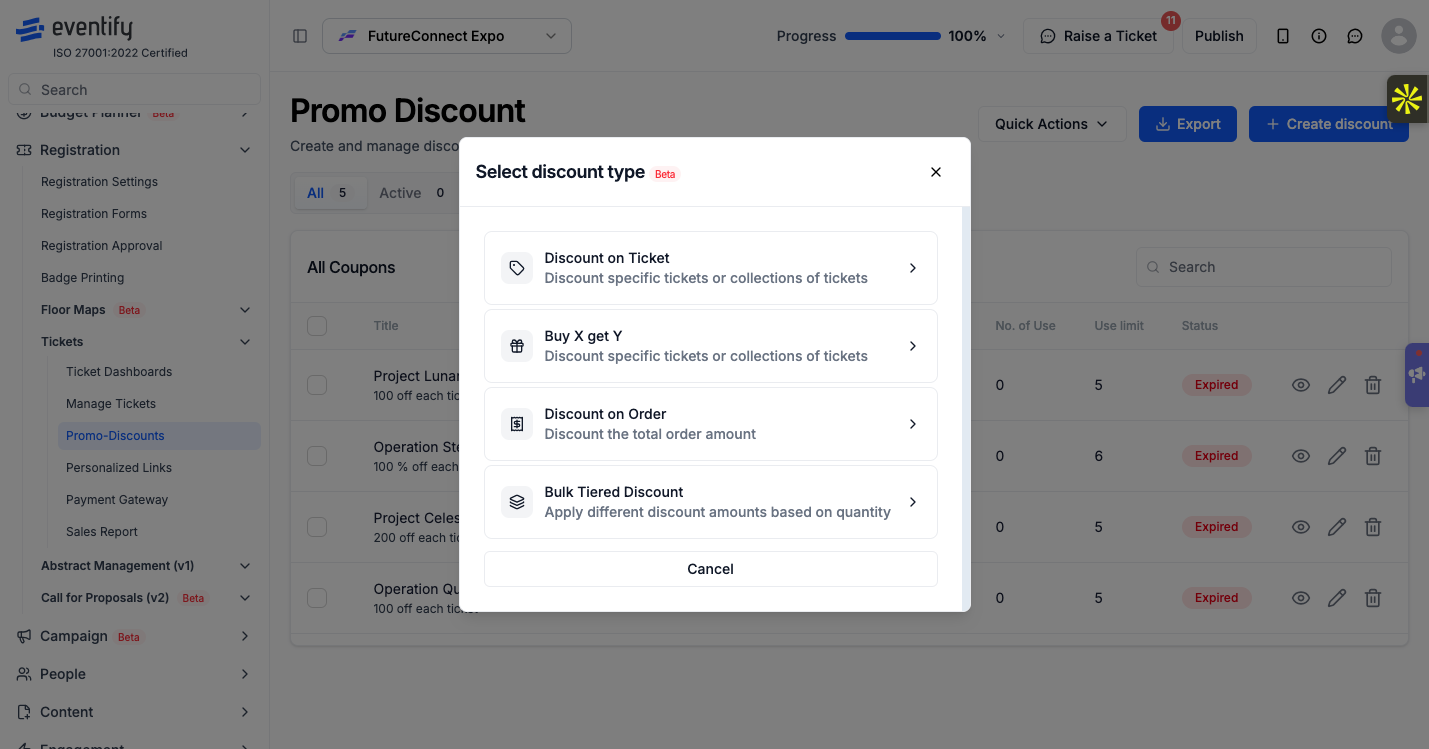
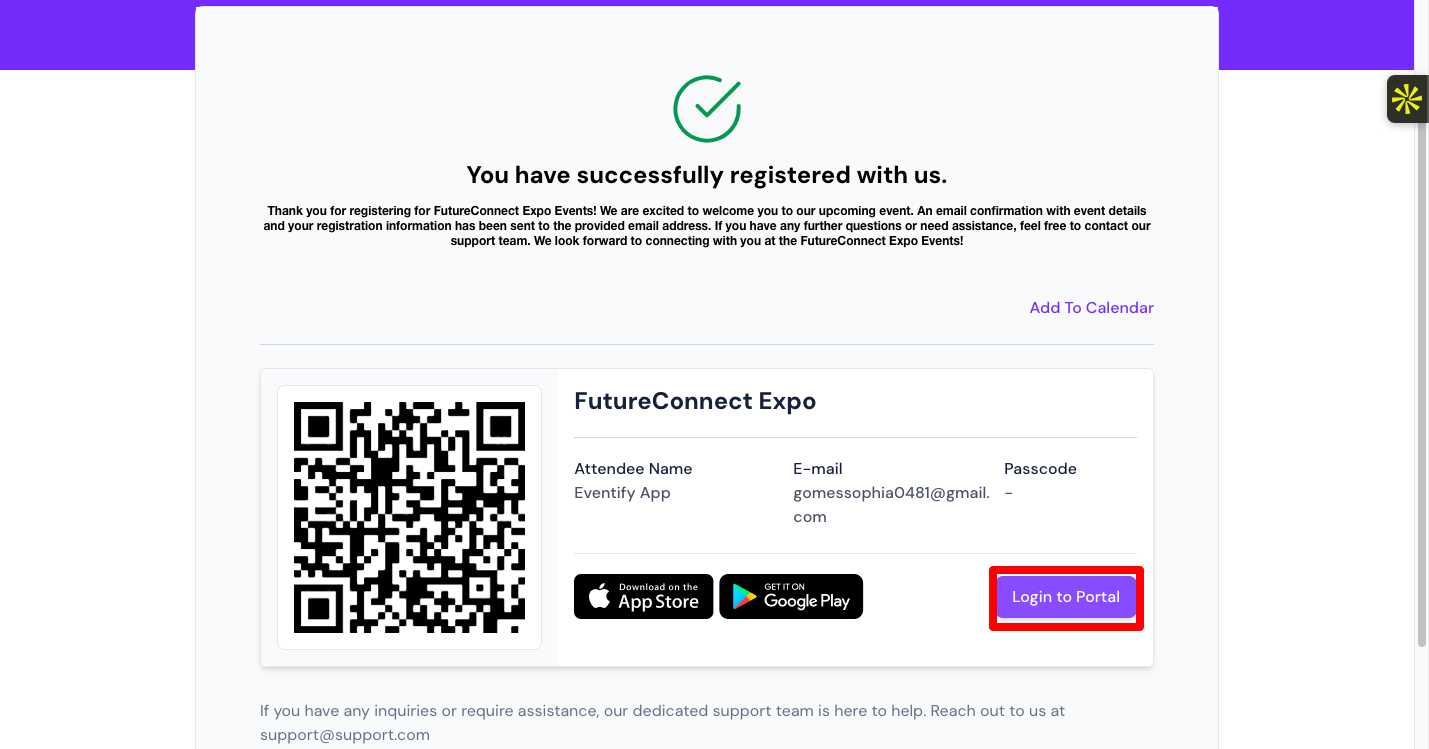
Here is what Eventify gives you on top of collecting answers, all tied to the same attendee record:
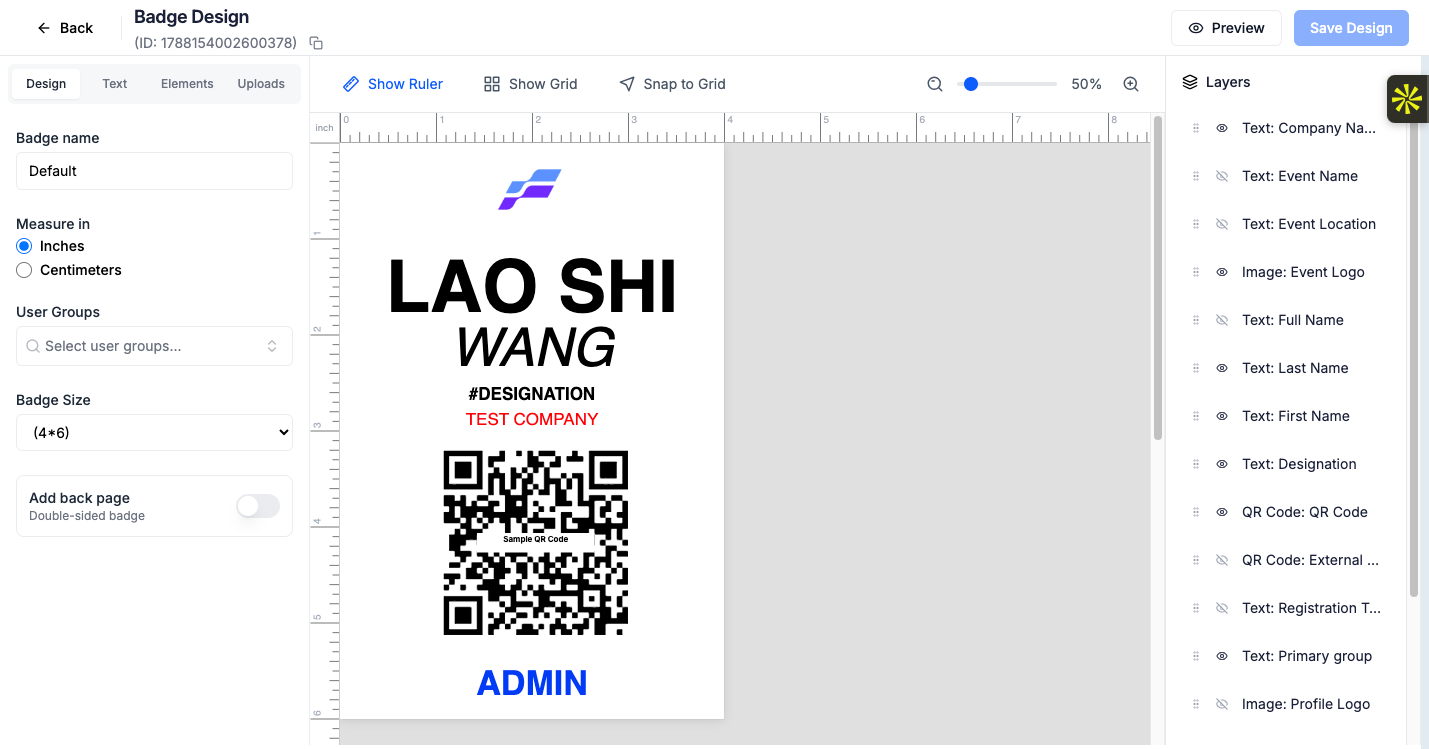
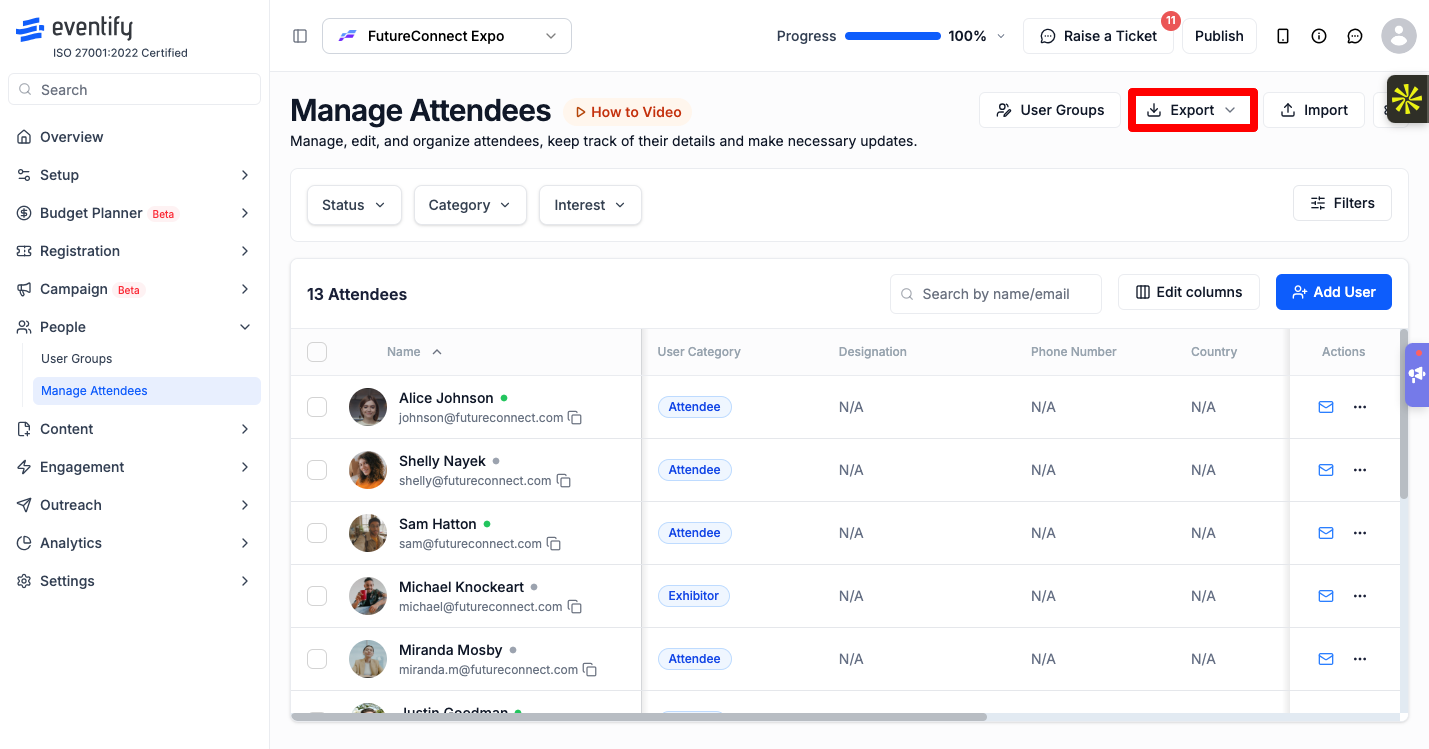
If you already collect sign-ups in another form tool, you can keep it for registration and use Eventify for the rest of the event.
Page Settings with the Policy type set to External Registration Link and the External Url field
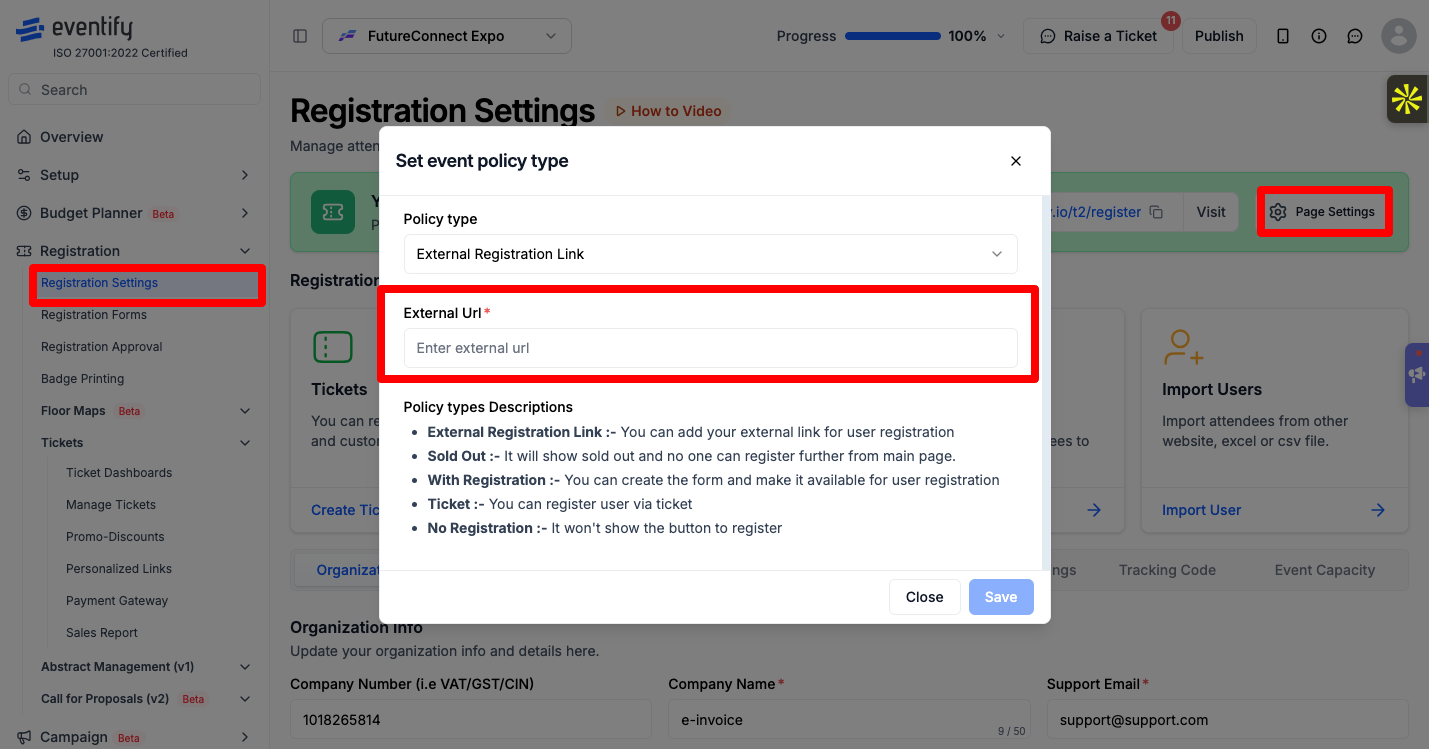
The register button on your event page now opens your form. To give those people access to the event app, export the responses from your form tool and bring them in with Import Users, which accepts Excel and CSV files. Import again when new people sign up.
Registration form builder with the toolbox of field types on the right
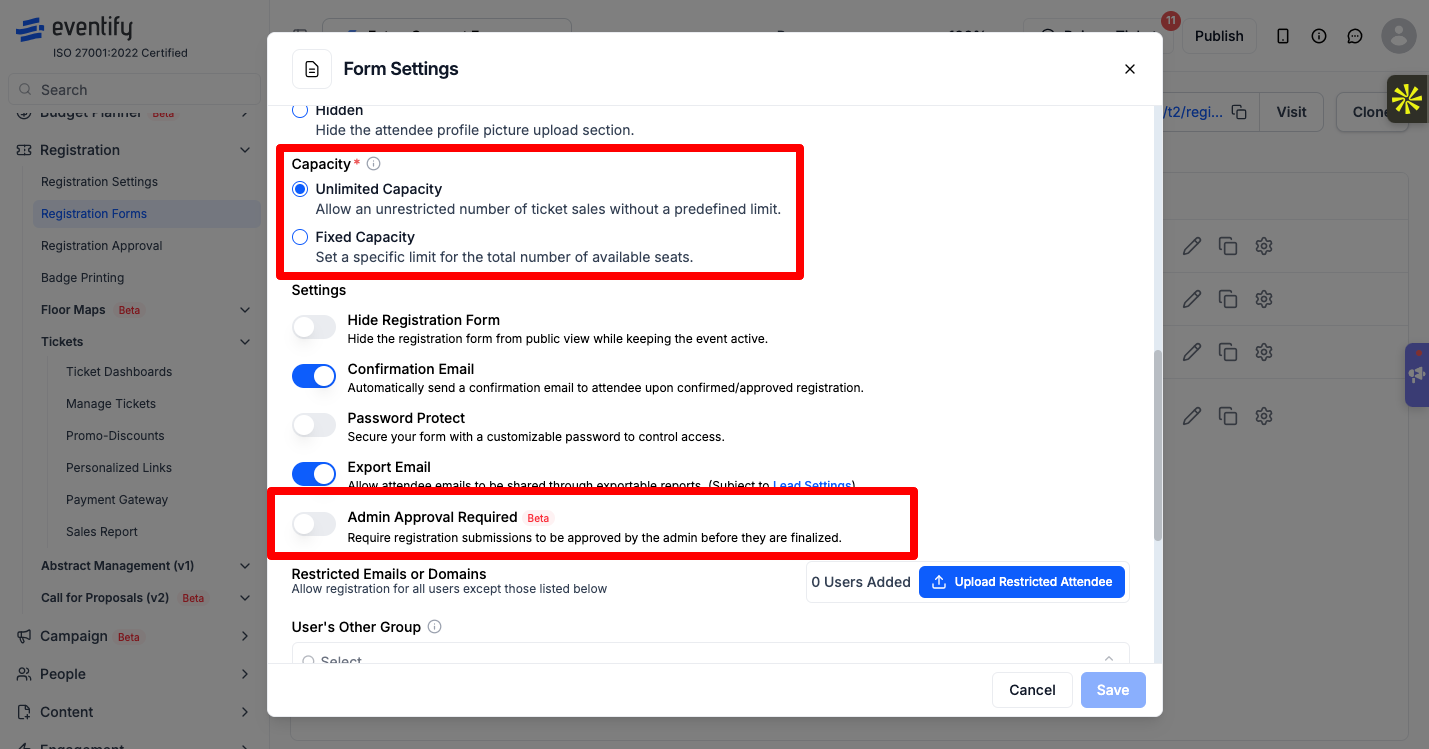
If you'd rather have everything in one place, build the form in Eventify instead:
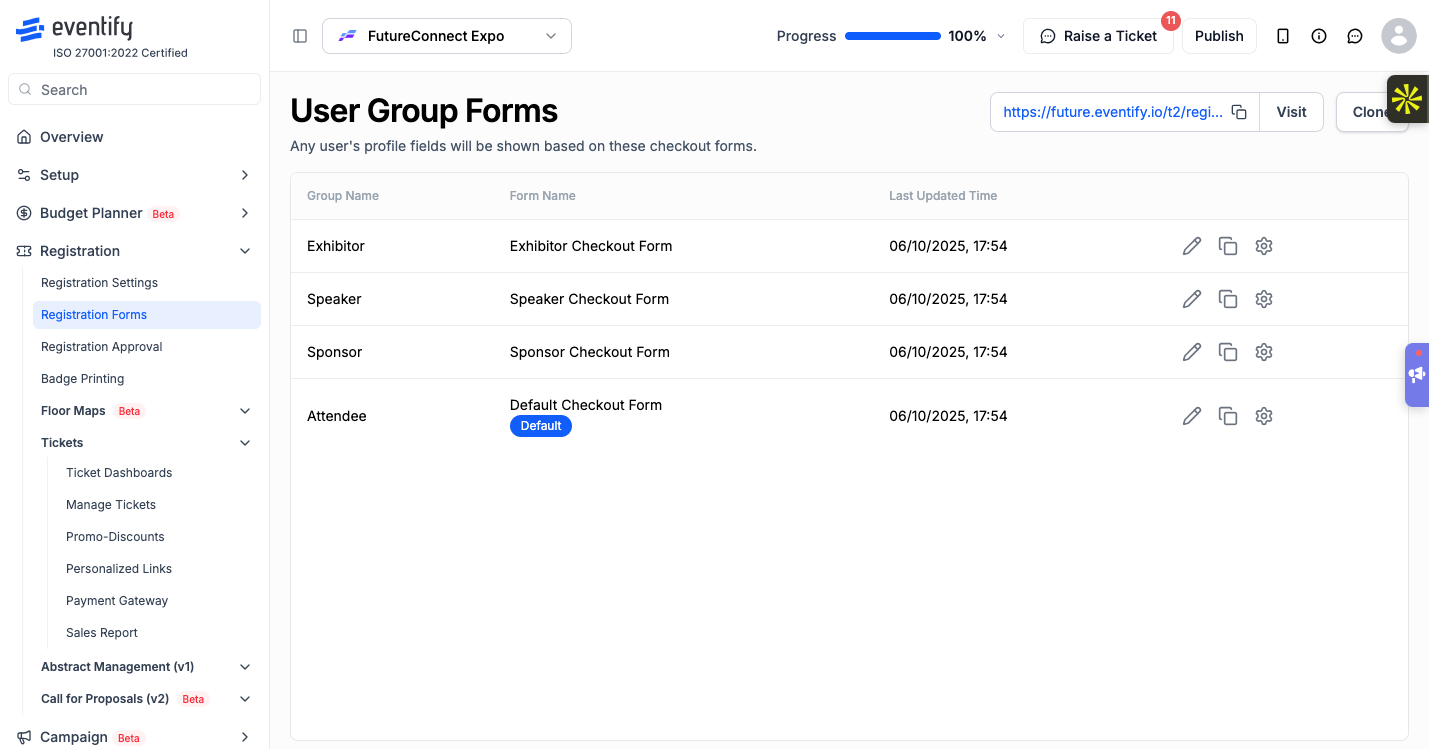
See How to Build an Event Registration Form on Eventify.
If your event website runs on WordPress or another website builder, you don't need a separate form there. Put the Eventify form on your page instead:
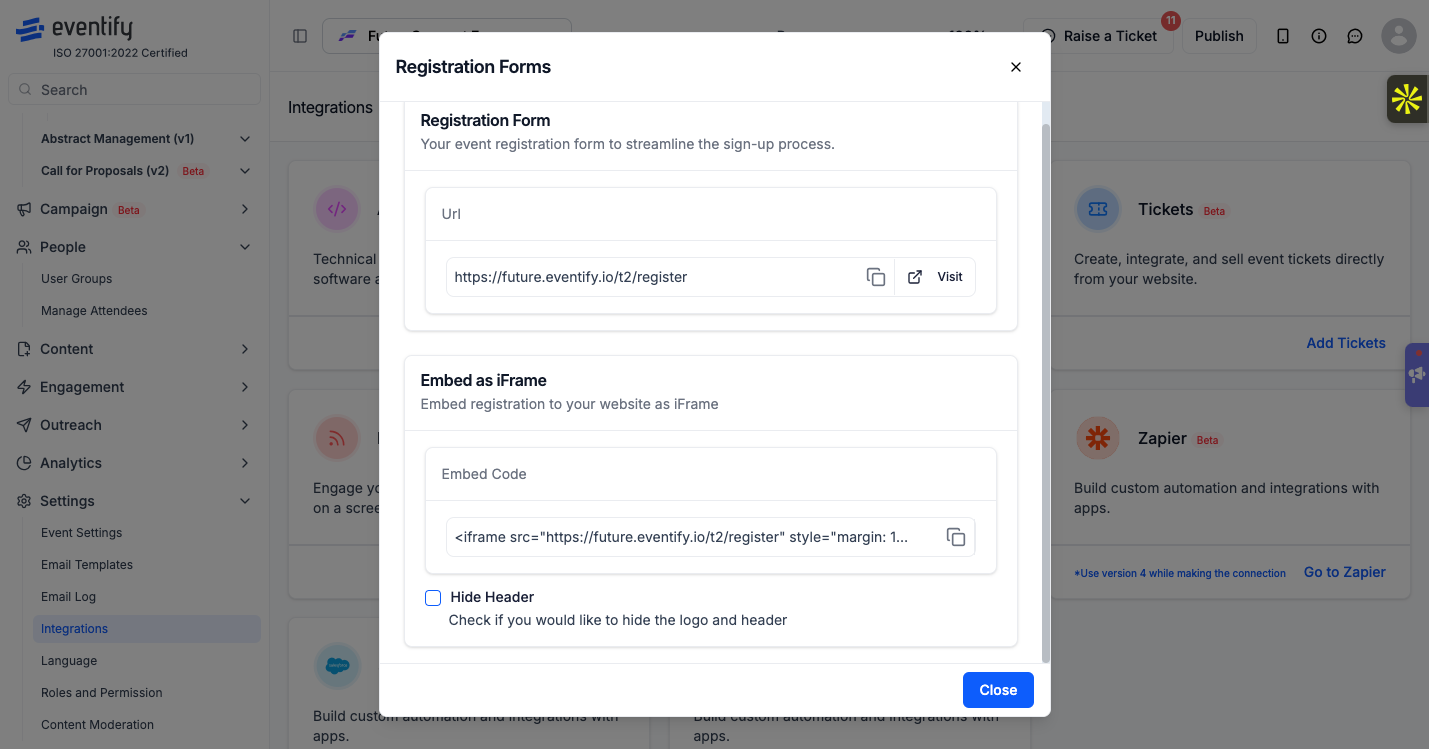
Or add a "Register" button on your site that opens your Eventify registration link. See How to Use Integrations to Embed Forms, Tickets and Sessions.
How do I use Google Forms for event registration with Eventify?
Set the Policy type to External Registration Link and paste your form's link. Then import the people who registered with Import Users so they can use the event app.
How do I create a Google Form for event registration?
Google's own help pages cover building a form. If you also need tickets, payments or check-in QR codes, build the form in Eventify under Registration Forms instead.
How do I use Microsoft Forms for event registration?
It works the same way as any external form: link to it with External Registration Link, then import registrants into Eventify from an Excel or CSV file.
How do I create an event registration form in WordPress?
Build the form in Eventify, then copy the Embed as iFrame code from Settings > Integrations > Registration Forms and paste it into your WordPress page.
Need more help? Contact Eventify support from the admin panel.
