
Personalized Links let you generate custom URLs for ticket sales or registration forms. Each link can pre-apply a promo code, restrict access to specific ticket types, and optionally track the traffic source through an affiliation code. Use them for campaigns, partner promotions, or VIP access.
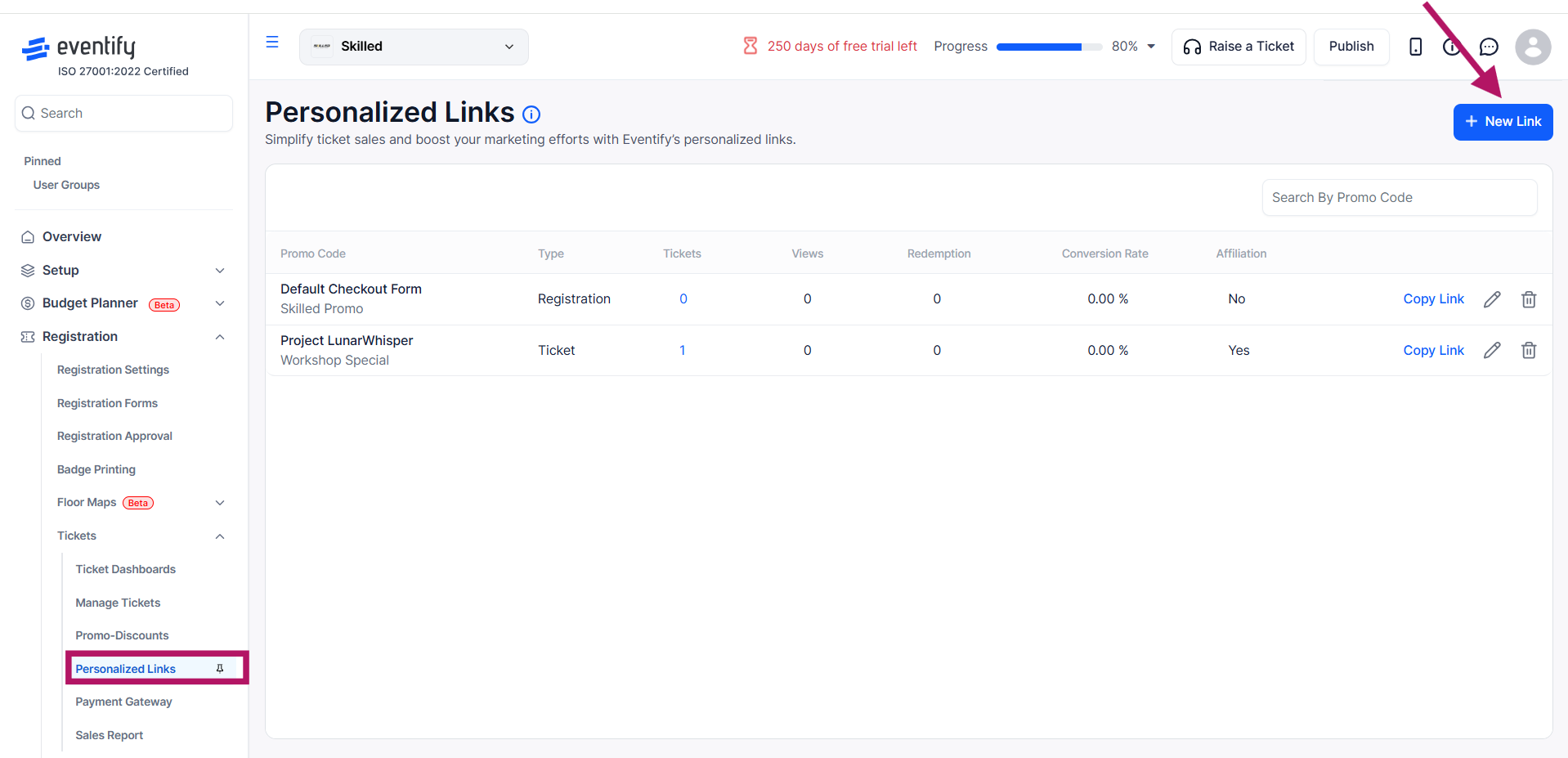
Go to Tickets → Personalized-Links in the sidebar.
Click the New Link button.
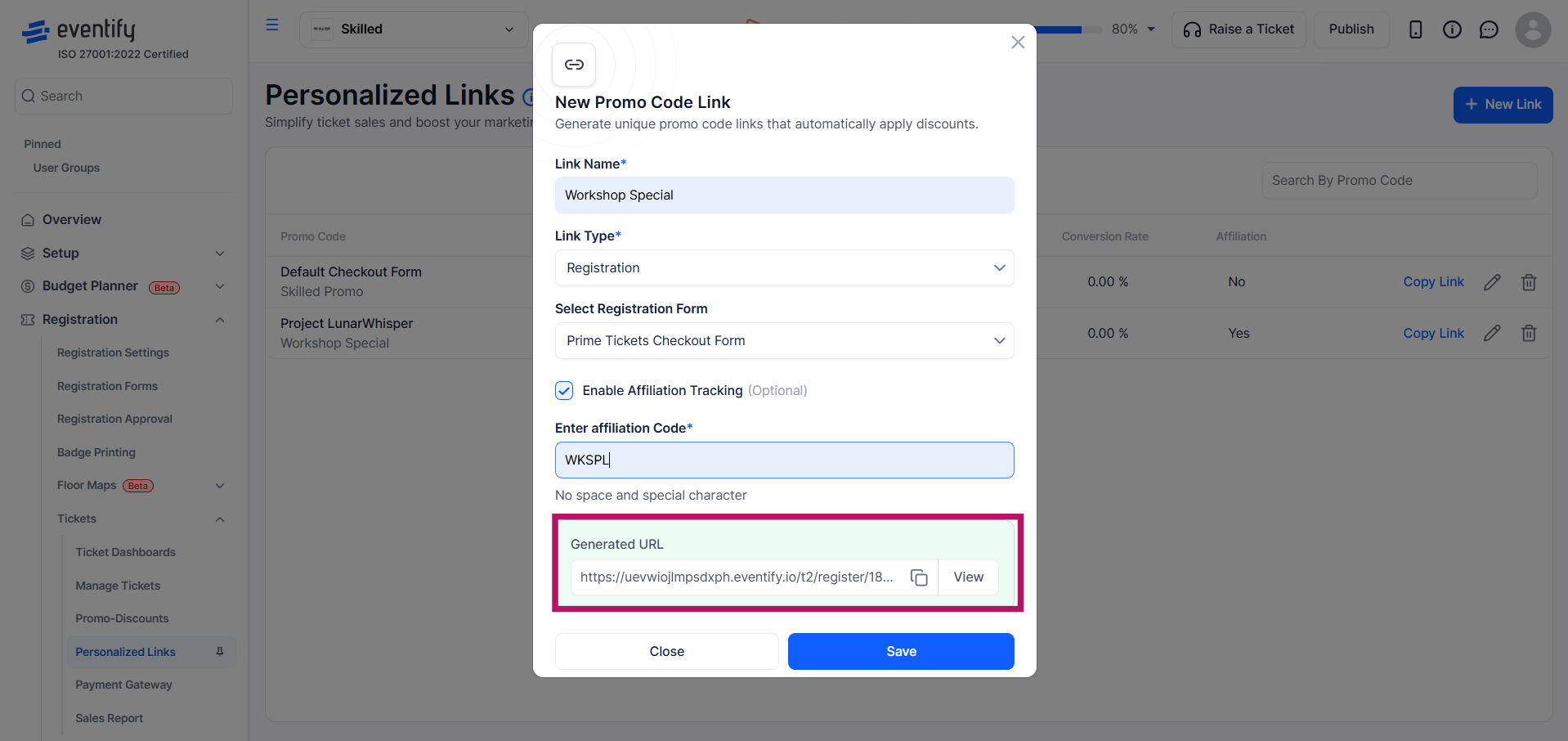
Enter a descriptive Link Name (required). This is your internal label — attendees do not see it.

Select the Link Type as either Ticket (to direct users to purchase specific tickets) or Registration (to direct users to a specific registration form). Note: The Link Type cannot be changed after the link is saved.

Select one or more ticket types;

Select the desired registration form;

Check Enable Affiliation Tracking to track the traffic source for this link.

The generated URL is displayed in a preview box. Click the Copy icon to copy it to your clipboard, or click View to open it in a new tab. Then, click Save.
The Personalized Links table displays performance metrics for each link, including the link name, link type, number of linked ticket types or forms, total views, number of redemptions, conversion rate, and whether affiliation tracking is enabled. The Personalized-Links table tracks performance for each link

For each link, you can:
No. The Link Type cannot be changed once the link is saved, so create a new link if you need a different type.
Enable Affiliation Tracking on the link. The Personalized Links table then shows views, redemptions and conversion rate for each link.
Yes. A single ticket link can be connected to multiple ticket types.
