
iyzico lets you sell tickets through your own iyzico account in Turkey. Buyers pay by card on iyzico's hosted payment page, and the money goes straight to your iyzico account.

You can connect with iyzico sandbox (test) keys or live keys. Eventify checks the keys with iyzico when you save and works out which one you entered, so there is no test or live switch to set. Sandbox API keys start with "sandbox-". While sandbox keys are connected, checkout fills the four extra buyer fields with sample values that you can edit, so testing is quicker.
Eventify shows the reason iyzico gave:
Only one payment gateway is enabled for an event at a time.
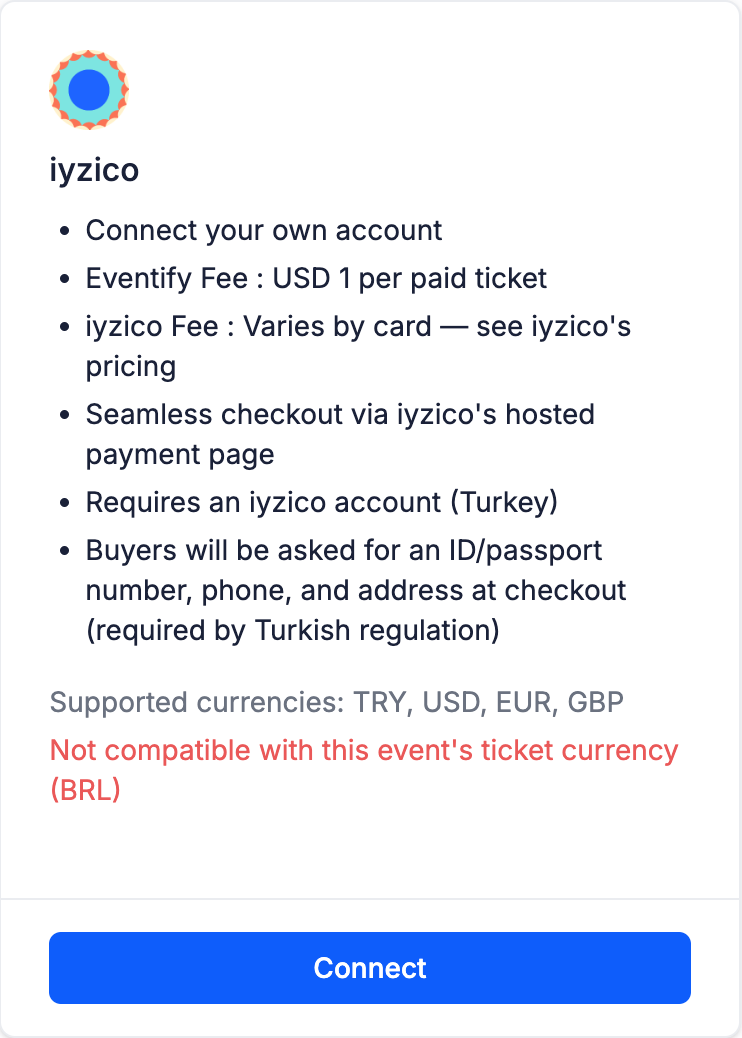
When your event already has paid tickets, the card also shows either "Compatible with this event's ticket currency" or "Not compatible with this event's ticket currency" followed by the currencies it can't take.
#image# Ticket checkout buyer details with the TC Kimlik No / Passport Number, Phone Number, Address and City fields
If the payment is not finished, the buyer sees "Your payment was not completed. Please try again or use a different payment method."
If the amount owed in your Platform Fee Wallet reaches its limit, new checkouts through iyzico are paused and buyers see "This event's payment gateway is temporarily unavailable. Please try again later or contact the event organizer." Settle the wallet to resume sales.
You can refund a paid iyzico ticket order from Eventify.
The full amount the buyer paid is refunded through iyzico. Partial refunds are not available in this window.
Refunds from Eventify are for ticket orders paid in a single payment. An order with more than one paid payment round can't be refunded here, so refund that buyer from your iyzico dashboard instead.
A refund does not return the Eventify fee already recorded in your Platform Fee Wallet for that order. See How to Issue a Refund for a Ticket Order.
Exhibitors who buy a booth on your floor map pay through the same iyzico account, in the same way as ticket buyers. Booth buyers are asked for the same ID or passport number, phone number, address and city. You can also open the gateway page from Registration > Floor Maps > Payment Gateway.
To change the keys, click the pencil icon next to Enabled on the iyzico card, enter the new details and click Save. Updating keys does not change which gateway is enabled.
You can only edit the keys while iyzico is the enabled gateway.
The iyzico card has no disconnect button. To stop using iyzico, connect or enable Stripe, the Eventify payment gateway or another country-specific gateway on the same page. That gateway becomes the enabled one and iyzico is switched off. Eventify keeps your saved iyzico keys; to have them removed, contact Eventify support.
While iyzico is enabled, the PayPal and Razorpay cards show "Other Gateway Connected" and have no connect button. If you need to switch to one of those, contact Eventify support.
Which currencies does iyzico accept?
TRY, USD, EUR or GBP.
Why does checkout ask buyers for an ID or passport number?
Turkish regulation requires an ID or passport number, phone number and address for every iyzico payment. Buyers can't continue without them.
Do these extra fields show if I use another gateway?
No. They only appear while iyzico is the gateway enabled for your event.
Can I use iyzico sandbox keys?
Yes. Enter your sandbox API Key and Secret Key. Eventify detects that they are test keys when you save.
Why don't I see the iyzico card?
It only shows for events that use Eventify's new ticket portal.
Why was iyzico connected but not enabled?
Your paid tickets use a currency iyzico doesn't support. Change the ticket currency, then click Enable on the card.
Need more help? Contact Eventify support from the admin panel.
