
Event registration software is a tool that lets people sign up for your event online and gives you one list of who is coming. This article explains the terms, then gives you a checklist to compare any system against your event's needs. Each point shows where Eventify covers it, so you can check for yourself.
Event registration is the process of collecting sign-ups for an event: who is coming, their details, and which ticket or access they have. It usually ends with a confirmation for the attendee and a record for you that you use for emails, check-in and reporting.
Registration software collects sign-ups through an online form. Ticketing adds ticket types, prices, payment and orders. Event registration and ticketing software does both in one place, so a person's form answers, ticket and payment sit on the same record.
In Eventify, you choose per event whether people register with a form, with tickets, or both. See What Are the Registration Policy Types in Eventify.
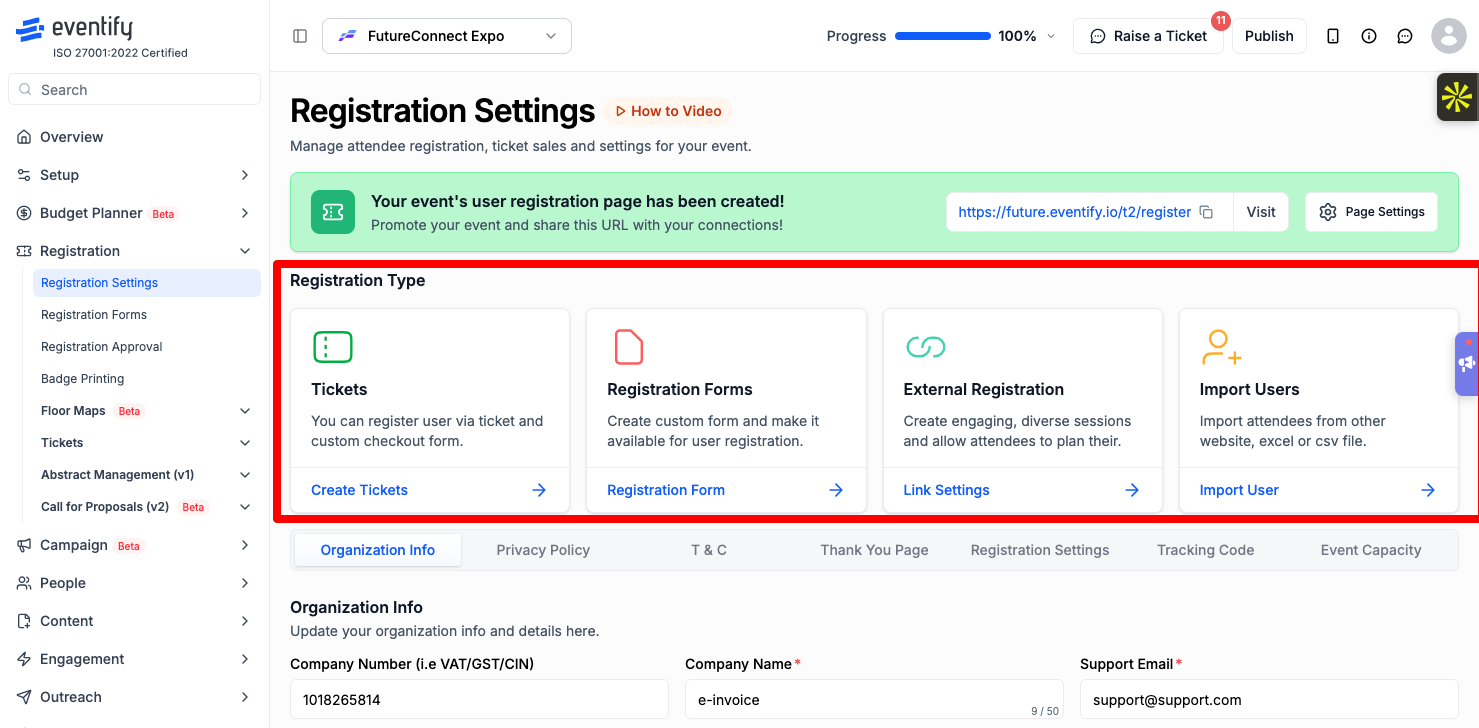
Registration Settings page showing the Tickets, Registration Forms, External Registration and Import Users options
No single system suits every event. Write down what your event needs, then check each system against this list.
1. Form builder
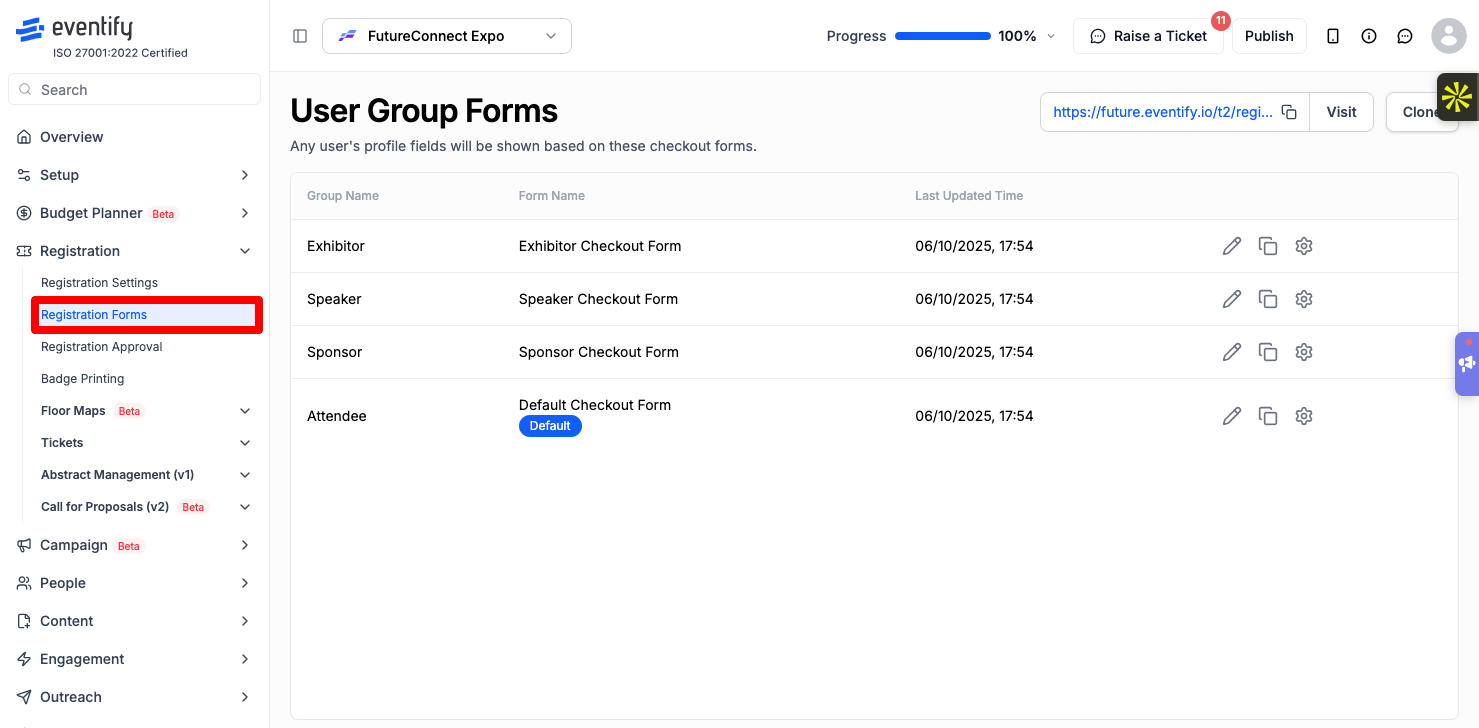
Can you add your own questions, make some required, and show questions based on earlier answers? Can different groups, such as speakers and exhibitors, get different forms? In Eventify: drag-and-drop fields, conditional questions, single page or step-by-step layout, and one form per user group. See How to Build an Event Registration Form on Eventify.
2. Tickets and payments
Can you sell paid tickets, offer free ones, set sale dates and capacity, and change the price over time? Which payment providers work in your country and currency? In Eventify: paid and free tickets, Single Tier or Multiple Tier pricing, and one connected payment gateway per event (Eventify, Stripe, or Razorpay in India). See How to Connect a Payment Gateway on Eventify.
.png)
3. Fees
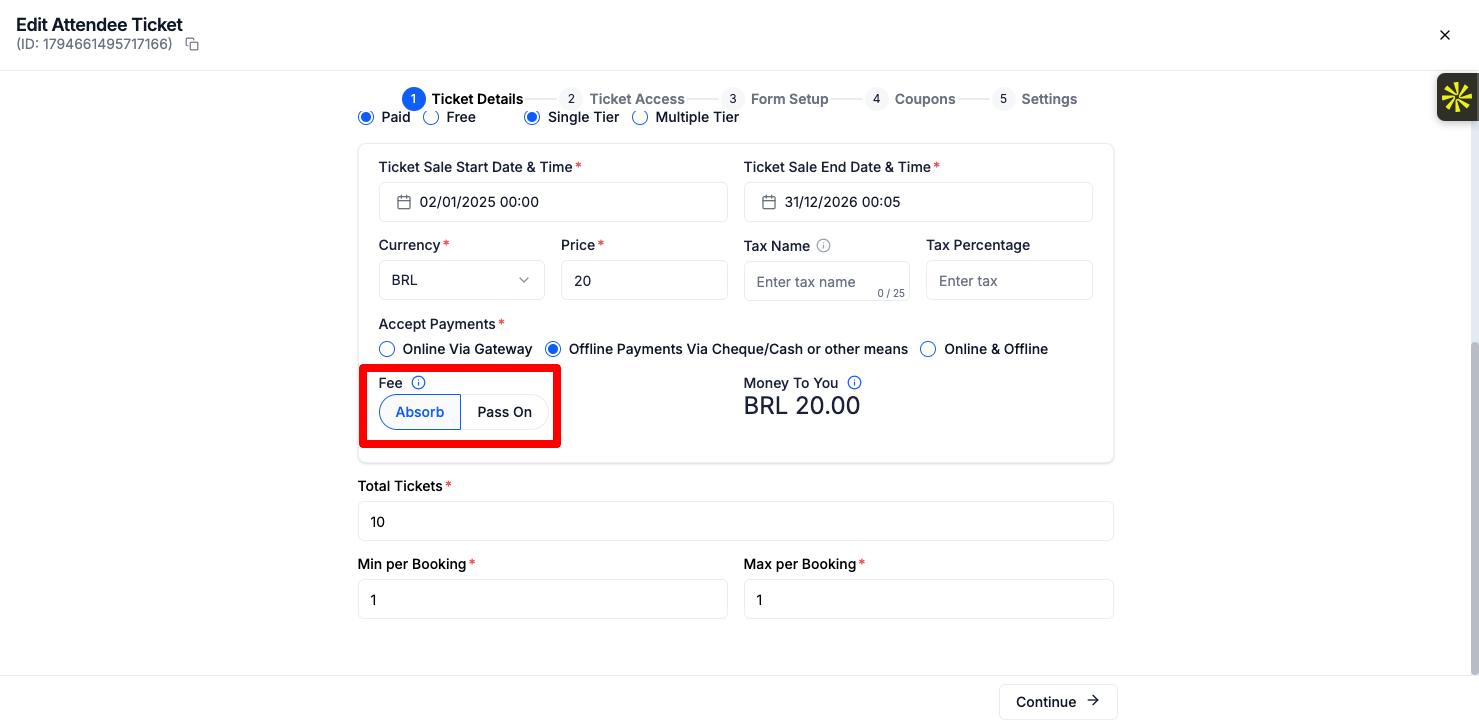
Who pays the platform and payment fees, you or the buyer? Can you see the breakdown before you publish a price? In Eventify: you choose to absorb or pass on the fees for each ticket. See How to Set Ticket Prices and Choose Who Pays the Fees.
4. Discounts
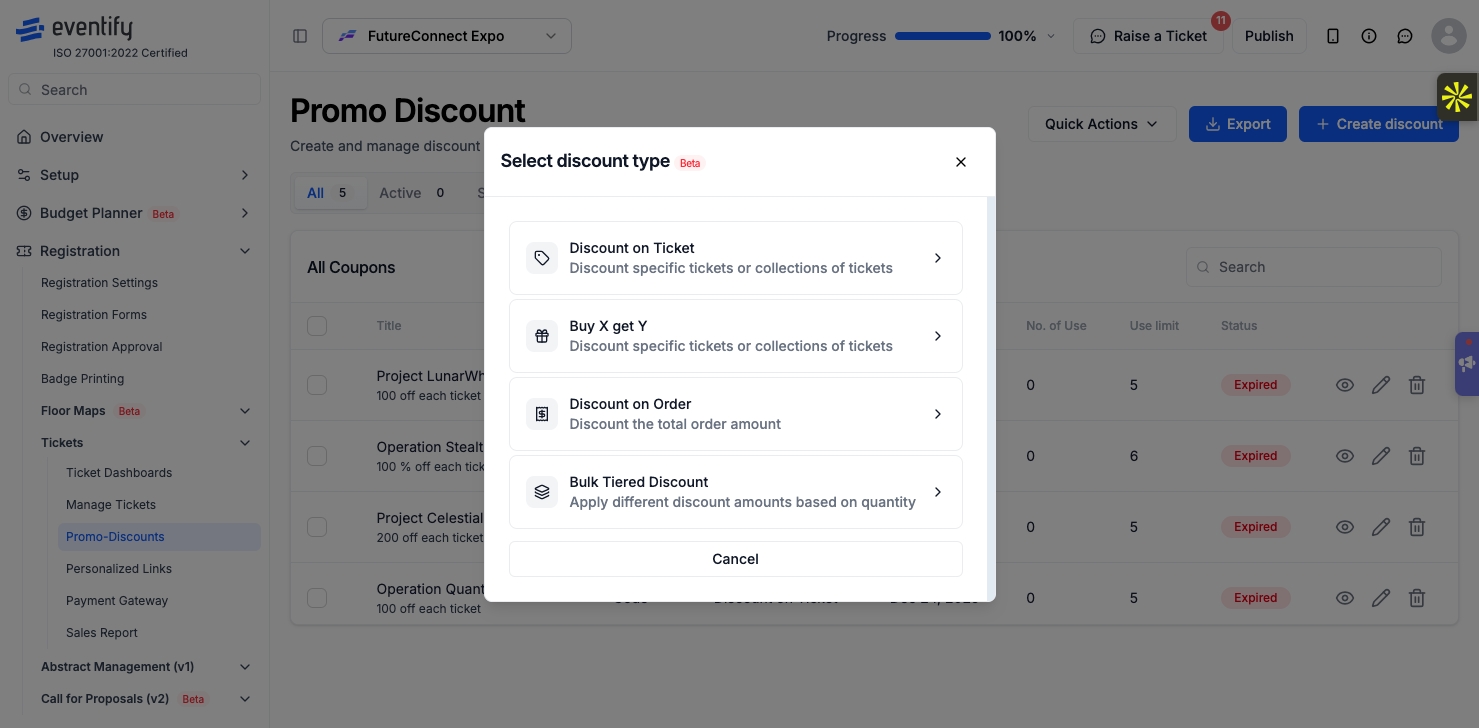
Can you run promo codes, group discounts and links that apply a code automatically? In Eventify: promo codes, Buy X Get Y, bulk tiered discounts and personalized links. See How to Create a Discount Coupon or Promo Code on Eventify.
5. Control over who gets in
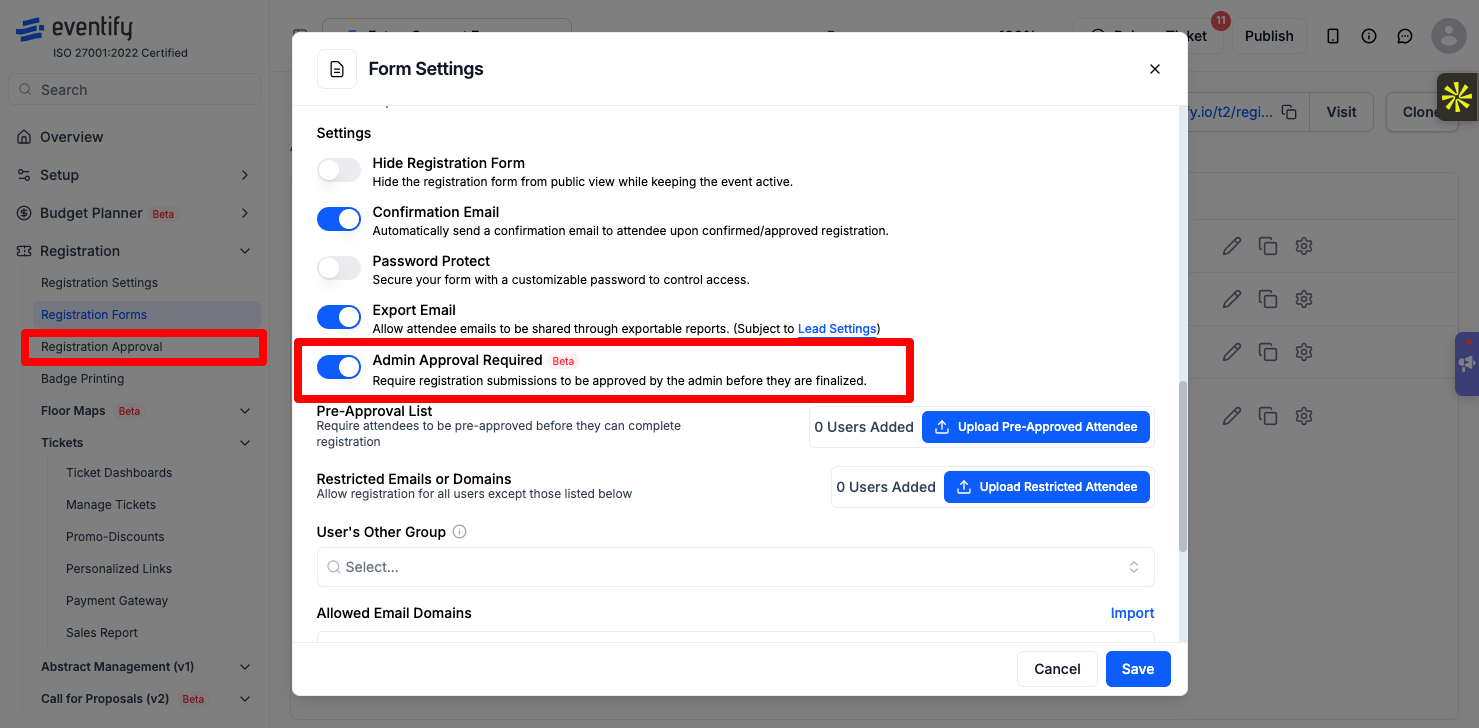
Can you approve sign-ups by hand, block certain email domains, close registration on a date, and run a waitlist? In Eventify: approval per form, registration date windows, event capacity and waitlists. See How to Manually Approve Event Registrations in Eventify.
6. Check-in and badges
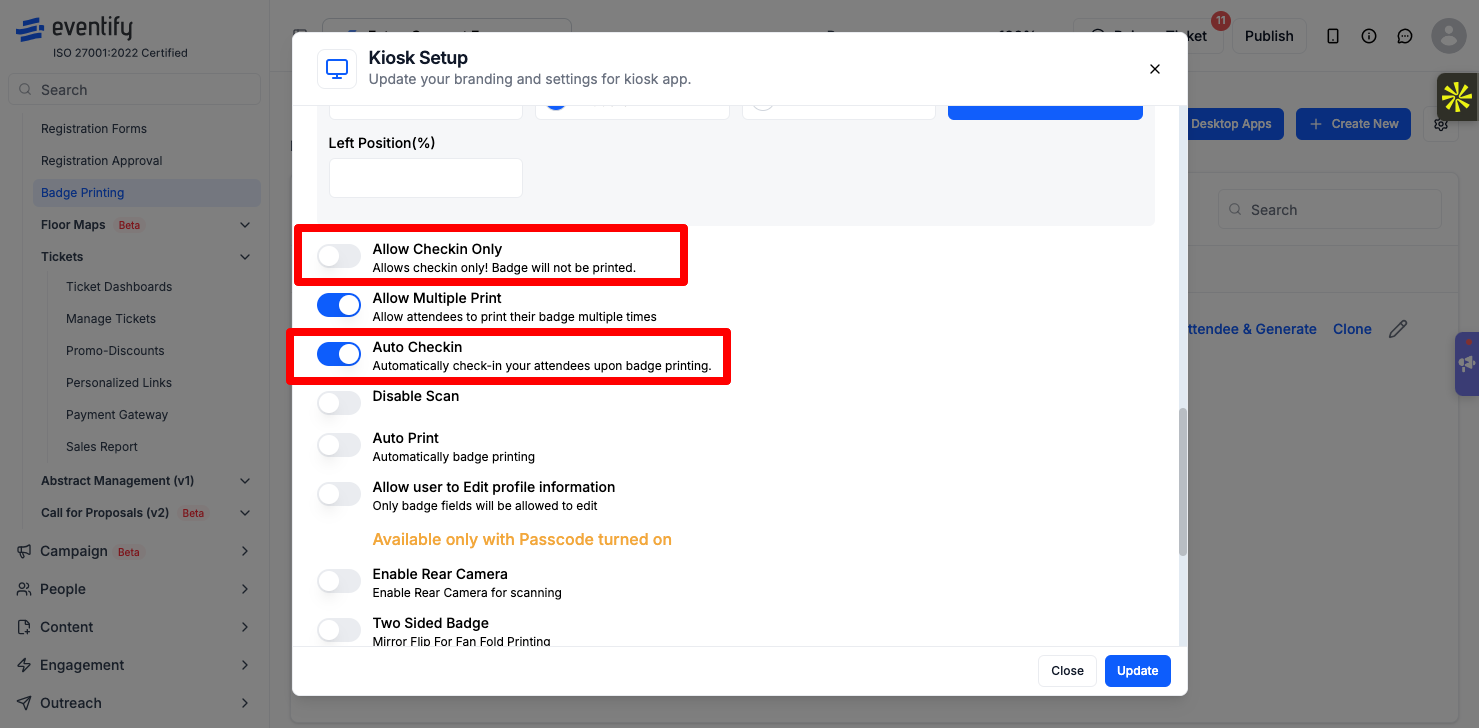
Does each attendee get a QR code? Can staff scan it on a phone, and can attendees check themselves in and print a badge? In Eventify: a personal QR code per attendee, check-in with the Eventify app, kiosk self check-in and badge printing. See How to Check In Attendees at Your Event.
7. What attendees get after they register
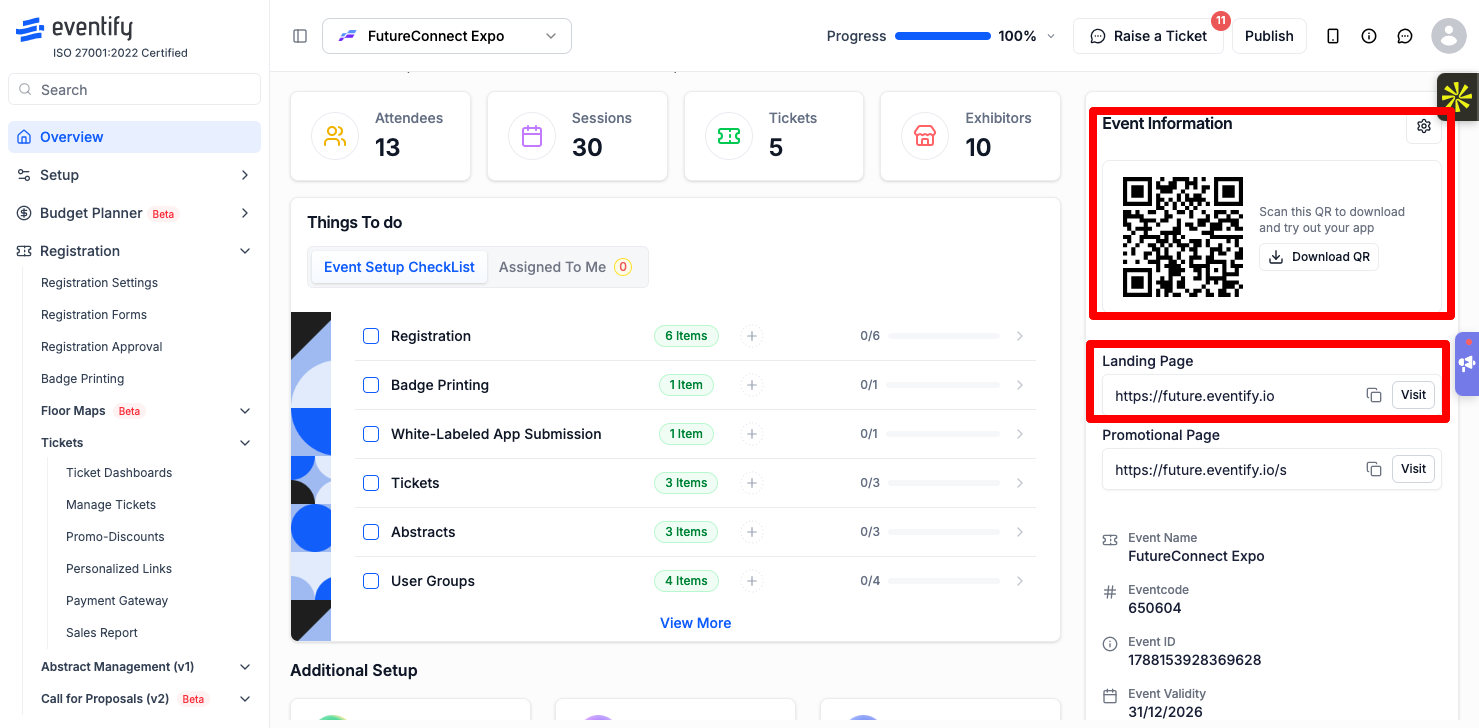
Is there an event app or portal with the agenda, networking and updates, or does registration end at the confirmation email? In Eventify: registered attendees log in to the event portal and the Eventify app.
8. Your website and tracking
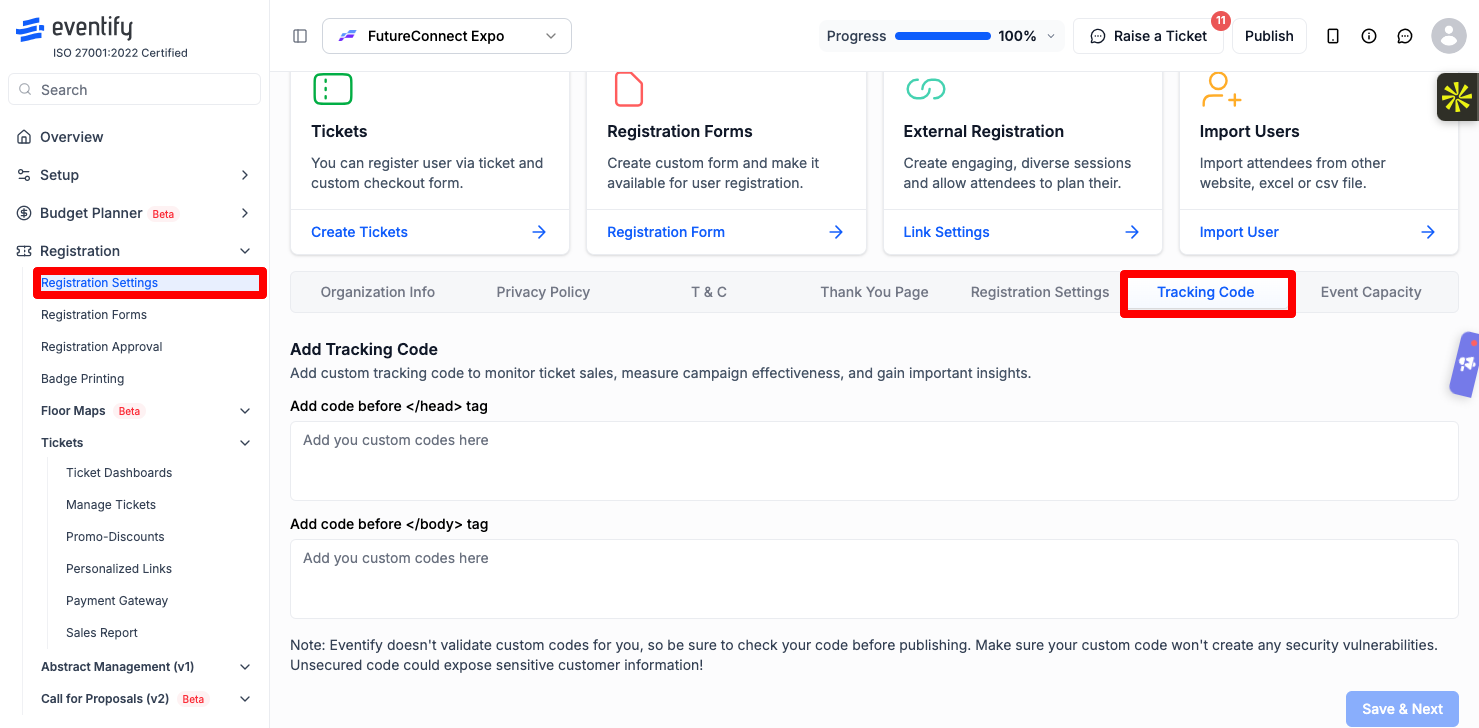
Can you embed the form on your own site, use your own domain, and measure sign-ups in your analytics? In Eventify: embed codes for forms and tickets, a custom domain on selected plans, and Google Analytics 4 or Google Tag Manager on the registration page. See Add Google Analytics 4 or Google Tag Manager to Your Registration Page.
9. Your data
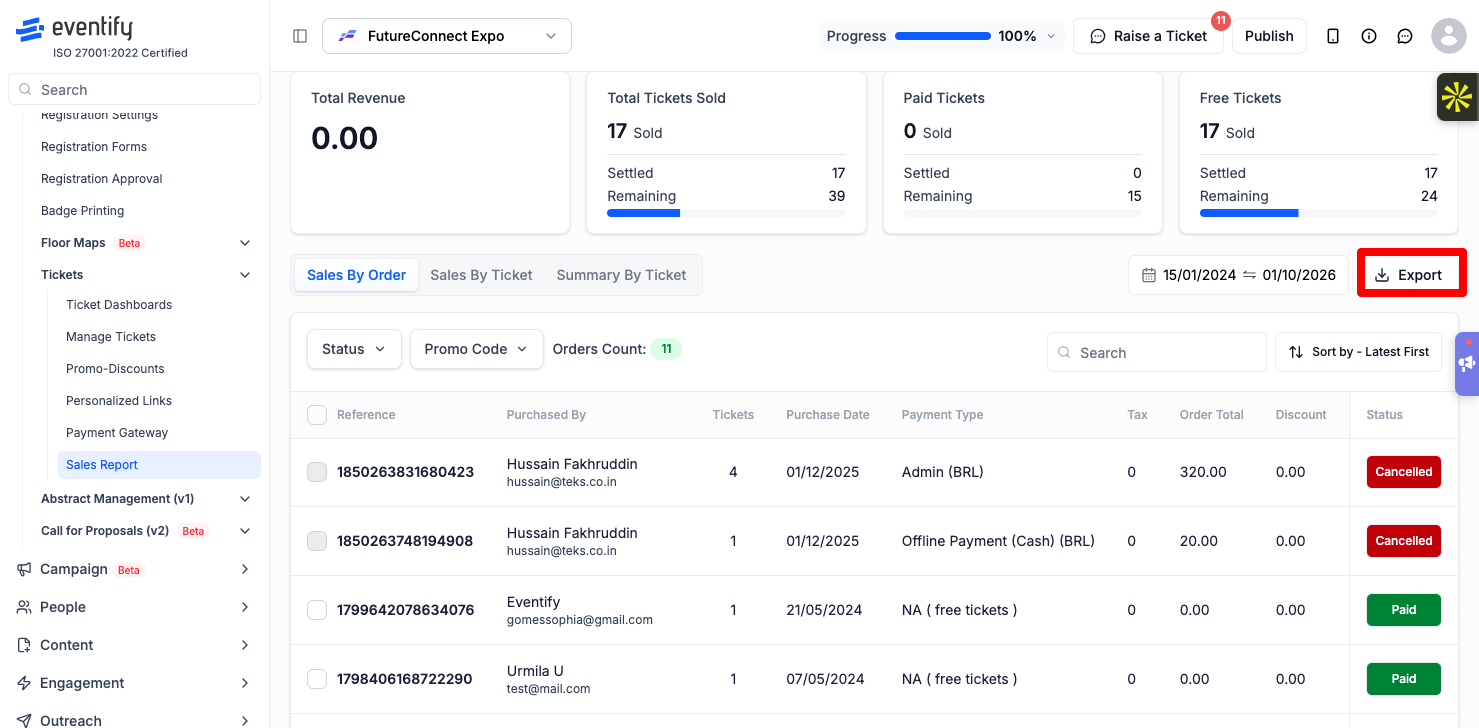
Can you export attendees, orders and reports whenever you want? In Eventify: export your attendee list and sales reports. See How to Export Your Attendee List to Excel.
A test registration on the registration page, from the form to the thank-you page
What is event registration software used for?
It collects sign-ups online, keeps one list of attendees, and usually sends confirmations. Many systems also handle tickets, payments and check-in.
What is event registration and ticketing software?
Software that handles both sign-up forms and tickets, including prices, payment and orders, so each attendee's details and ticket sit on one record.
Which event registration service is the best?
The best one is the one that meets your event's needs at a cost that works for you. Use the checklist above and test each option with a real registration before you decide.
Which event registration system should I use for a free event?
Look for a good form builder, confirmation, check-in and an attendee list you can export. In Eventify, free tickets and registration forms don't need a payment gateway.
Need more help? Contact Eventify support from the admin panel.
