
In this guide: Add your own Google Analytics 4 or Google Tag Manager container to your event's registration page using the Tracking Code settings, then let the built-in dataLayer feed your reports.
You can connect your own Google Analytics 4 (GA4) or Google Tag Manager (GTM) to your Eventify registration page to measure visits, understand where registrations come from, and report on conversions in your own analytics account.
Your registration page loads any tracking scripts you add through the Tracking Code settings for your event. As visitors move through registration, the page also pushes standardized events to the browser dataLayer, which your GTM container (or GA4) can read to build reports and conversions. You don't have to write any of that event code yourself. It is already sent for you.
We recommend using Google Tag Manager as a single container on the page, then managing GA4 and any other tags (ads, pixels, and so on) inside GTM. This keeps everything in one place and makes it easy to update tags later without changing your event settings again.
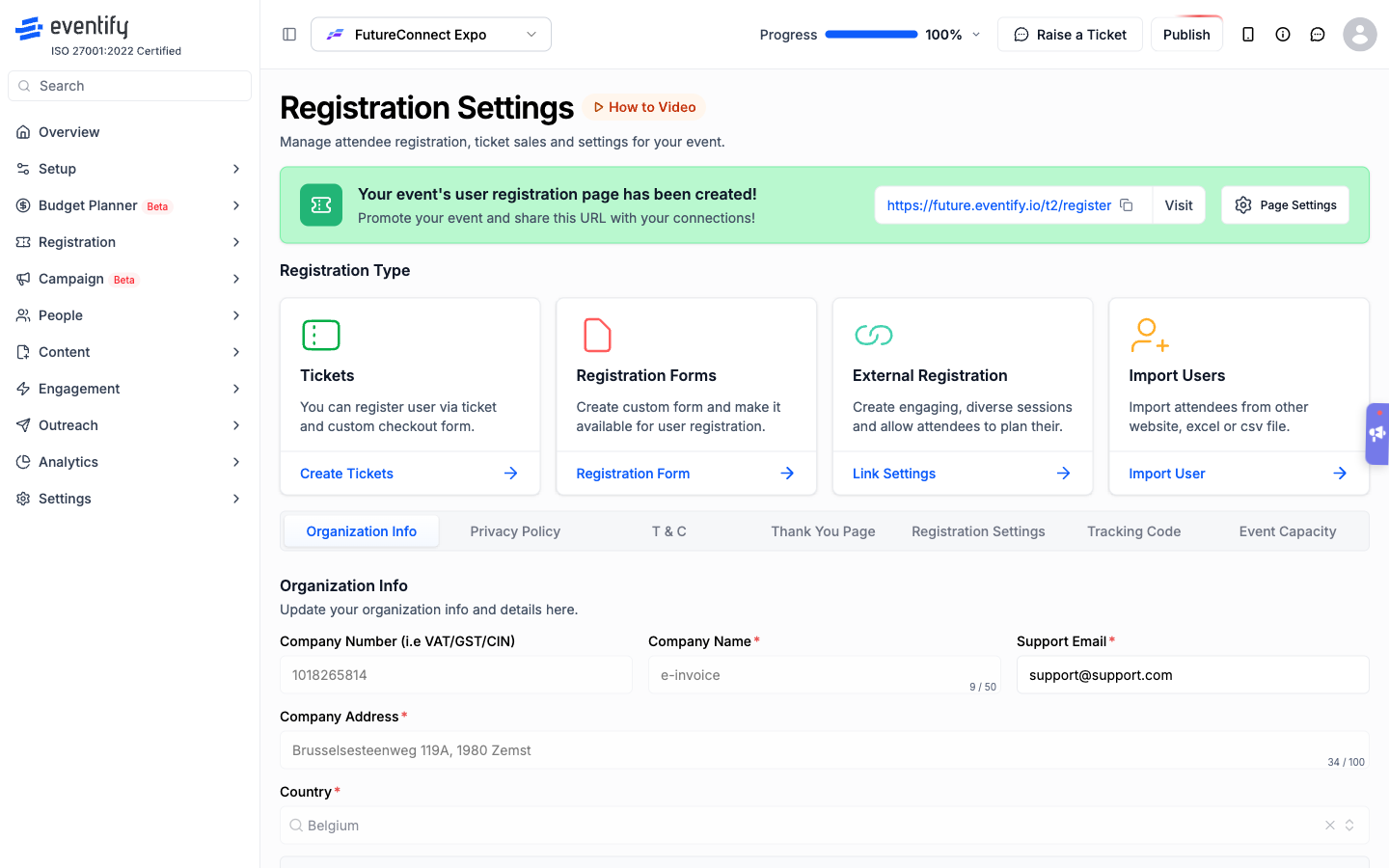
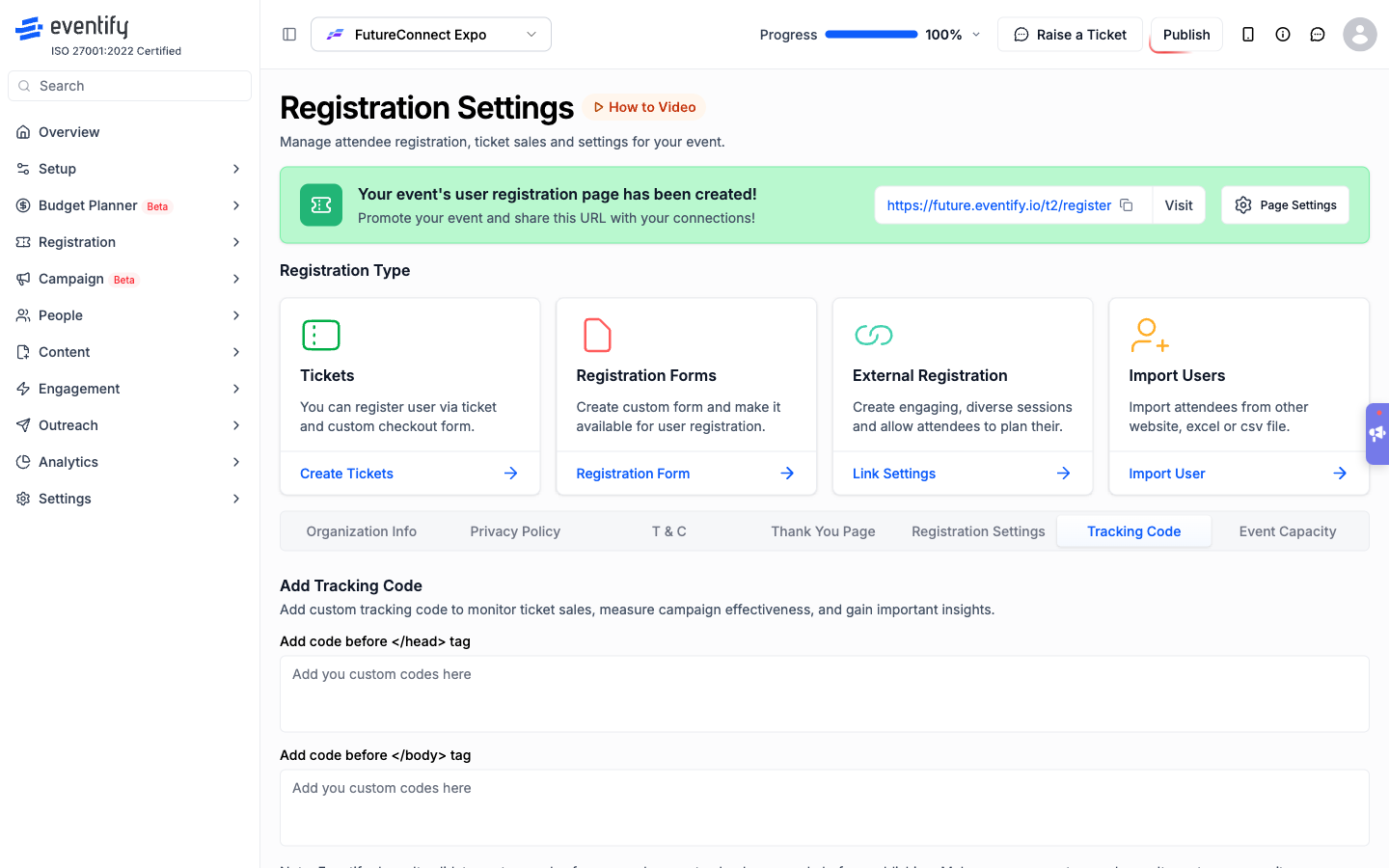
Note: custom code is added exactly as you paste it, so double-check your snippet before saving to make sure it is correct and safe.
Once your container is live, continue with “Understanding the dataLayer Events on Your Registration Pages” to see exactly what data is available for your tags.
Q: Do I need to add any event tracking code myself?
No. The registration flow already pushes events to the dataLayer. You only need to add your GTM or GA4 container and then build your tags against those events.
Q: Can I use GA4 without Google Tag Manager?
Yes. You can paste a GA4 gtag.js snippet directly into the Tracking Code fields. Using GTM is optional but makes managing multiple tags easier.
Q: Where do I confirm it is working?
Use GTM Preview mode or the Realtime report in GA4 while you open and navigate your registration page.
Q: Where do I paste my Google Tag Manager snippet?
In the Eventify Admin Panel, open Registration, Registration Settings, Tracking Code, and paste it into Add code before </head> tag. Then click Save.
