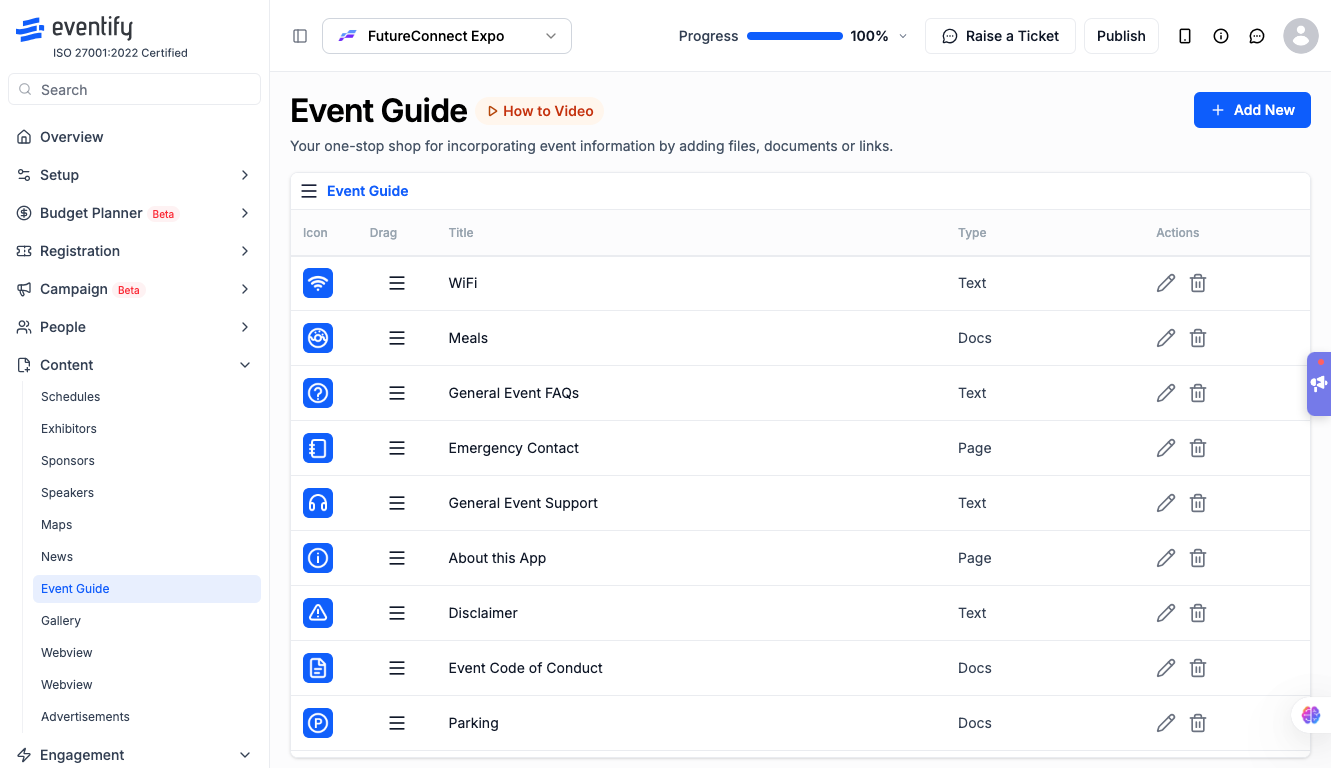
The Event Guide feature lets you publish helpful content for attendees — FAQs, venue details, policies, documents, and external links — all organized into categories. Guides publish instantly on save.
How to access: Event Dashboard > Content > Event Guide
Before You Start
Your event plan must include the Event Guide feature. If you are redirected to the Overview page when accessing Event Guide, your plan does not include it — contact your account manager to upgrade.
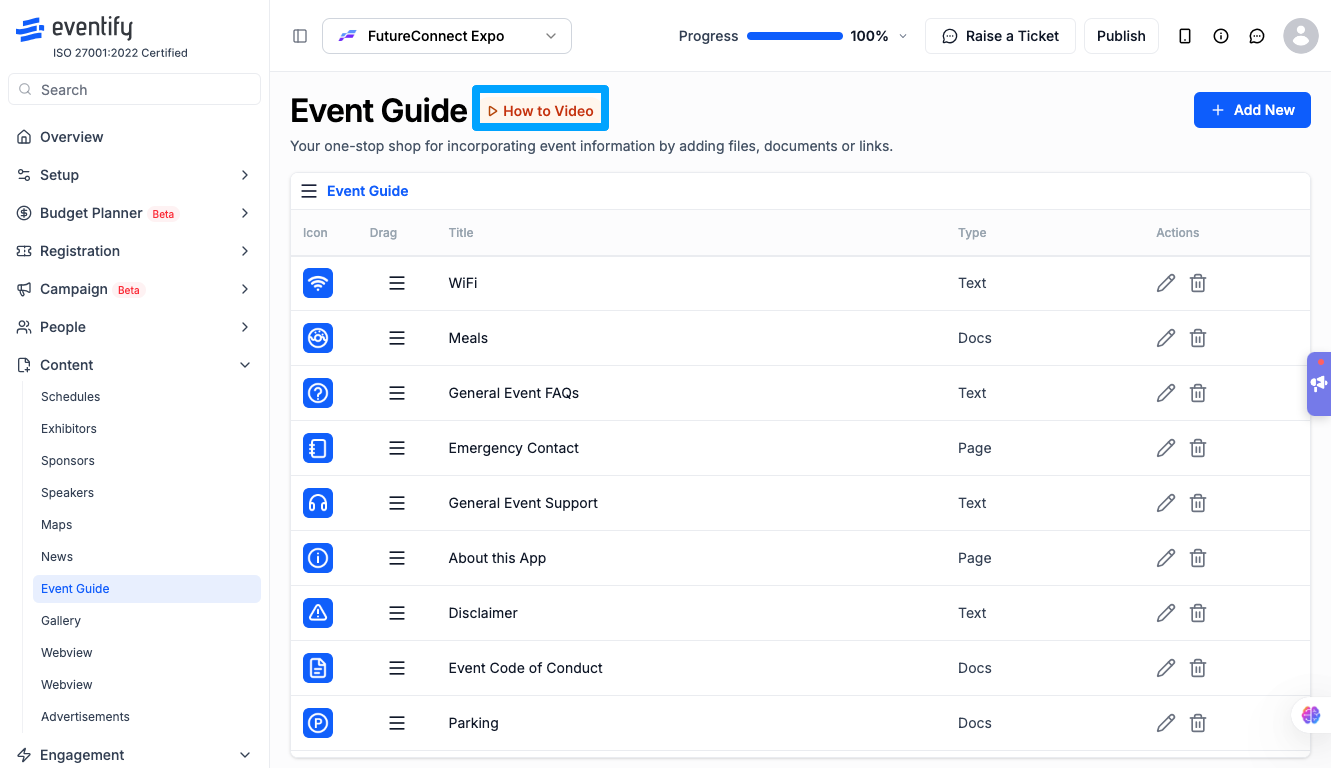
A built-in How to Video tutorial is available. Click the How to Video link next to the Event Guide heading to watch a walkthrough.
First-Time Setup Checklist
Go to Dashboard > Content > Event Guide.
Plan your category structure first — categories act as the navigation sections attendees use to find guides.
Click Add New to open the Add Event Guide modal.
Next to the Category dropdown, click Add a Category to create your first category. A dedicated modal opens — enter the category name and click Save.
Create your first guide by selecting the category, entering a title, choosing a content type (Text, Docs, or Page), and adding content.
Click Save — the guide publishes immediately.
Repeat for additional categories and guides.
Drag and drop categories and guides into your preferred display order.
What You See on the Event Guide Page
How to Video link: Opens a tutorial video explaining Event Guide.
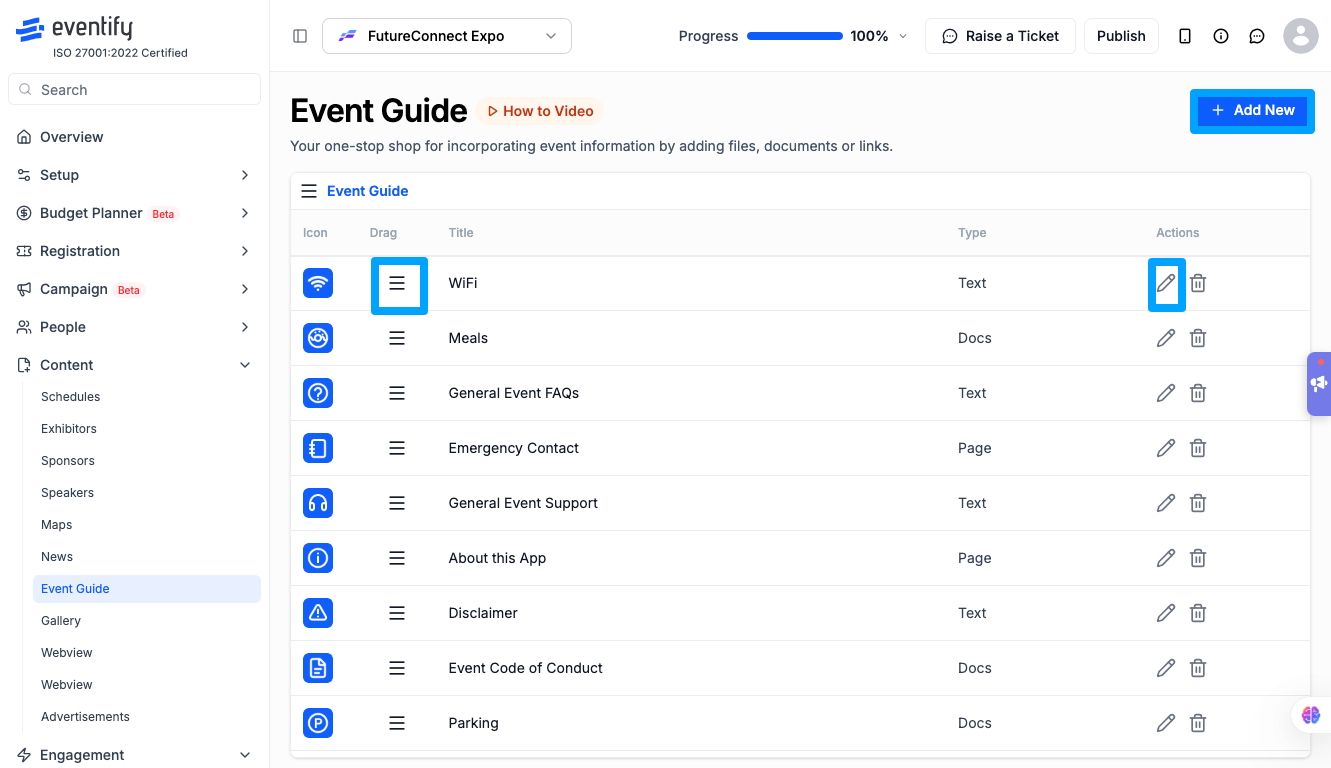
Add New button: Opens the Add Event Guide modal.
Category rows: Collapsible sections — click to expand/collapse and see guides inside.
Drag handles (=): On both categories and guide rows for reordering.
Edit icon (pencil): Opens the guide in edit mode.
Delete icon (trash): Deletes the guide permanently.
Loading state: A shimmer/skeleton animation appears while the guide list loads.
Empty state: If no guides exist yet, a "No Event Guide" message is displayed.
Frequently Asked Questions
Q: Can I collapse categories to keep the list tidy?
A: Yes. Click on a category row to collapse or expand it, showing or hiding the guides inside.
Q: What's the difference between the Text, Docs, and Page content types?
A: Text lets you write content directly in the editor. Docs lets you attach a downloadable document (like a PDF). Page links out to an external URL, such as a venue's website or a policy page.
Q: Do guides go live immediately, or do I need to publish the event separately?
A: Guides publish instantly as soon as you click Save — there's no separate publish step for the Event Guide feature itself.
Q: Can I edit a guide after it's published?
A: Yes. Click the edit (pencil) icon on any guide row to update its title, content, or category, then save your changes.
Q: What happens if I delete a category that still has guides in it?
A: Deleting a category removes it and its guides permanently, so move or delete the guides inside first if you want to keep them.
Q: Can attendees see empty categories?
A: A category with no guides inside will still show as a section, but it won't have any content to expand — it's best to add at least one guide before publishing a category.
Q: Can I reorder guides within a category without moving the whole category?
A: Yes. Drag handles work independently — you can reorder guides inside a category, or reorder categories themselves, without affecting the other.
Q: Why don't I see the Event Guide option in my dashboard?
A: This means your current event plan doesn't include the Event Guide feature. You'll be redirected to the Overview page instead — contact your account manager to upgrade your plan.