
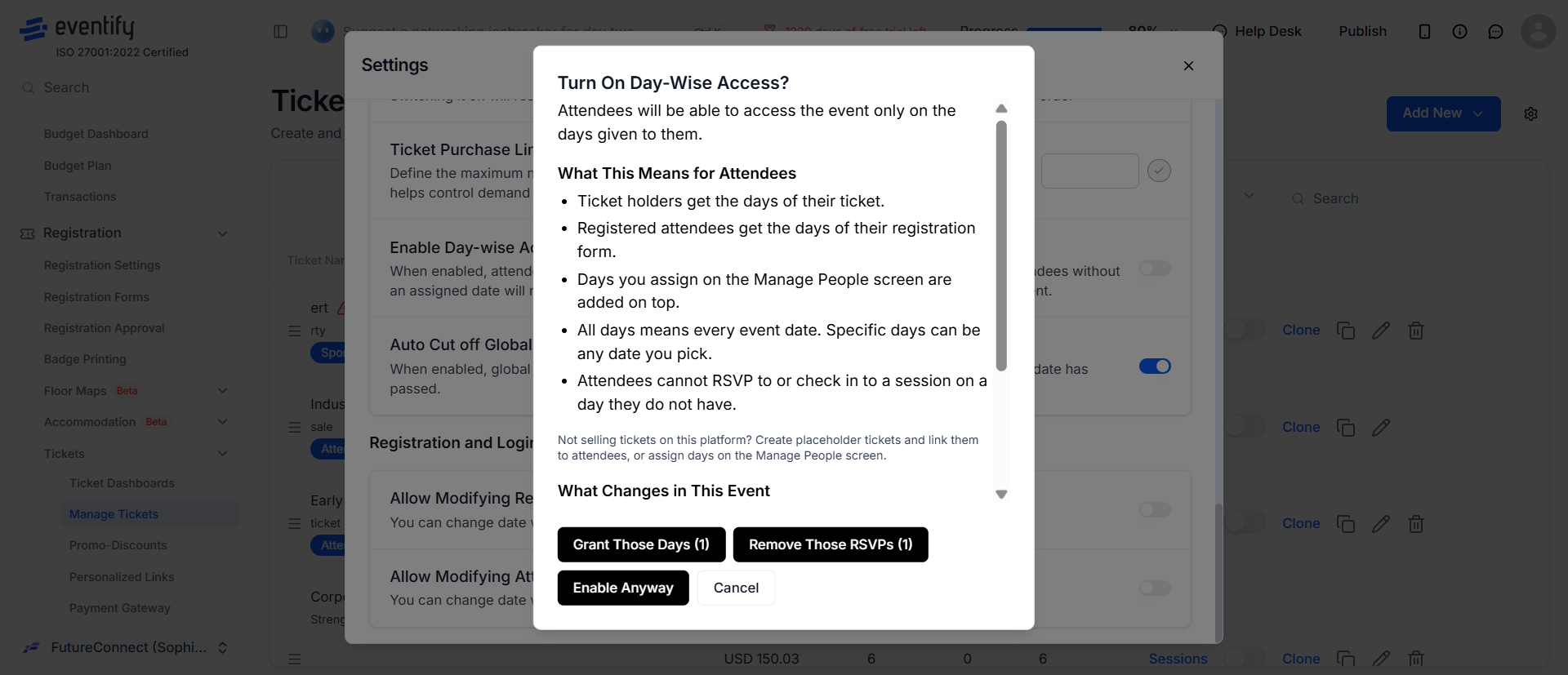
Registration form groups now support date-wise registration, the same way tickets already did. Once the feature is turned on in Ticket Settings, you choose which event dates each group can access in the registration form.
Anyone who registers in that group, or is added to it later, gets access to those dates automatically. No per-attendee setup is needed.
Not everyone attending an event needs the same dates. Volunteers, managers and admins often need access before the event starts, for example for an internal briefing or a setup session.
Example: your event runs from the 5th to the 10th. Attendees only need those six days, but your staff group may need to log in on the 3rd and 4th for briefings and setup. With date-wise registration on groups, you give the staff group the 3rd to the 10th and leave attendees on the 5th to the 10th.
Setup takes two parts: turn the feature on in Ticket Settings, then pick dates for each group in the registration form.
From now on, anyone who registers in the group, or is added to it by an admin, automatically gets access to the selected dates.
No. Date-wise registration still works on tickets. Groups now have the same option, so you can control dates by ticket, by group, or both.
They get the group's dates automatically, just like people who register into the group through the form.
Yes. This is the main use case: give staff, volunteers or managers access to pre-event days for briefings or setup, while regular attendees keep the main event dates.
Check that date-wise registration is turned on in Ticket Settings. The date options appear in the registration form only after it's enabled.
