
The News settings let you control whether the Featured News carousel is visible to attendees. This is accessed directly from the News management page.
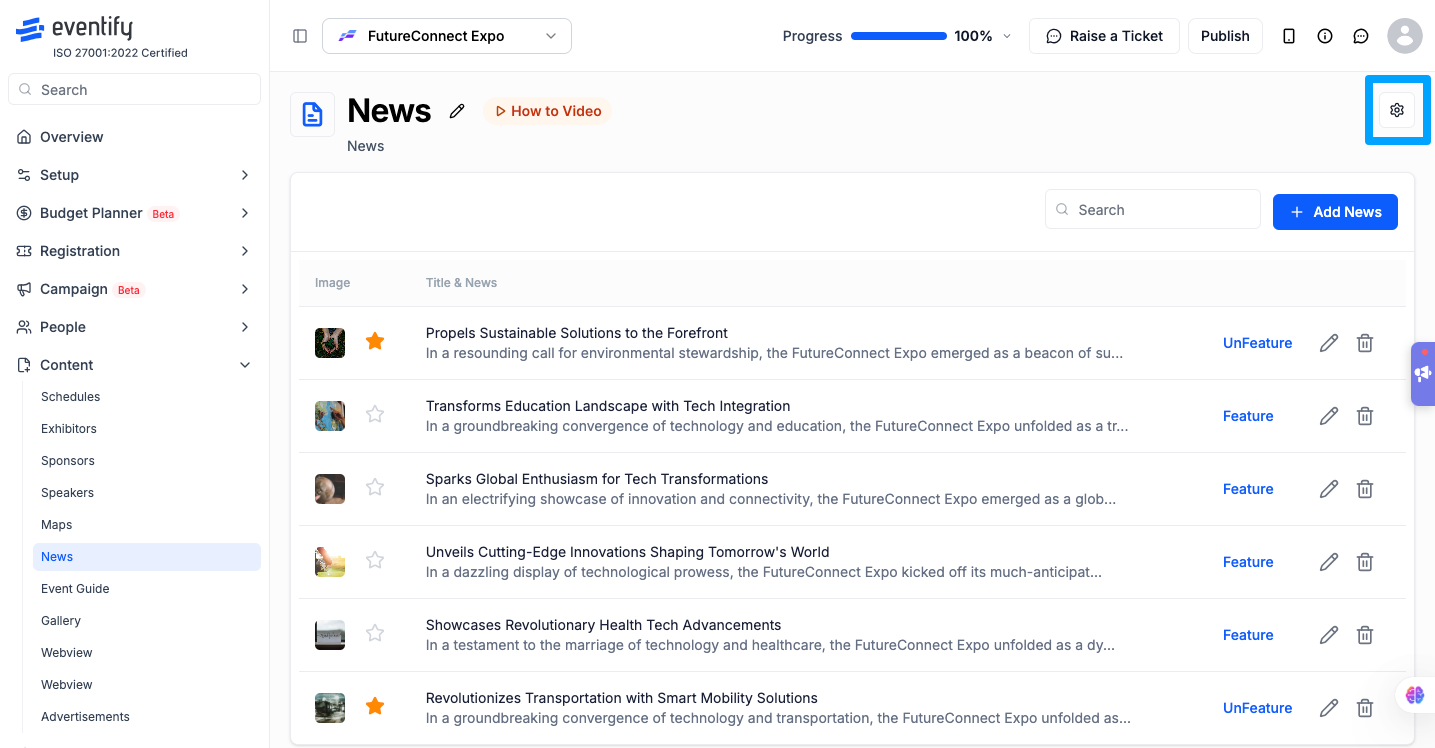
This setting controls whether the featured carousel section appears in the attendee news feed.
Featured News — Shows the featured carousel at the top of the news feed. Enables the Star icon, Feature/UnFeature button, and the drag-and-drop carousel in the admin panel.
Don't Featured — Hides the featured carousel entirely. Articles already marked as featured retain their status internally.
.png)
When set to "Featured News":
When set to "Don't Featured":
A: Go to Dashboard > Content > News and click the gear icon in the top-right corner.
A: No. Articles retain their featured status internally. Switching back to "Featured News" restores them in the carousel.
A: Yes. The Featured News setting can be accessed either from the gear icon on the News page or from the Event Settings page.
