Admins can send the Welcome Email from the Admin Panel by navigating to:
People > Manage Attendees
From this section, admins can choose to:
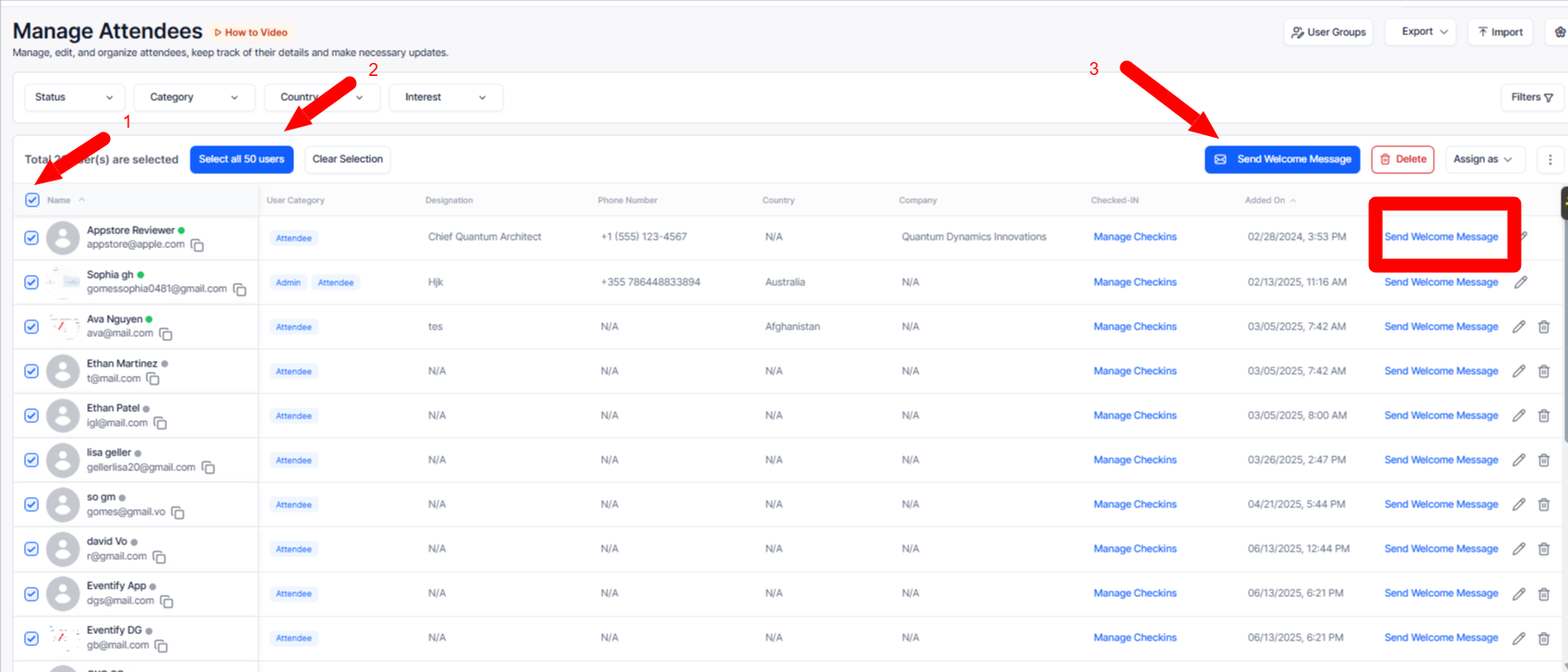
The Welcome Email is used to confirm that users have successfully signed up for the event. The email includes:
Once attendees receive the Welcome Email, they can download the app using the App Store or Play Store links provided in the email.
After installing the app:
- Open the app
- Search for the event

- Enter the registered email address
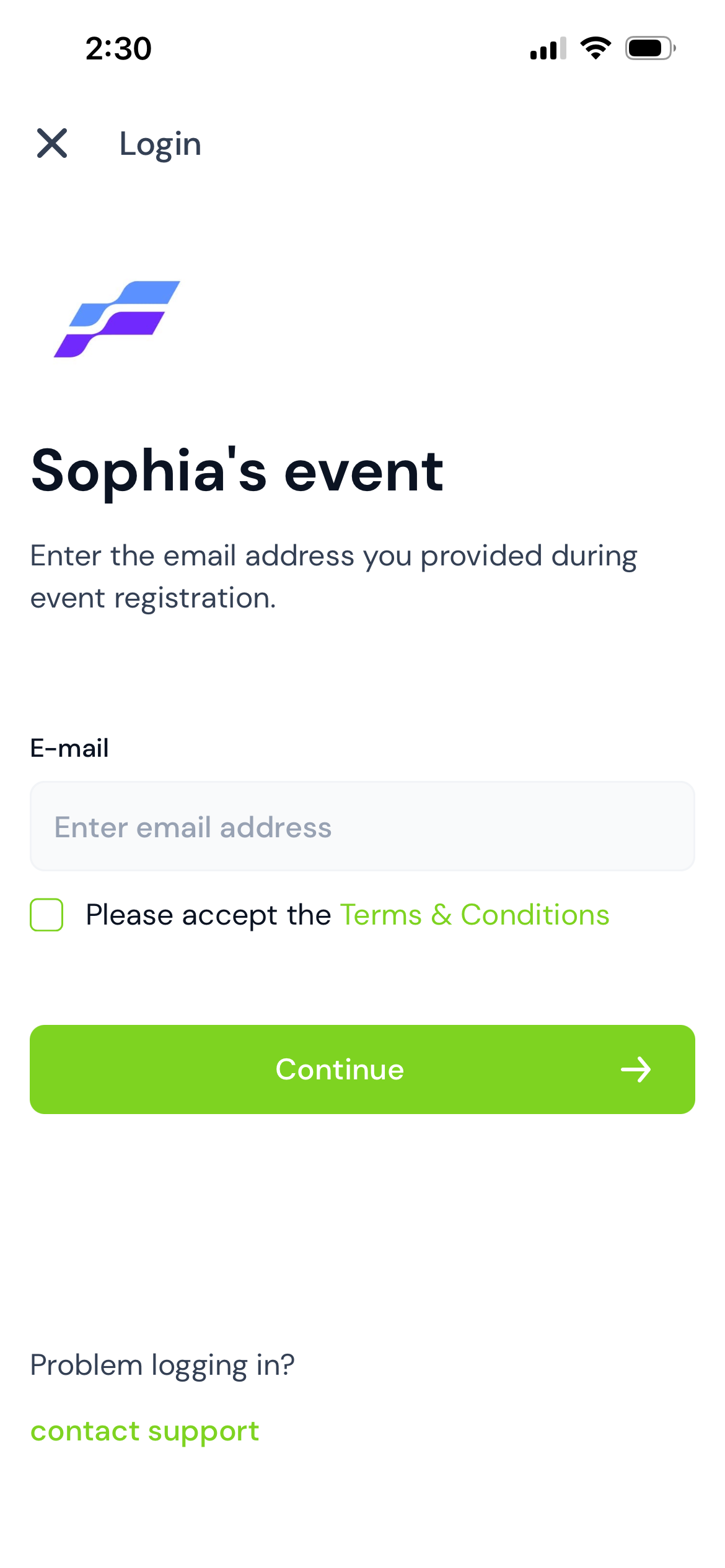
- Click Continue
The attendee will automatically receive a Login Email containing their passcode.
Note: The passcode is also included in the original Welcome Email.
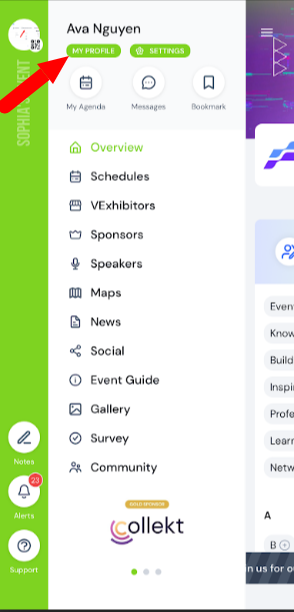
Attendees can update their profile information at any time by following these steps: