
Use these steps to set up your event website's global settings, add custom code, connect a custom domain, and preview and publish your site from the Eventify Website Builder.
⚠️ Early beta: The Website Builder is currently in early beta. Some features are still being polished and occasional glitches are expected. If something doesn’t behave as described here, refresh and try again, or contact support — and thanks for your patience while we improve it.
This article covers your site's global settings, injecting custom code, connecting a custom domain, previewing your work, and publishing it live — plus how saving and version history keep your work safe.
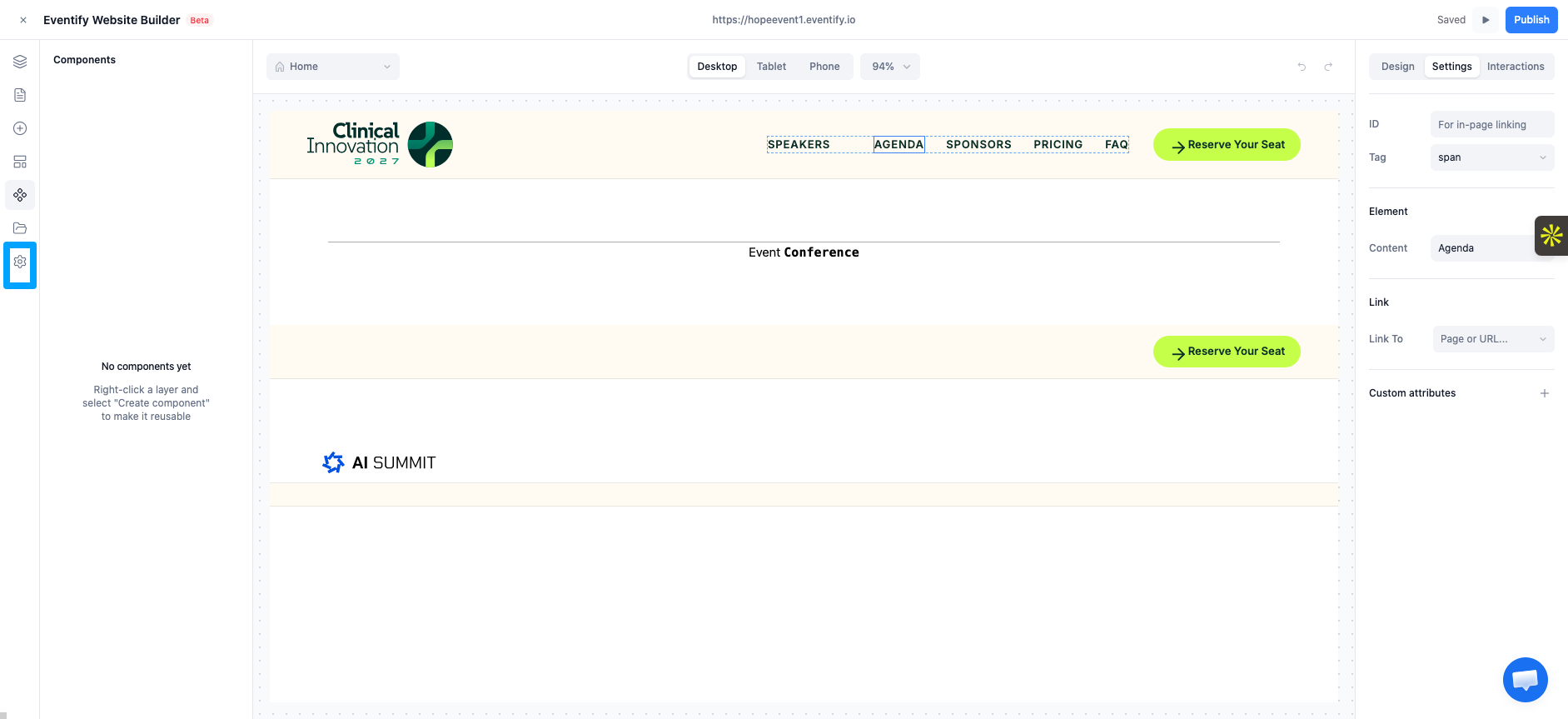
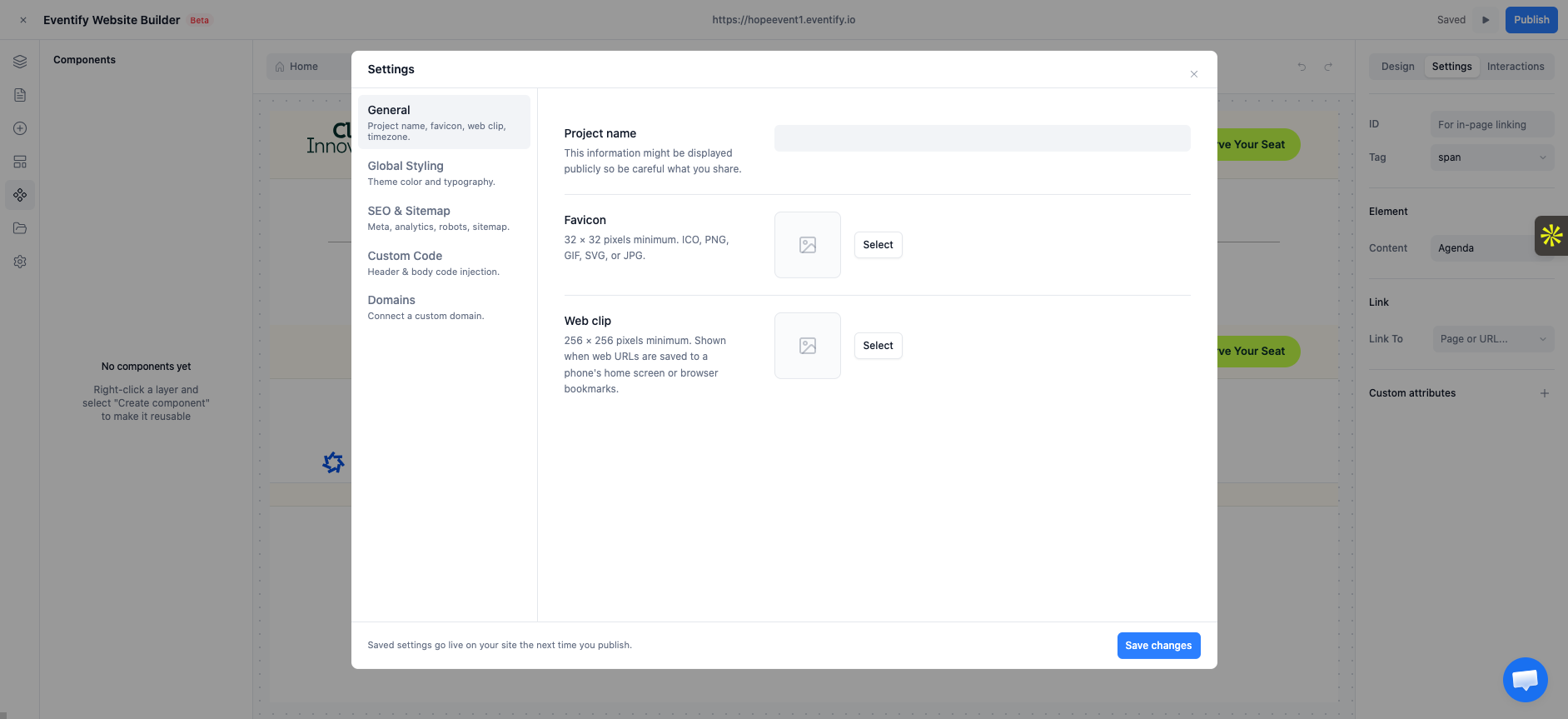
Open Settings (the gear icon in the left sidebar). The general section controls site‑wide basics:
For site‑wide theme color and fonts, see Global theme settings.
For advanced needs (analytics, tracking pixels, custom fonts or scripts), you can inject code. This is optional — most sites never need it.
<meta>, <style>, and analytics snippets) or the Body (for end‑of‑page scripts like tracking pixels).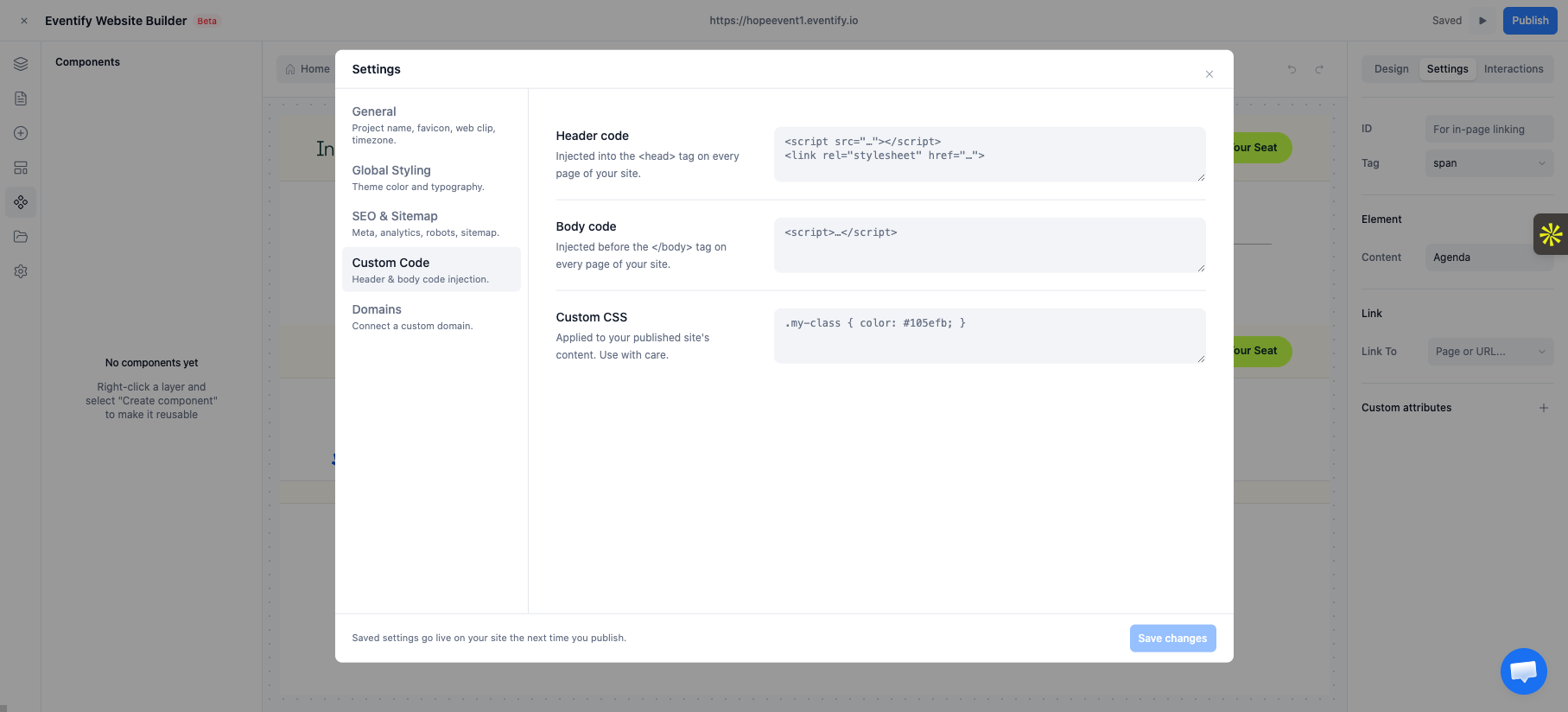
Caution: Custom code runs on your live site exactly as written. Add code only from sources you trust, and preview before publishing.
By default your site is served on an Eventify address (for example your-event.eventify.io). To use your own domain:
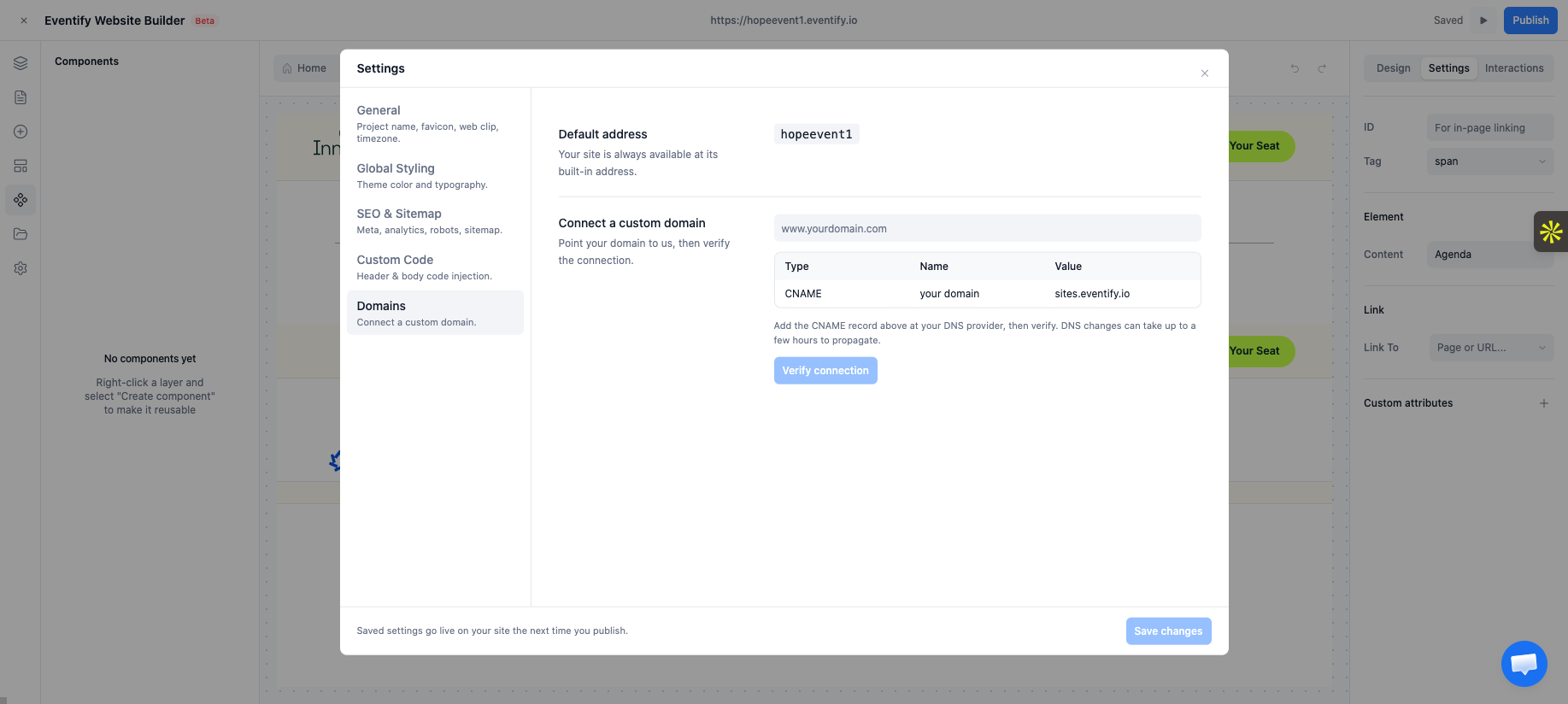
DNS changes can take some time to take effect (from minutes up to a day depending on your provider).
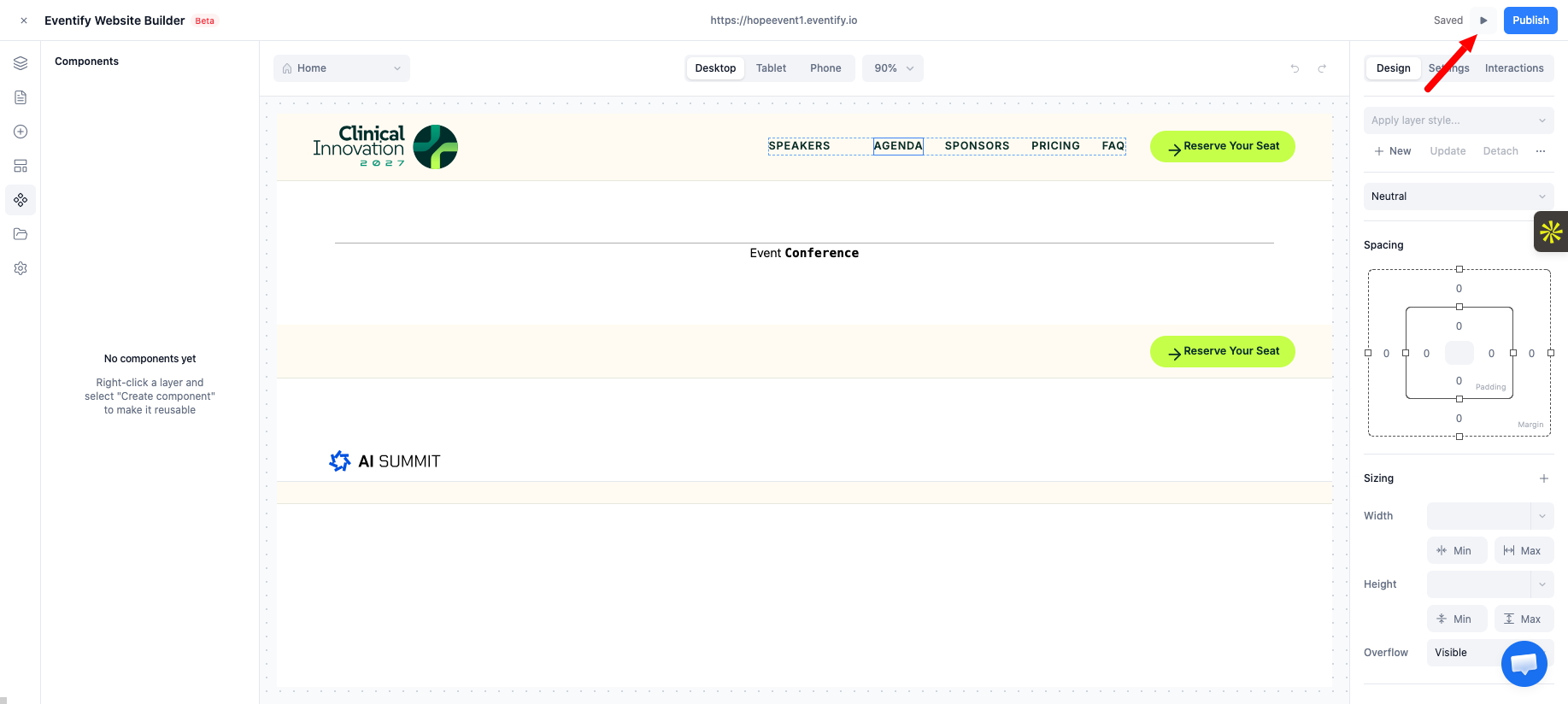
Before publishing, preview to see exactly what visitors will see.
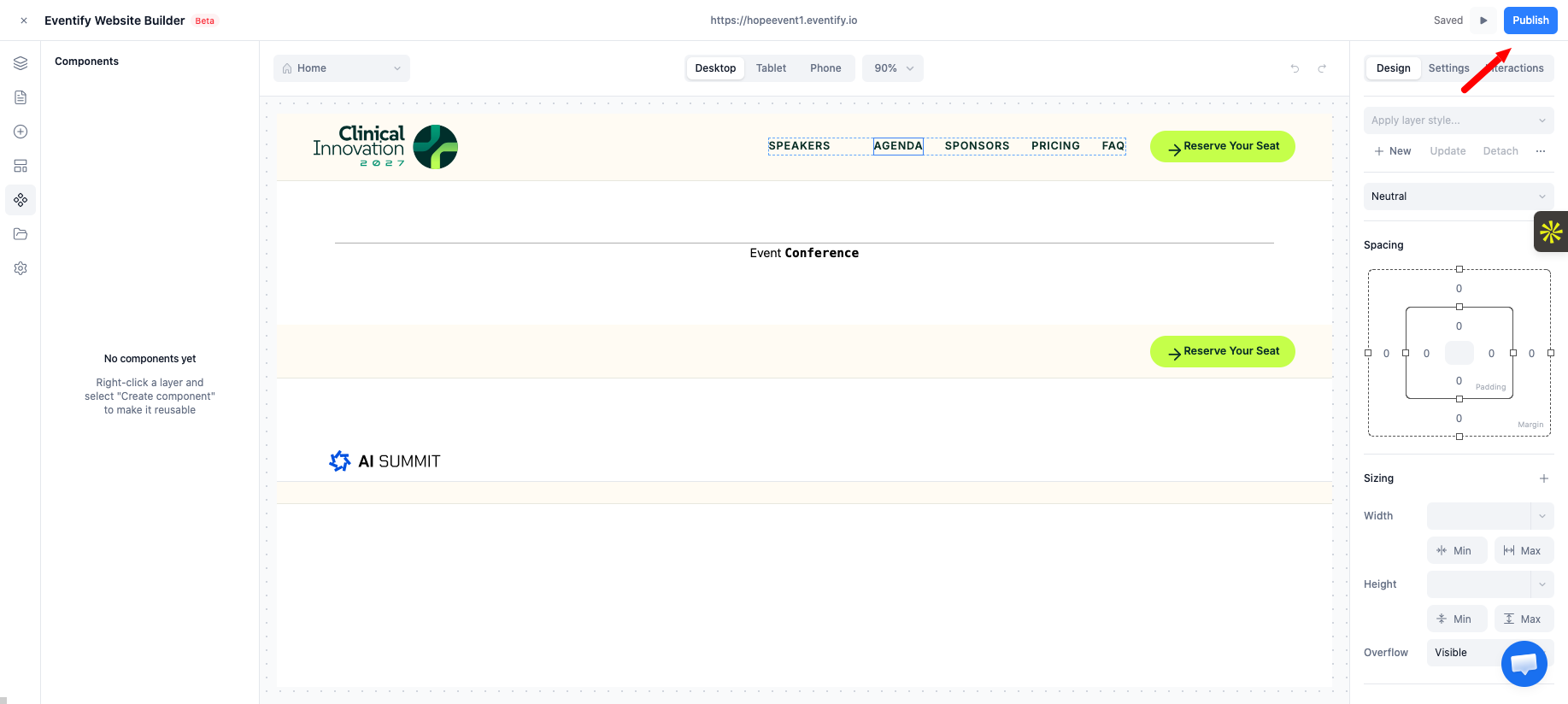
Publishing pushes your latest work to the live, public site. Until you publish, visitors don't see your changes — even after they're saved in the editor.
Revert: If you want to discard unpublished changes and return to the last‑published version, use Revert in the same panel.
Remember: Save ≠ Publish. Saving stores your work in the editor; Publishing is what updates the live site. If your changes aren't showing online, the most common reason is that you haven't published — see Troubleshooting & FAQ.
Your work is protected in several ways:
The Saved indicator means your edits are stored in the editor. To update what the public sees, you still need to Publish.
Saving only stores your work in the editor. Click Publish (or Update) to push the latest version to the live site.
DNS changes can take from minutes up to a day, depending on your provider. The site must also be published at least once.
Yes. Use Revert in the Publish panel to return to the last published version.
