


Introduction
Keeping track of who attended your conference, how long they stayed, the activities they participated in, the sessions they joined and how they engaged is necessary because it helps you prove ROI spend to your stakeholders. However, many organisers find it overwhelming to keep track. They deal with gaps in the registration and ticketing system that make it difficult to track how attendees engage.
The truth is that modern conferences are powered by data. Without reliable and accurate data, it's difficult to find areas of improvement for future events. But there's some good news. There are digital tools that make it possible to track attendees at your conference in a faster and more insightful manner. In this article, we will explore what event attendee tracking means, a step-by-step guide to doing it and the five top digital tools that modern event organisers use to track attendance at their conferences.
What is Event Attendance Tracking?
Event attendance tracking is the systematic process of monitoring who attends your events, when they arrive/leave, which sessions they attend, and how they engage with different sessions, activities and exhibitors (if there are any). It is the bedrock of measuring event success, proving ROI to partners and sponsors and improving the agendas for your future events. It provides accurate insights into attendee behaviour and participation which helps you improve your conference all-round.
It is worth noting that attendance tracking is different across formats: virtual events use login data and digital footprints, in-person events employ tools like RFID or badge scans, while hybrid events combine both. Regardless of the event format you adopt, attendance tracking ensures your decisions are backed by real data, not guesswork.
Benefits of Attendance Tracking for Conference/Event
Effective attendance tracking is the shortest cut to improve the quality, profitability and impact of any event. The insights it provides into attendee behaviour help event organisers make sharper decisions about budget, attendee experience, speaker selection, etc. Below are five benefits of attendance tracking;
.jpg)
1- Proves Event ROI
ROI is one of the highest metrics sponsors, partners and other stakeholders care about. It proves the value of your event, and it is obtained from concrete data on dwell time, participation levels, session attendance, booth visits, etc. For instance, if 90% of attendees attend a keynote speech, then you can show this directly to justify speaker costs. As such, you are able to track measurable outcomes.
2- Improves Event Agenda
Attendance tracking provides insights that you can use to improve your sessions. It helps you know which sessions attendees love and the sessions that underperform. For instance, if sessions focused on specific skills or knowledge attract higher turnout than general-interest sessions, you know which to focus on in future events. In short, this increases retention and attendee satisfaction.
3- Streamlines Check-ins
Attendance tracking systems such as badge check-ins, badge printing, RFID, badge scans, etc. remove manual errors and unnecessary delays. They give you real-time information on attendee flow, so you can solve potential bottlenecks before they become an issue. For instance, if 80% of attendees arrive within 40 minutes of starting the event, tracking alerts you to allocate more staff to registration to control traffic. This proactive approach sets a positive tone for the conference.
4- Enhances Attendee Experience
Tracking helps you know where attendees spend most of their time, how they participate, who drops off and who engages. As such, you can tweak the event experience even before the event is over. For example, if you find attendees not participating as they should, you can send tailored messages to guide them to sessions and increase turnout rates. This leads to a more curated event experience that keeps attendees coming back.
5- Supports Post-Event Analytics
The beauty of events is that they improve year after year, and attendance data makes this possible. Tracking provides a detailed record at every point in the event, including session demand, first-time attendees, returning attendees, etc. These insights help you adjust the event budget, experience and marketing strategy accordingly. Sponsors also love detailed post-event analytics, as it proves their investment.
Methods to Track Event/Conference Attendance
There are different ways to track event/conference attendance for in-person, virtual and hybrid formats. Each method varies in accuracy, cost and scalability. Below are some effective methods to track attendance, how complex and scalable they are, and the event format they are best suited for.

1- QR Code Check-In
This involves attendees scanning printed or digital codes for verification.
Features:
- Cost: Low
- Complexity: Simple to deploy
- Scalability: Works for any event size
- Data depth: Moderate
- Best for: In-person and hybrid events
2- RFID Badge Scanning
This method uses radio frequency chips to track attendee movement across sessions.
Features:
- Cost: Medium
- Complexity: Requires hardware setup
- Scalability: Works for any event size
- Data depth: High
- Best for: In-person events
3- Mobile App Check-Ins
This enables attendees to check in and track sessions using an event app on their mobile phones.
Features:
- Cost: Moderate
- Complexity: Requires an event app
- Scalability: High
- Data depth: High
- Best for: Hybrid events
4- Facial Recognition System
This method uses AI-powered cameras to verify attendees’ identities:
Features:
- Cost: High
- Complexity: Highly technical
- Scalability: Excellent
- Data depth: Very high
- Best for: In-person events
5- NFC Wristbands
This involves using near-field communication-enabled wristbands for tap-to-check-in tracking and data collection.
Features:
- Cost: Medium
- Complexity: Simple to deploy
- Scalability: Works for any event size
- Data depth: High
- Best for: In-person events
6- Manual Check-Ins
This involves attendees using tablets and laptops, which are handled by the staff, at the entry point to confirm attendance.
Features:
- Cost: Low
- Complexity: Simple to use
- Scalability: Moderate
- Data depth: Basic
- Best for: In-person and hybrid events
7- WiFi Tracking
This involves monitoring devices connected to the event network to track attendees’ movement.
Features:
- Cost: Low
- Complexity: Medium
- Scalability: High
- Data depth: Moderate to high
- Best for: In-person and hybrid events.
8- Session Scanning Kiosks
These are self-serving kiosks at event entrances to confirm registration without staff support.
Features:
- Cost: Medium
- Complexity: Moderate
- Scalability: High
- Data depth: High
- Best for: In-person events
9- Bluetooth Beacons
Beacons automatically detect attendees’ devices to track movement across event sessions.
Features:
- Cost: Medium to high
- Complexity: Medium
- Scalability: High
- Data depth: High
- Best for: In-person events
10- QR-enabled Seats
This involves unique individual codes placed on individual seats in session rooms. Attendees scan the QR codes when they sit.
Features:
- Cost: Low
- Complexity: Low
- Scalability: Works for small to mid-sized events
- Data depth: Medium
- Best for: In-person and hybrid events
Step-by-Step Guide for Tracking Event Attendance
Effective attendance tracking isn't just about knowing the number of attendees, but also understanding how, why, where, when and what they engaged. This is why event organisers need a structured framework that works across different event formats to track event attendance. Without a clear structure, the process becomes chaotic and valuable information is lost.
Below is a step-by-step guide that offers a repeatable, practical approach that can be adopted for any event format and size. Each step also highlights a potential challenge and provides a solution to track your event attendance accurately.
.jpg)
1- Set clear tracking objectives
Define the exact metrics you want to track: attendance, dwell time, check-ins, networking, etc. This ensures you use the right tools and avoid collecting irrelevant data.
Challenge: Event organisers often want to track everything, leading to confusion.
Solution: Select 3-5 core metrics aligned with your event goals as your tracking objectives.
2- Use the right method
Your method must suit your tracking objectives and the event format. For instance, Bluetooth and NFC work with large events, QR codes work for in-person events while virtual events leverage event platform analytics.
Challenge: More often than not, organisers select tools based on cost and not suitability. This can affect data quality.
Solution: Consider event type, tracking objectives and turnout before selecting a method.
3- Communicate the process
To ensure a smooth process, tell attendees how the tracking will work. Will you be providing NFC badges or will they have to scan QR codes? Are you relying on the event platform analytics or mobile app check-ins? Clear communication ensures compliance.
Challenge: Despite prior communication, some attendees ignore or skip important instructions.
Solution: Use emails notifications, mobile notifications and onsite signage to convey important information.
4- Ensure data privacy
Every tracking system must comply with security or data protection laws such as GDPR. Attendees need to know that their data is properly stored, how long it will be stored for and why you are storing their data. You can put this information in the registration form.
Challenge: Some attendees feel uncomfortable with their data being stored and monitored.
Solution: Give attendees control over their data and use tools that ensure data privacy. You can also anonymise some data fields and use opt-in consent.
5- Integrate CRM into your tracking tools
To reduce your manual efforts and prevent errors, integrate your tracking tools with registration and ticketing databases. If you decide to do it manually, you might end up having fragmented data systems which leave you confused.
Challenge: Fragmented systems create duplicate data records.
Solution: Use event platforms like Eventify that support third-party integrations to enable error-free syncing of attendee data.
6- Train staff and vendors
Everyone involved in the attendance tracking process should understand how each tool works and how to troubleshoot basic issues. A well-trained team ensures smooth traffic flow and little to no hiccups.
Challenge: Human errors such as skipped instructions or incorrect handling of devices can distort data.
Solution: Provide in-depth training sessions that cover possible areas and run rehearsals before the event.
7- Test all tracking systems before the event
Ensure you run a full simulation of your entire setup including mobile event apps, virtual links, check-in machines, etc. Also, include the staff, speakers and vendors. This allows you to identify glitches in your process before the event starts.
Challenge: Some event organisers find it difficult to get everyone on board for the simulations but waiting till the event day disrupts the flow and negatively impacts attendees.
Solution: Choose a time that works for everyone and conduct at least one complete rehearsal with all backup devices to identify potential glitches.
8- Monitor attendance in real time
Use the event platform live dashboard to track check-ins, attendee movement, session gamification and engagement, mobile app check-ins, etc. Real-time oversight helps event organisers keep things under control throughout the event.
Challenge: Organisers often find it difficult to provide real-time oversight due to other event engagements.
Solution: Allocate competent staff to monitor attendance in real time and quickly troubleshoot any issue that may want to arise.
9- Analyse post-event data
After the event, review post-event data provided by the event platform. Filter the insights and convert them into actionable steps for your next event. Data only matters when it leads to improvements in future events.
Challenge: Many organisers find it difficult to interpret event data and convert it into actionable insights for future events.
Solution: Summarise the key findings from your post-event data and compare with your event goals. If they exceed the goals, you can adopt them as reusable strategies. If they fall short, find out why and refine the strategies for the next event:
10- Establish a continuous improvement loop
Reviewing your attendance data shouldn't stop at analysing your post-event data. Instead, use your attendance data to build a continuous improvement loop for future events. You can sort and store the insights gathered so you c
an easily find them when you need them.
Challenge: Many organisers treat post-event analytics as a one-time activity instead of an ongoing process.
Solution: Set up a recurring review system. Compare data from year-to-year across technology performance, attendee engagement and satisfaction, turnout rates, staff feedback and other important metrics. This will ensure operational efficiency over time.
Top 5 Apps for Virtual Conferences
The app you choose for your virtual conference determines how smooth it will flow from check-in to post-event analytics. This is why it is essential to look out for tools that provide seamless attendee management, data-backed insights and precise tracking for different event formats. Below are top 5 apps for virtual conferences that reduce manual efforts and help organisers achieve their goals.
1- Eventify

Eventify is an all-in-one modern tracking platform that combines speed, precision and real-time insights. Its tracking tools have advanced capabilities such as automated check-ins and multi-session reporting, allowing organizers to manage multiple sessions without confusion. If you want to capture accurate data in record time and ensure the best attendee experience, Eventify is your best bet.
Key Features
- Mobile app check-in for staff, volunteers and exhibitors
- QR codes and NFC-optimised check-ins for high-traffic entry points
- Onsite badge printing
- Automated badge generation
- Self-service check-in kiosks
- Multi-session conference support with tailored analytics
Ideal For
- Best for small, mid and large-sized events (300 - 5,000 attendees)
- In-person, virtual and hybrid formats
- Corporate conferences, academic meetings, informal gatherings, association events, community-focused summits, workshops.
Pricing
Eventify is designed for organisers who need high-grade attendance tracking without high costs. Please observe that these prices are for multiple events for a year subscription.
Customer review
“Eventify has been a fantastic partner in managing our global virtual and hybrid events. The platform is incredibly user-friendly, both on the front end for attendees and the back end for organisers. We especially love the level of customisation it offers—from branding to agenda setup to sponsor visibility. Their networking and engagement features (like live chat, polls, and virtual booths) really helped us keep attendees involved throughout the event. The customer support has also been phenomenal—responsive, knowledgeable, and always ready to help.” - Mike P.
2- Whova
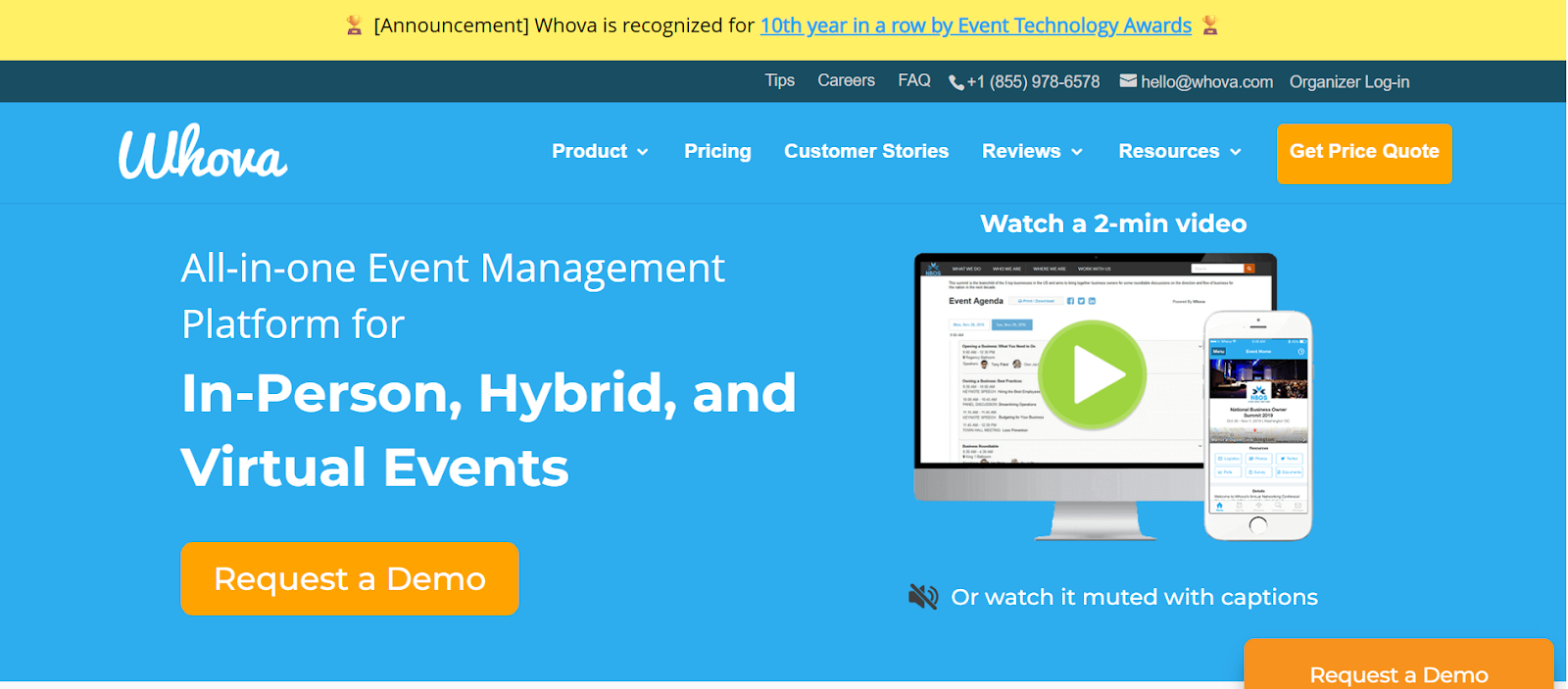
Whova is a leading event attendance tracking platform used by event organizers worldwide. It helps organizers monitor attendance, manage virtual conferences and track attendee behavior. Its tracking tools can track events of any scale.
Key Features
- Mobile and QR codes check-in
- Onsite badge printing
- Reliable tracking tools for hybrid events
- Automated registration
- Real-time session attendance analytics
Ideal For
- Best for : Large conferences (5,000 attendees and above)
- Hybrid or virtual-focused events
- Expos, academic conferences, multi-day events, research symposiums, professional body meetings.
Pricing
Whova works for organizers who need a comprehensive attendee-tracking platform and have high budgets. The pricing isn’t published; it is based on custom quotes. You have to fill in the details of your event on the website to get the custom quote.
Customer review
“Whova is an incredibly useful tool for navigating conferences and building connections. It allows attendees to view the full agenda, create personalised schedules, and connect directly with other participants and presenters. The attendee list makes it easy to remember names, titles, and organisations, which is especially helpful in large spaces. The messaging and discussion boards are great for continuing conversations beyond sessions. Plus, the built-in leaderboard and gamification features add a fun and engaging layer that encourages exploration and interaction throughout the event.” - Daniel A.
3- Cvent
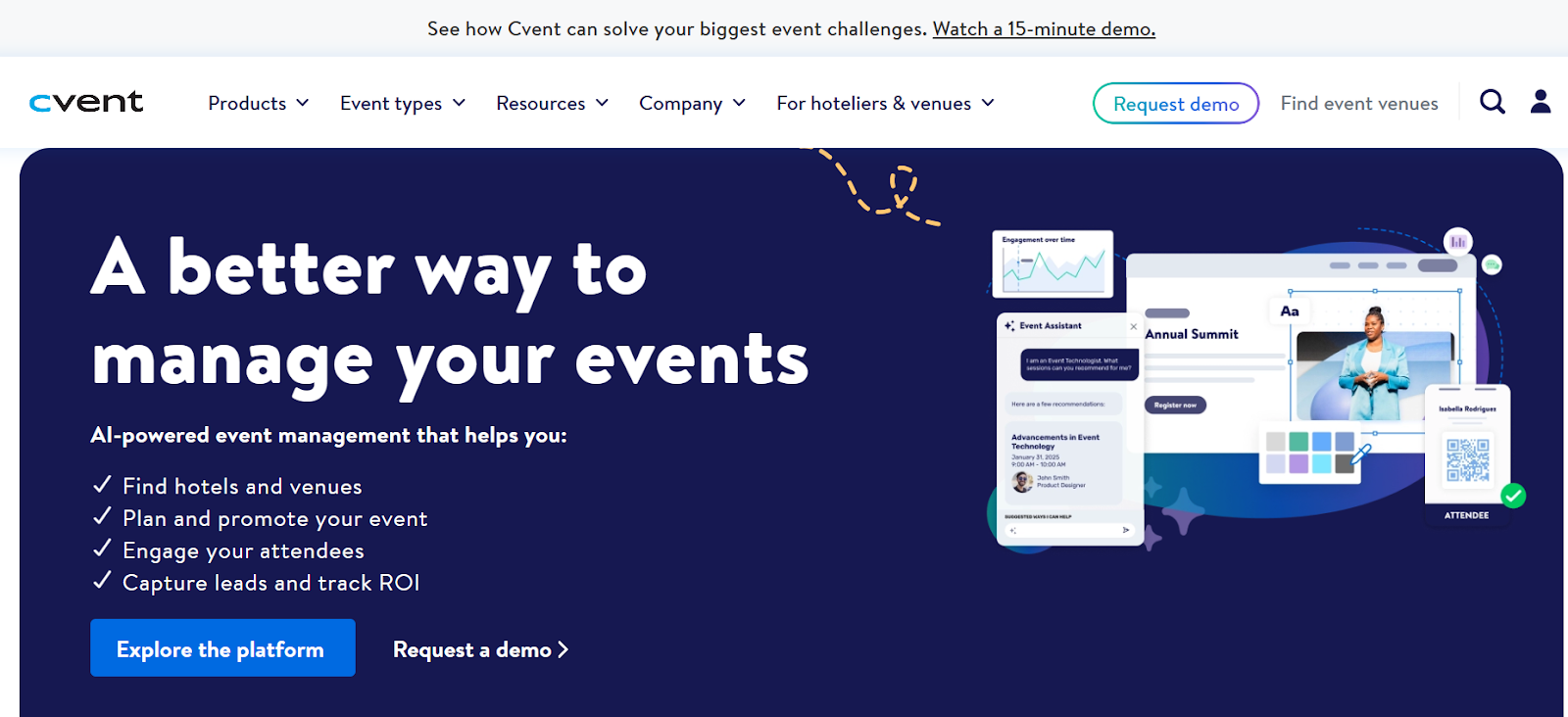
Cvent is one of the most established and renowned attendance tracking platforms with enterprise-grade tracking solutions. It manages high-volume traffic for professional conferences and events effortlessly. It is used by organizers who value scale and high operational efficiency.
Key Features
- OnArrival self-service kiosks for instant QR check-ins and badge printing
- Real-time attendee movement analytics
- Session tracking with RFID/barcode
- Multi-session and multi-day reporting for events with longer duration
- Offline check-ins for unstable network environments
Ideal For
- Best for : Large conferences (5,000 attendees and above)
- Hybrid and virtual events
- Trade shows, corporate conferences, government/policy summits, academic events, annual meetings
Pricing
Cvent’s pricing follows its enterprise-grade solutions, making it best for events with robust budgets. Cvent’s pricing isn’t publicly listed; you have to request the quote based on the package you chose. However, they have three primary pricing plans: registration, attendee hub, and on-arrival.
Customer review
“Cvent has significantly improved the conference experience for attendees, exhibitors and staff. Their tools and services are continually evolving to offer the latest technology. From the speaker resource center to tracking data from conference registration, the full-service capabilities have streamlined the process from start to finish. Our attendees always share how impressed they were with the Attendee Hub and Conference Mobile App. The easy-to-use platforms encourage networking and participation before, during and after the event. While we encountered integration issues with our platform, the Cvent team has supported us in finding alternative routes to achieve our goals.” - Andrea Skirvin
4- Eventbrite

Present in over 180 countries, Eventbrite is a widely-renowned event platform that simplifies attendance tracking for all event sizes. It has a smooth workflow and an intuitive interface which help organisers capture data effortlessly. It is ideal for organisers who want a non-complex setup.
Key Features
- Mobile app check-in with QR scanning
- Real-time attendance dashboard
- Attendee categories (speaker, sponsor, etc)
- Automatic attendance logging
- Multi-staff check-in coordination
Ideal For
- Best for: Small to mid-sized conferences and events (50 - 1500 attendees)
- Hybrid or virtual events
- Tech meetups, workshops, community-driven events, corporate events, industry conferences
Pricing
Eventbrite is budget-friendly and good for organisers who want no solid expense.
Customer review
“Eventbrite's real-time analytics tools provide clear, actionable insights into ticket sales, page views, and attendee engagement. The dashboards are easy to navigate and update quickly, allowing event organizers to track performance without delays. This is especially helpful during critical sales periods, where decisions need to be made on the fly. Customizable reports also make it simple to share performance data with stakeholders.” - Alisa H.
5- Bizabbo

Bizabbo is an event management platform suitable for conferences that combine strong branding and attendee engagement. It helps organisers monitor attendance and overall participation. It offers tracking capabilities that serve modern conference needs.
Key Features
- QR code and badge scan check-in
- Onsite badge printing
- Session tracking and analytics
- Hybrid event support
- Integration with CRM and other marketing tools
Ideal For
- Best for : mid-sized and large conferences (500 - 10, 000 attendees)
- Hybrid and virtual events
- Trade shows, industry conferences, expos, multi-day summits, hybrid corporate events
Pricing
Bizabbo’s pricing is determined by the event size and tracking requirements.
Customer review
“Bizzabo allows our team to self-produce high-quality events with ease. It also provides solid registration and engagement data for us to understand the audience. There is also now a feature for breakout sessions. Lots of engagement options.’ - Elysia S.
Track your Event’s Attendance Using Eventify
Attendance tracking is the engine that drives data-driven decisions that increase engagement and profitability. As such, event organisers must use the right methods, a structured framework and reliable event tools to collect data and optimise attendee experience. Eventify is an all-in-one event management platform that simplifies this workflow through simple registration and ticketing, detailed post-event analytics, real-time insights, an intuitive dashboard and AI-powered attendee engagement. Whether you are running an in-person, virtual or hybrid event, Eventify provides all you need to track attendance from start to finish. Check out the free demo here and see how Eventify helps you prepare for your next event.
.png)