
To reply to a message, open the Chat or Community section within the app. Find the message you want to respond to. Press and hold the message (or tap the reply icon if visible) to bring up the message options. Select Reply.
This will open a reply input anchored to that specific message. Type your response and send it. Your reply will appear threaded under the original message, keeping the conversation organised and easy to follow for all participants.
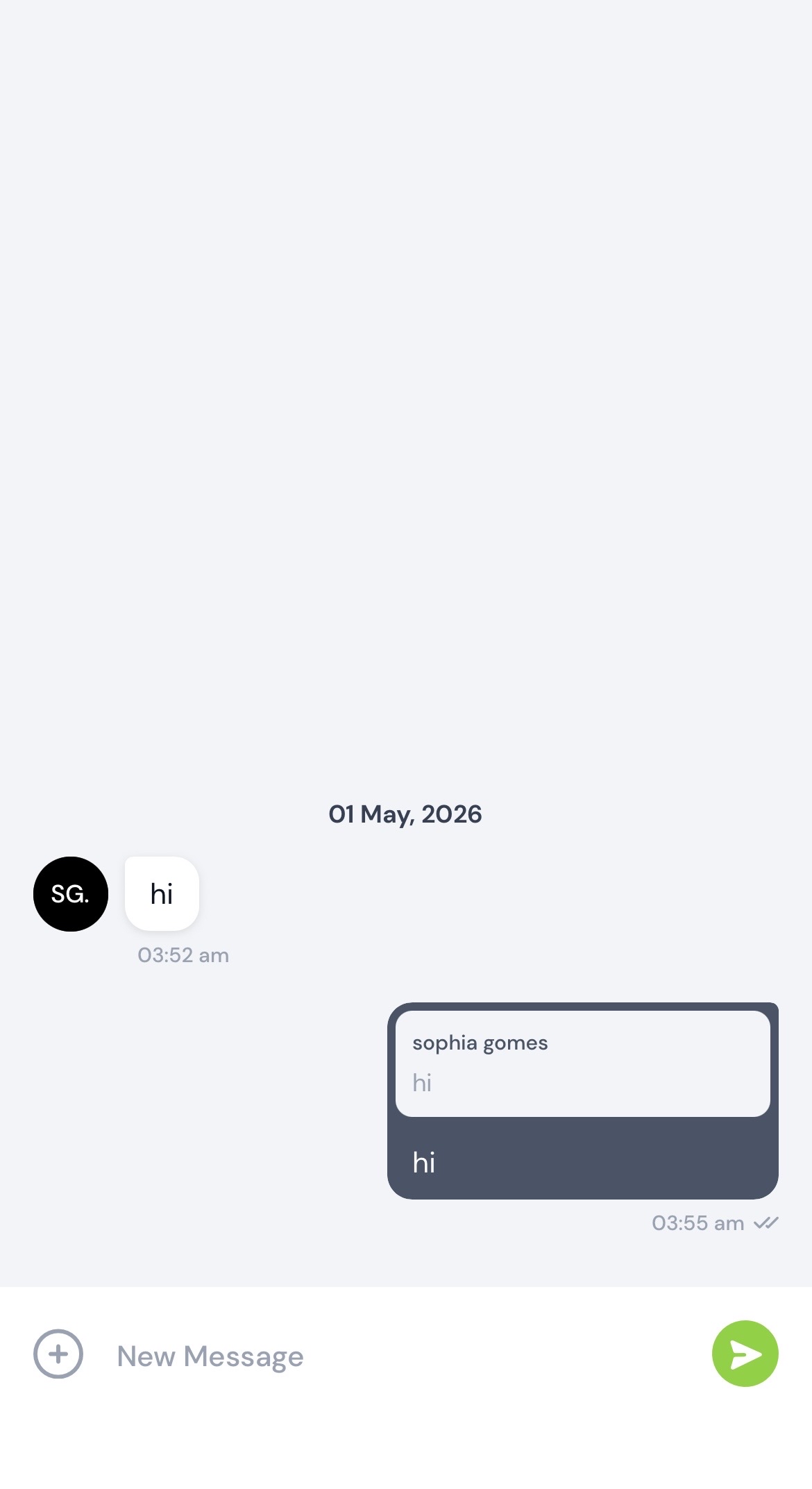
Replies are visible to all attendees in the chat or community feed. Each reply is linked to the original message, so anyone reading the thread can follow the full context of the conversation without scrolling through unrelated messages.
No additional settings or permissions are required — this feature is available to all attendees by default within any event that has Chat or Community enabled.
.png)


