
Eventify has rolled out a set of meaningful upgrades to its email template system—giving admins greater flexibility in how emails are sent, personalized, and tracked. From adding recipients to automated triggers for new user actions, these updates make your event communication smarter and more complete.
All email templates can be viewed, modified, or reviewed under Settings > Email Templates in the Admin Panel.
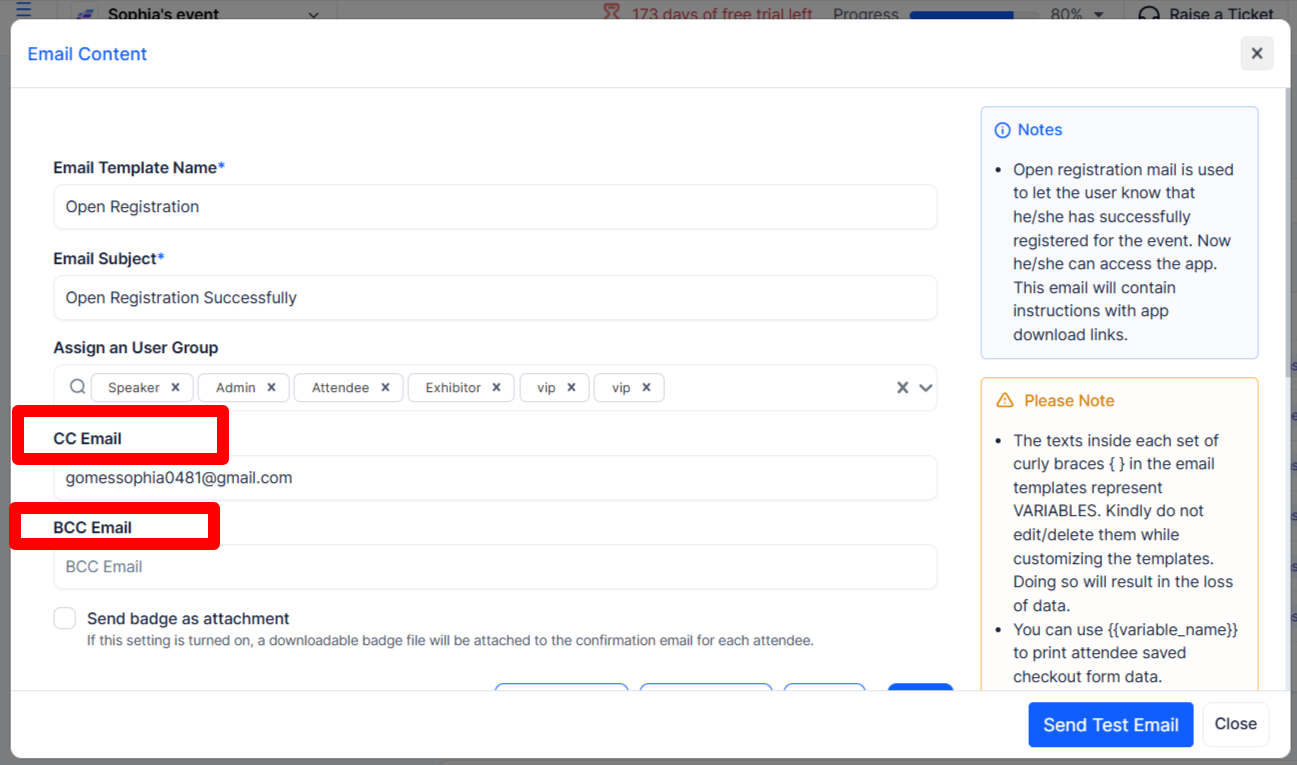
Admins can now add CC and BCC recipients across all email templates. This makes it easier to keep team members, stakeholders, or support staff in the loop on any automated communication that goes out—without altering the primary recipient flow.
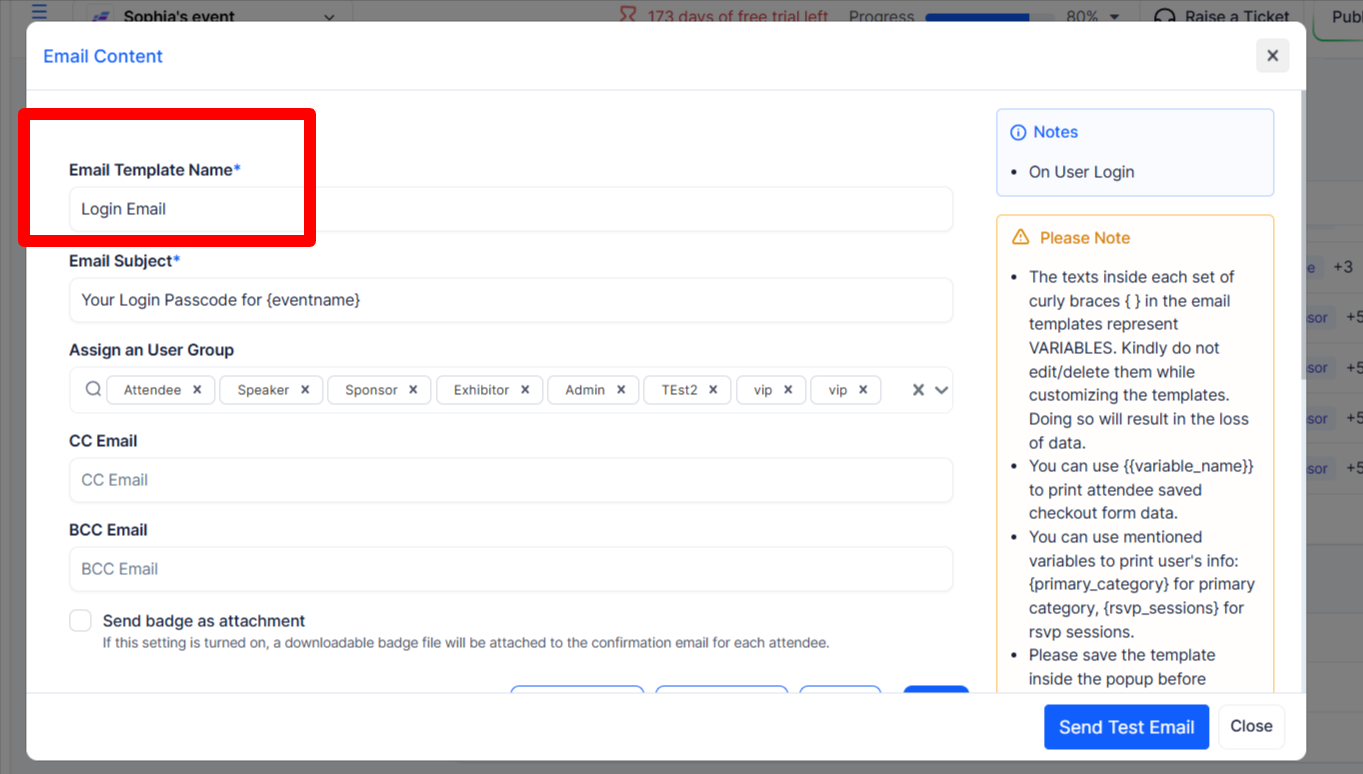
A new dedicated email template has been introduced for login events. Whenever an attendee logs into the app or web platform, they will automatically receive a login notification email. This adds a layer of communication and security awareness for your participants, and the template can be fully customized to match your event branding.
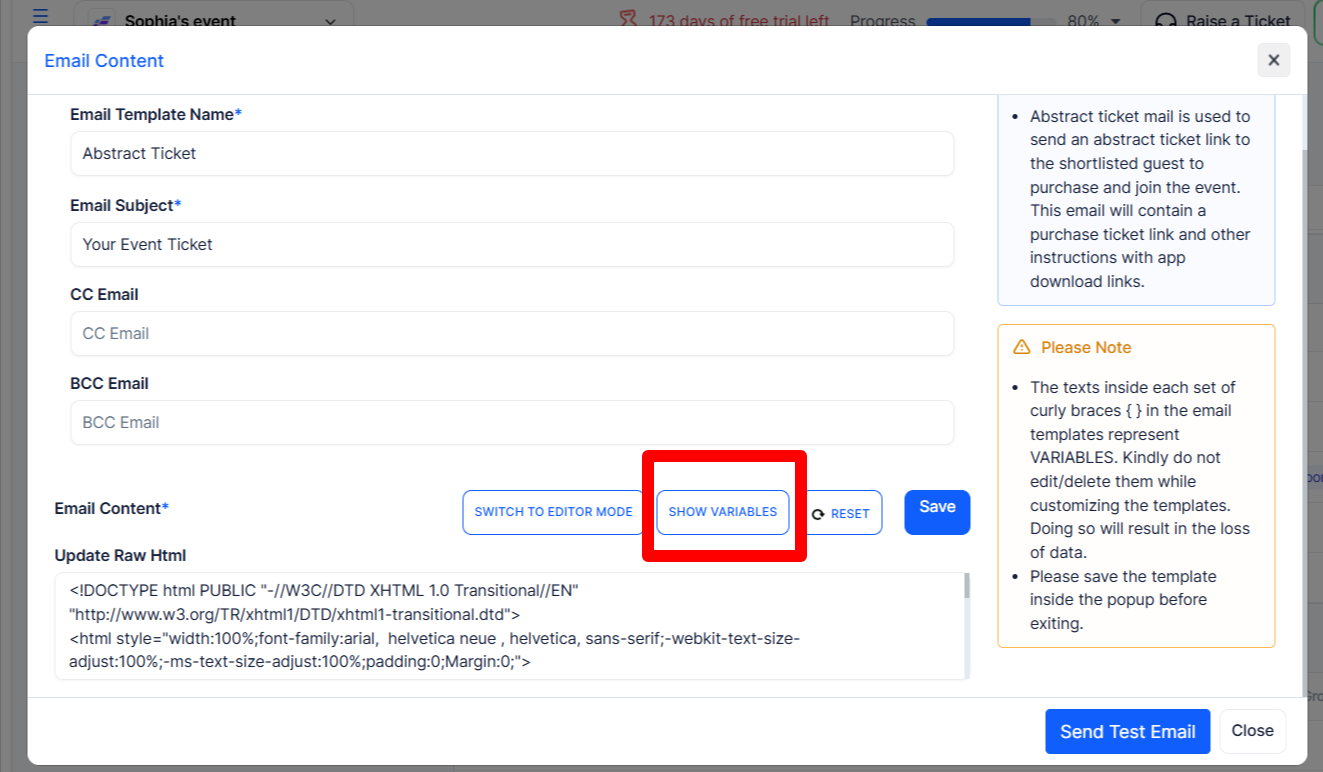
Abstract-related email templates now support an abstract name variable, allowing you to dynamically include the specific abstract title in the email subject line. This makes communication more relevant and identifiable for submitters who may be managing multiple abstract entries.
Whenever a booth is purchased, the admin will now automatically receive an email notification. This ensures organizers are immediately informed of new booth transactions without having to manually monitor the platform. The notification template is available under Settings > Email Templates, where admins can review or modify its content as needed.
.png)


